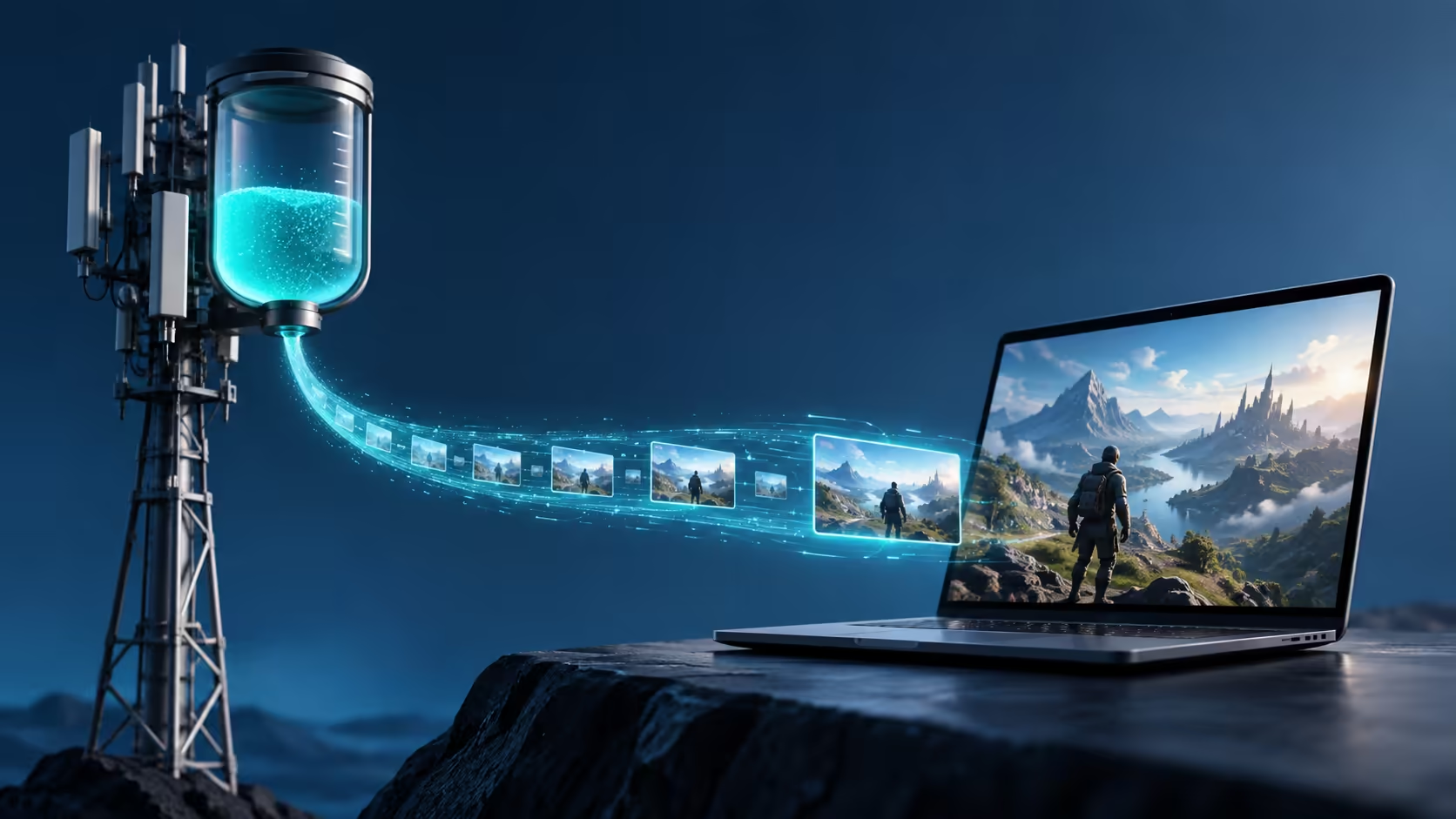
A short cloud session can consume more data than expected because the game is arriving as a continuous video stream. Googlebook cloud gaming on mobile data needs a usage calculation as well as a speed test.
Quick Answer
For a steady stream, average Mbps multiplied by 0.45 gives approximate decimal GB per hour. An illustrative 10Mbps session uses about 4.5GB in an hour, while 20Mbps uses about 9GB. These are calculations, not Googlebook measurements or provider quotes; allow for other traffic and verify actual counters before choosing a data budget.
🧮 Convert the units correctly
Mbps measures megabits each second, while data bundles usually describe gigabytes. There are eight bits in a byte. Multiplying by 3,600 seconds and dividing by eight and then by 1,000 produces the 0.45 hourly conversion factor.
For an illustrative week of five one-hour sessions at an average 15Mbps, the stream alone works out to 33.75GB. That number is useful because it connects a gaming habit to an allowance. It is not a prediction that every service will hold a constant bitrate.
If a hypothetical 50GB bundle cost R200, its simple allocation would be R4 per GB. At that illustrative rate, a 9GB session represents R36 of the allowance. Both price and usage are examples only; use your actual bundle terms and measured rate for a real budget.
📶 Separate connection capacity from consumption
NVIDIA specifies connection-speed requirements for stream targets, including 15Mbps for 720p at 60fps and 25Mbps for 1080p at 60fps. Those figures describe required capacity, not a guaranteed flat data draw for every second played.
An adaptive stream can vary its bitrate, and audio plus protocol traffic also use the connection. A faster mobile plan does not force the client to consume its maximum possible speed, but choosing a higher stream setting can increase demand.
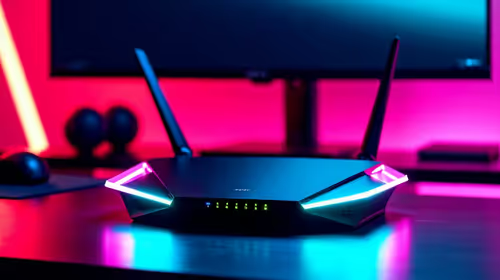
Compare network equipment for the places where you normally play. A suitable home connection may make long sessions easier to budget than repeatedly buying mobile data, although actual provider plans decide the cost.
📊 Measure a session before committing to a habit
Note the data counter, play a representative period and note it again. Keep app updates and large synchronisation jobs out of that measurement, or record them separately. Repeat with the quality setting you genuinely intend to use.
Hotspot counters may include traffic from several devices. A phone backing up video in the background can make the game appear more expensive than it is. Conversely, looking only at the game client can miss other traffic charged to the same bundle.
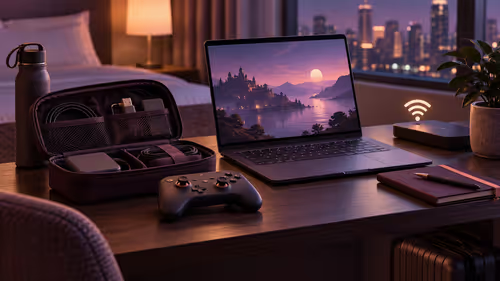
For portable play, compare laptop options alongside your expected session length and access route. Reduce stream settings when necessary, but retain enough network consistency for responsive play. An affordable data calculation does not guarantee acceptable latency, and a responsive connection can still exhaust a small bundle.
Frequently Asked Questions
How much data is 10Mbps for one hour?
A constant 10Mbps stream is about 4.5GB per hour in decimal units, before allowing for additional traffic or variations.
What is the simple hourly data formula?
Multiply average Mbps by 0.45 to estimate decimal GB per hour, then multiply by the hours played.
Is a service bandwidth requirement the exact data rate?
No. A minimum connection speed describes capacity; actual stream bitrate can vary with settings, scene content and adaptation.
Does reducing resolution always give a fixed saving?
No. It can reduce the required bitrate, but the actual saving depends on the client settings and how the stream adapts.
How should I confirm the estimate?
Measure data counters across a representative session, subtract unrelated traffic where possible, and compare the result with the planned allowance.
Turn streaming bitrate into a realistic data budget?
Explore Evetech laptop and networking options with your expected gaming hours and measured data use included in the plan.