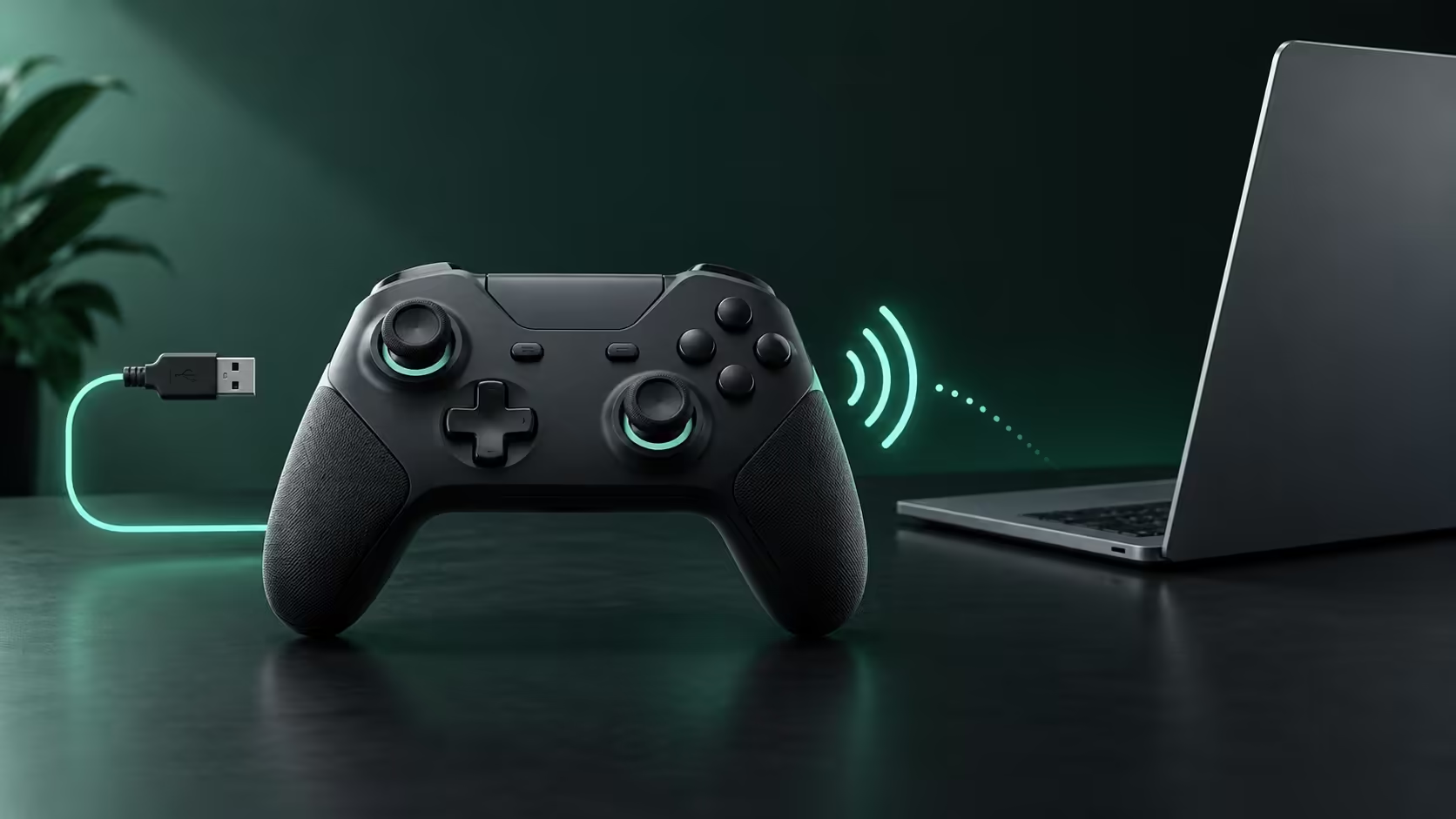
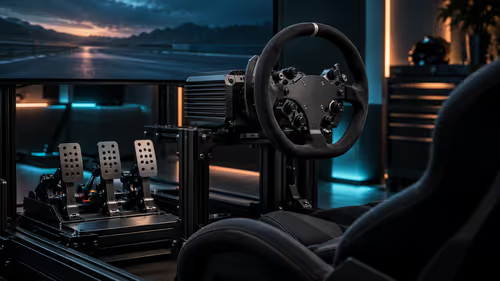
A controller can pair perfectly and still do nothing when a game opens. Googlebook game controllers must work across several layers: the connection, input recognition and the game itself.
Quick Answer
Choose a controller that the intended Android game or GeForce NOW client explicitly supports, then confirm the actual connection method. Basic navigation, analogue sticks and buttons should be established before expecting vibration or special trigger effects. A familiar brand and a matching cable connector are insufficient evidence of complete compatibility.
🎮 Begin with the game you will play
Android games differ in how they accept input. Some are designed around touch targets, while others expose controller mappings. A cloud client introduces another layer because it receives local input and passes it to a remotely running game.
Write down the exact route: local Android title or streamed PC title, plus the client used for streaming. This gives controller support guidance a useful target. A controller approved for one desktop client need not provide the same extras in a browser client.
Compare laptop options only after the essential game and control route are clear. Controller compatibility cannot be inferred from the processor model inside the laptop.
🔌 Give wired and wireless connections separate attention
Bluetooth offers convenient movement but requires power in the controller and a reliable radio link. Wired use removes that battery dependency, provided the controller, cable and receiving port support the intended data connection. Some cables are unsuitable for data even when they provide power.
A useful first exercise is to open the game's input settings and deliberately test every control needed for normal play. Move both sticks through their range, press shoulder buttons and confirm menus can be entered and exited. This is more informative than seeing a connected-device label.
Look for accidental duplicate input if the game also receives touch or keyboard commands. Change one setting at a time rather than applying several mapping utilities. Unofficial remapping can create separate compatibility or game-policy questions, so built-in support is the cleaner starting point.
🧰 Plan the small details before a long session
Keep a charging cable or batteries suited to the controller, and complete any required firmware work using the maker's supported method. A controller that needs a separate desktop updater is awkward to maintain when that desktop is no longer available.
In a game with keyboard-heavy menus, a gaming keyboard can remain useful alongside the controller. Do not assume that controller support covers login screens, launcher dialogues and every settings panel. Those are separate interfaces in a streamed workflow.
Finally, treat advanced feedback as an extra rather than the definition of success. Correct steering, aiming and button actions come first. Use explicit support information and a complete functional check before buying accessories around an assumed match.
Frequently Asked Questions
Does successful pairing prove a game supports the controller?
No. Pairing establishes a connection; the game or streaming client still needs to recognise and map the input correctly.
Will every Android game respond to a gamepad?
No. Controller support is implemented per game. A touch-only interface does not become gamepad-ready simply because a controller is connected.
Are vibration and special triggers guaranteed?
Advanced feedback depends on the controller, connection, client and game. Basic button support does not establish every extra feature.
Can a USB-C plug prove controller compatibility?
It only identifies the connector. Data support, cable behaviour and the receiving software still determine whether input reaches the game.
Should controller firmware be updated before travel?
Where the maker recommends an update, complete it on a supported system before depending on the controller away from home.
Match the controller to the game and client?
Compare Evetech laptop and keyboard options around the games and supported controls you intend to use for each session.