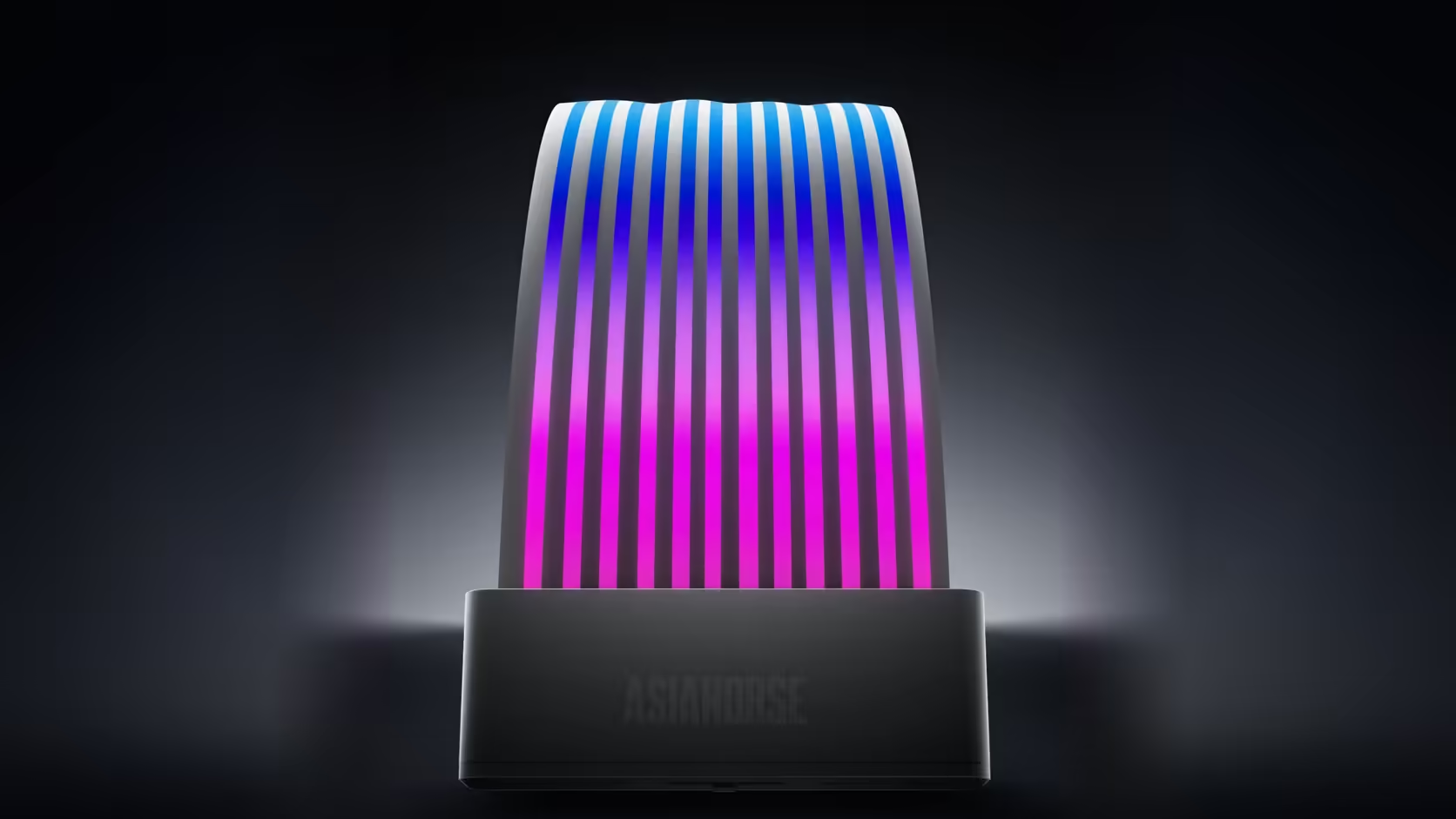
A lighting effect that ripples smoothly across one device and then visibly resets halfway through a mixed chain is not a broken chain - it is a LED count mismatch in the software configuration, and the fix usually lives in a settings menu rather than in any hardware swap.
Quick Answer
Lighting software divides an effect across the total number of LEDs it believes are connected in a chain. When devices with genuinely different LED counts sit on the same run - a 16-LED fan next to a 108-LED cover, for instance - the software's assumption stops matching reality, and the pattern appears to restart or jump partway through. Setting the correct device or LED counts in the board's lighting software usually resolves it without replacing a single component.
🔢 Why the count actually matters
Addressable lighting software spreads a colour wave, a rainbow cycle, or any other effect across a fixed number of LED positions in sequence, treating the whole chain as one continuous strip. If the software has been told to expect a certain total and the physical chain does not match that number - because devices with wildly different LED counts are mixed together - the effect gets misapplied across the actual hardware, producing a visible seam or restart at the point where the assumption breaks down.
This range makes the scale of the mismatch obvious: the Nyota A12 fans list 16 LEDs each, the Amici 5GT lists 24, the Aurora Learn cover lists 108, and the M.2 drive heatsink lists just five. Chaining any two of these together without adjusting the software's expected count is a near-certain recipe for a visible discontinuity in the pattern.
Where counts get configured
Most board lighting software allows either a device count or a per-header LED count to be set manually, rather than relying purely on auto-detection, which does not always read every connected device accurately across a mixed chain.
🔀 Order in the chain changes the result too
The software applies its effect in sequence along the physical chain, so which device sits first, second, and third changes exactly where in the pattern each one appears - moving a device to a different position in the same chain can shift where a visible restart occurs, even without changing any settings.
If the software offers no way to set a device or LED count manually, effects may simply never distribute evenly across a mixed chain, and grouping similar devices together - same product family, similar LED counts - on the same run is the more reliable workaround.
🧩 This is not a fault to return
A restarting pattern is a configuration outcome rather than a product defect, so replacing any of the devices involved would not change the result. The fix sits entirely in software, either through correct counts or through grouping compatible devices, and case accessories that support a tidier chain layout are available in the case accessories category, with routing options in the cable solutions range.
Frequently Asked Questions
Why does the LED count matter to a lighting effect?
Because software spreads an effect across the number of LEDs it believes are connected, so an incorrect figure misplaces where the pattern actually appears.
Where are LED or device counts configured?
In the motherboard's lighting software, which usually allows either a device count or an LED count per header to be adjusted.
Which devices in this range differ most?
The Nyota A12 fans list 16 LEDs, the Amici 5GT lists 24, the Aurora Learn cover lists 108, and the M.2 heatsink lists five.
Does the order devices sit in the chain matter?
Yes - software applies the effect in sequence, so which device occupies which position changes exactly where the pattern appears to restart.
What if the software offers no count setting at all?
Then effects may not distribute evenly across a mixed chain, and grouping devices with similar LED counts together is the practical workaround.
Is a restarting pattern actually a product fault?
No - it is a configuration outcome rather than a defect, so replacing any of the devices involved would not resolve it.
What is the simplest fix available?
Setting the correct LED or device counts where the software allows it, and where it does not, grouping matching devices on the same chain.
Mixing different AsiaHorse lighting devices on one build?
Browse the case accessories range for chain-friendly layouts and the cable solutions category for tidy routing between devices.