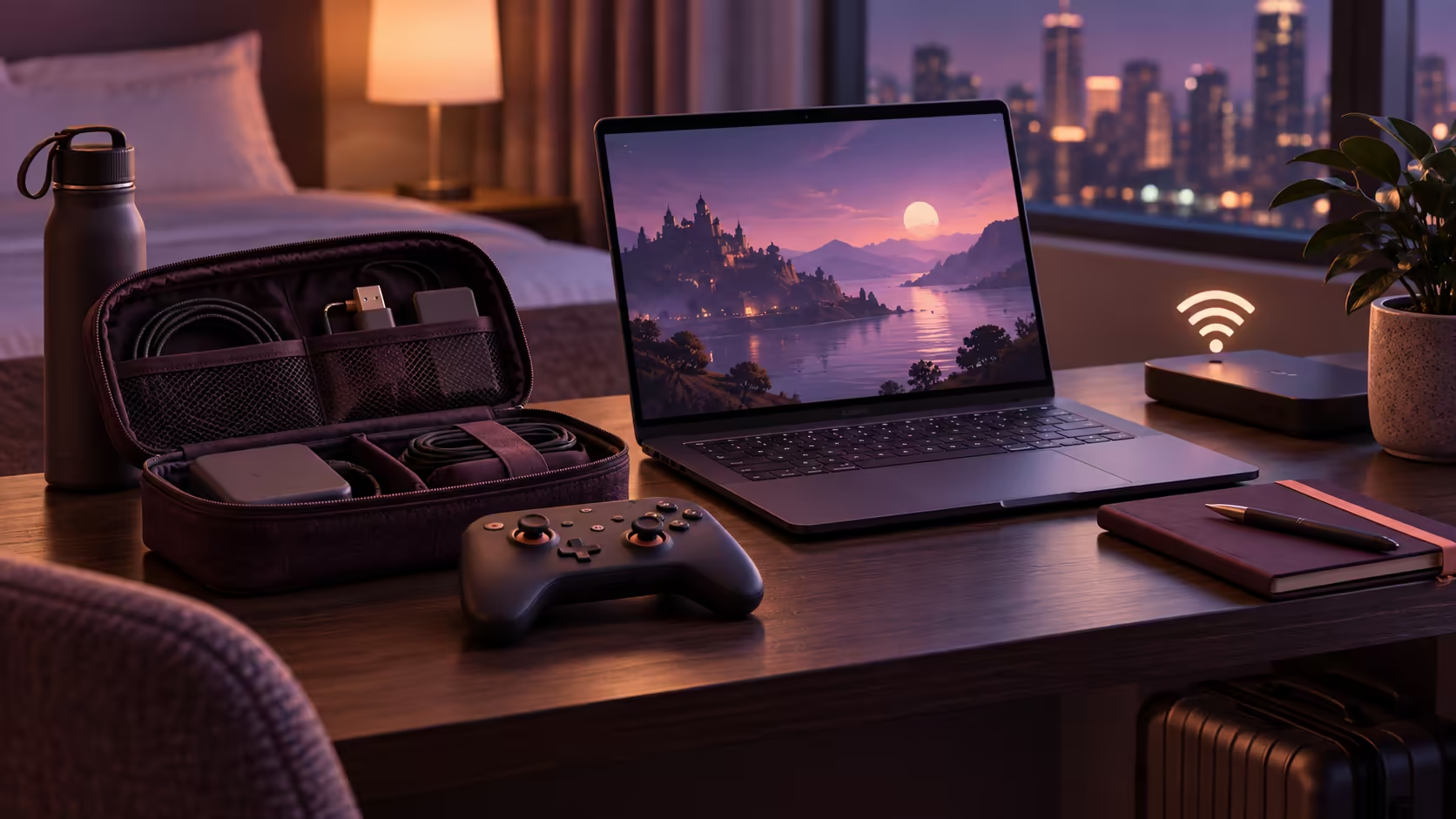
A game that worked at home can fail before the opening screen on a shared travel network. Googlebook gaming away from home needs preparation around the connection and account, not just a charged laptop.
Quick Answer
Prepare the supported game route, sign-ins and controls before departure, then assess the destination network separately. Cloud sessions require continuing access with consistent latency and enough data; an installed Android game may still require online checks. Keep a practical fallback activity instead of assuming any Wi-Fi symbol means playable streaming.
📡 The destination connection is a new connection
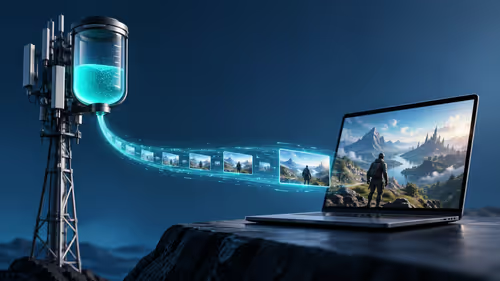
A guest network can have enough headline bandwidth yet become congested when many people return in the evening. It may also use a portal that needs browser acceptance or restrict certain traffic. A successful email check does not establish a working gaming stream.
Use the service's own network assessment where available. Start with conservative stream settings and a short non-competitive session. If delivery is unstable, identify whether the problem is signal strength, shared usage or the wider route before buying more accessories.
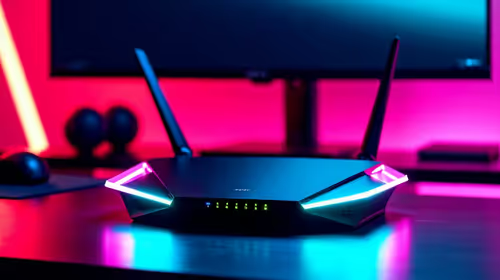
For home preparation, browse networking options around a dependable baseline. Knowing how the same game behaves on a stable familiar connection makes travel problems easier to recognise.
🔑 Finish account preparation on a trusted network
Confirm that the game belongs to the intended store account and that the streaming membership is usable in the relevant region. Set up account recovery and the second authentication factor before leaving. A verification code sent to an inaccessible device can stop play regardless of laptop performance.
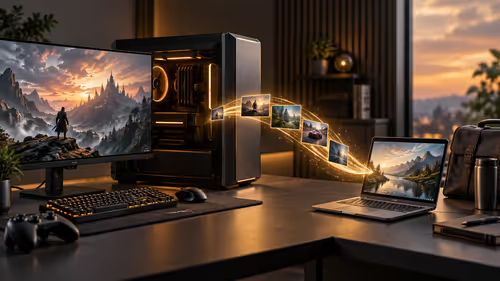
Do required downloads and ordinary app updates in advance. A small travel window is easily consumed by a large update or a controller that needs firmware work. Confirm the latest save is available through the supported synchronisation route.
Avoid entering credentials into unexpected network pages that imitate a game or service login. Open the service through its known app or address after completing the network's genuine access portal. The aim is ordinary account hygiene, not adding unnecessary complexity to a short session.
🎒 Pack for the actual control method
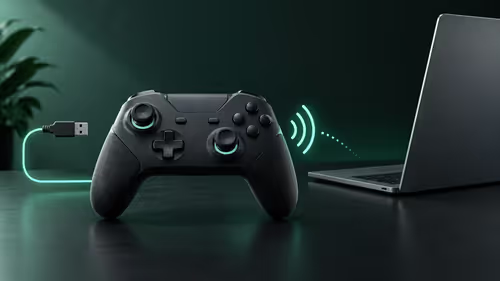
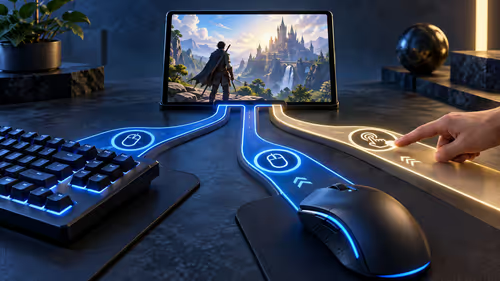
A comfortable headset helps in shared spaces, while a supported mouse or controller keeps the controls familiar. Bring the correct data or charging cable and enough space to use it. A tiny table can make a good mouse impractical even when the software support is perfect.
A hotspot can be a useful alternative to poor guest Wi-Fi, but calculate its data cost before a long session. Stream quality settings affect consumption, and other devices connected to the phone share the same allowance. Mobile coverage also changes between rooms and buildings.
Choose any offline fallback by testing that specific game's behaviour while disconnected before the trip. Do not extrapolate from an installed icon. A prepared local game gives you something useful to play when the destination network cannot sustain a cloud session.
Frequently Asked Questions
Can hotel Wi-Fi speed alone prove cloud play will work?
No. Shared congestion, service filtering and inconsistent latency can matter even when a quick download test looks fast.
Why should I complete sign-ins before leaving?
Passwords, account verification and app setup are easier to resolve on a trusted connection before they interrupt a limited travel session.
Can a mobile hotspot replace any poor Wi-Fi network?
It is an alternative, not a guarantee. Coverage, routing, data allowance and congestion still determine the usable experience.
Will every installed Android game work offline?
No. Login, multiplayer or licence checks can still require connectivity. Offline behaviour belongs to the particular game.
What accessories deserve priority for travel play?
Bring the supported controller or mouse, appropriate charging cables and comfortable audio gear that you have already configured.
Prepare the network and controls before travelling?
Explore Evetech networking and audio gear for a travel setup built around the connection and controls your games actually require.