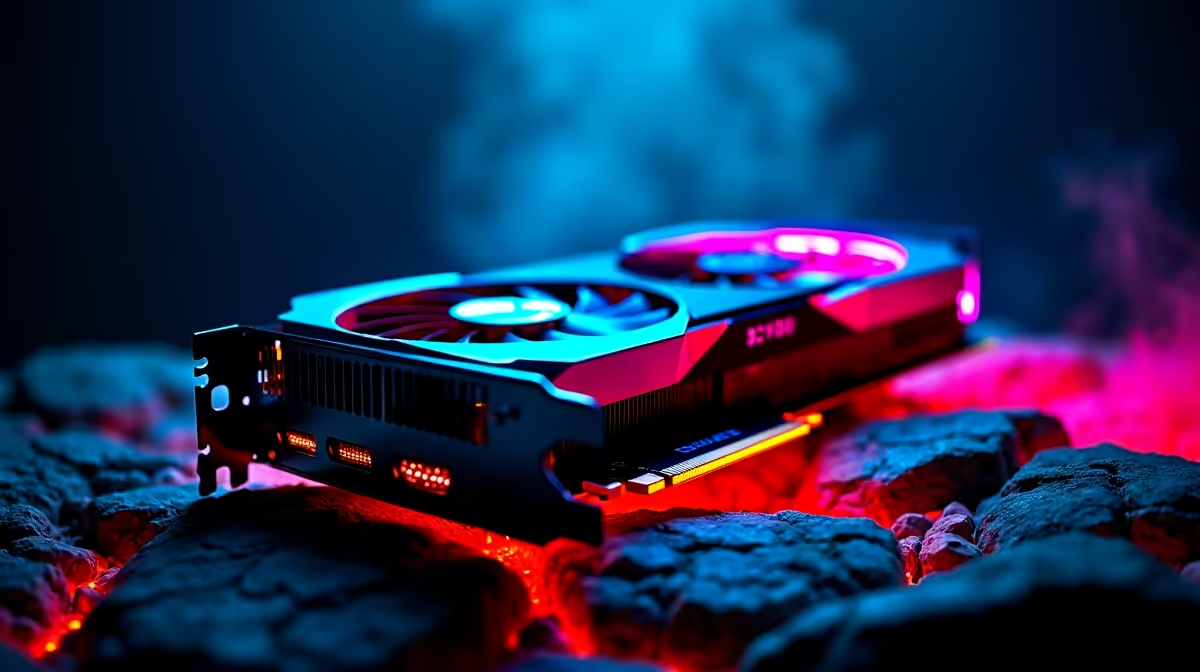
It is the middle of a brutal South African summer... you are deep in a competitive match... and suddenly your frame rate tanks. Your rig sounds like a Boeing 737 taking off. Welcome to the dreaded world of thermal throttling. If your hardware is melting down, our GPU overheating troubleshooting guide will help you cool things off and get back to winning.
Recognising GPU Overheating Symptoms 🔧
How do you know if your graphics card is actually running too hot? Most modern GPUs are designed to run warm. They usually sit between 65 and 85 degrees Celsius under heavy load. But if you push past 90 degrees, you have a problem.
Symptoms include sudden stuttering, strange visual artifacts on screen, or your PC completely shutting down to protect itself. This is especially true if you are gaming on a portable setup. If you are browsing notebooks for sale in South Africa, remember that compact chassis designs need extra care to stay cool.
Essential GPU Overheating Troubleshooting Steps
Let us fix that thermal nightmare. The first step in any GPU overheating troubleshooting guide is tackling dust. South African homes gather dust quickly. Grab a can of compressed air and carefully clean your fans and heatsink.
Next, look at your case airflow. A premium graphics card needs room to breathe. If you are eyeing new graphics cards, make sure your current chassis has enough intake and exhaust fans. Sometimes, upgrading your case fans is all it takes to drop temperatures drastically.
Cooling Pro Tip ❄️
Download MSI Afterburner to set a custom fan curve. By forcing your GPU fans to spin up earlier as temperatures rise, you can stop overheating before it starts. Undervolting is another fantastic way to lower temps without losing performance.
Hardware Limits and Finding the Right Upgrade 🚀
Sometimes, no amount of cleaning or tweaking will save an aging card. The thermal paste might be completely dried out. If you are tired of battling high temps, it might be time for a fresh start. You do not always have to build from scratch. There are incredible best gaming PC deals available that feature cases with optimised mesh fronts for maximum airflow.
Alternatively, you can skip the build process entirely. Grabbing one of our pre-built PC deals ensures you get a machine that has been professionally assembled. Good cable management means better airflow... which means a cooler system.
Before you spend your hard-earned ZAR, always check out our latest specials to stretch your budget further. A cooler PC means higher frames... and a much happier gamer.
Ready to Defeat the Heat?
Don't let thermal throttling ruin your gaming experience. Whether you need a high-airflow chassis, a better cooler, or a brand-new rig, we have you covered. Explore our massive range of PC components and upgrades and keep your system running ice cold.