Why GTA 6 Crashing Due to GPU Issues Hits South African Gamers Hard ⚡
Every South African gamer waiting on GTA 6’s launch faces a tricky issue: crashes linked to your GPU. Nothing’s more frustrating than losing precious game time to freezes or unexpected shutdowns just when you’re about to pull off that epic stunt. Understanding why GTA 6 crashes due to GPU problems can save you hours—and maybe spare your rig some stress.
Common GPU Issues Causing GTA 6 Crashes
GTA 6 is set to push graphics hard. If your graphics card struggles with the game’s demands, crashes become common. Here are typical culprits:
- Outdated or incompatible GPU drivers
- Insufficient VRAM for textures and effects
- Overheating under heavy load
- Power supply not delivering enough juice
- Conflicts with other software or system settings
South African gamers often face unique challenges like older GPUs or rigs stretched thin by other titles. Upgrading parts wisely can slash crash rates and lift gameplay.
Proven Fixes to Stop GTA 6 Crashing Due to GPU 🔧
Update Your GPU Drivers
The latest drivers mean better stability and compatibility. Nvidia and AMD regularly patch bugs, so visit your GPU maker’s website or use the GeForce Experience or Radeon Software for automatic updates. This quick step fixes many crashes.
Monitor and Control GPU Temperature
Overheating causes throttling or sudden shutdowns. Ensure your PC case has good airflow. Inside South African homes where summers hit hard, even a few degrees cooler matters. Use software like MSI Afterburner to watch temperatures and fan speeds.
Keep Your Cool
Maintain GPU temps below 80°C during gameplay to avoid crashes. Improving airflow or lowering fan curve thresholds can boost reliability on hot days.
Upgrade Your Graphics Card Smartly in South Africa
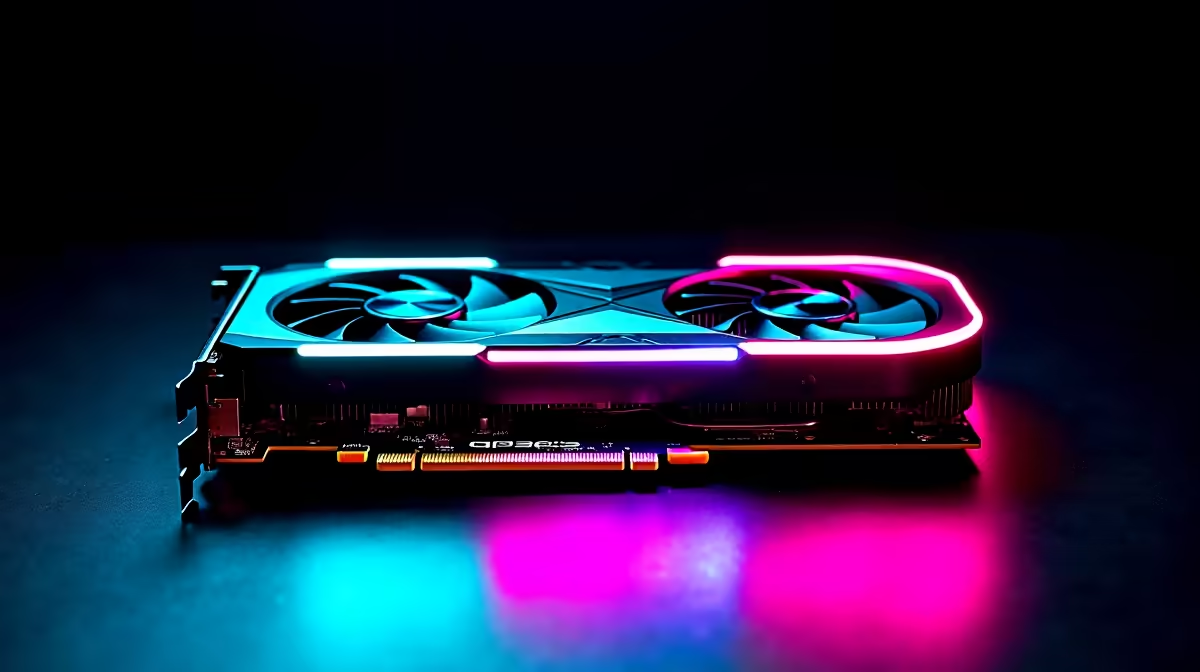
If your GPU lacks VRAM or power, consider an upgrade. Evetech offers great options from R6,000 upwards. Look for models with at least 8GB VRAM for GTA 6’s demands. Check out Evetech’s graphics card selection to find budget and high-end options.
Replacing an old GPU with a new one from Evetech’s curated deals can keep GTA 6 running smooth and vibrant. South African gamers on tighter budgets benefit from best gaming PC deals that bundle compatible components.
Consider a Pre-Built PC for Guaranteed Compatibility
If custom upgrading feels daunting, a pre-built gaming PC is a solid choice. These rigs are optimised for performance and offer warranties for peace of mind. Evetech’s pre-built gaming PCs ensure your GTA 6 experience won’t be cut short by hardware clashes.
Keep Your System and Software Clean
Background apps, outdated OS updates, or corrupt files can also trigger crashes. Regularly run Windows updates and clean out unnecessary software. Tools like CCleaner support system health by keeping your storage neat, helping GTA 6 run without hiccups.
Also, if you like gaming on the go, don’t forget to check the latest gaming laptops at Evetech—perfect for South African gamers who need power and portability. ⚡
Maximise Your Hardware with Local Evetech Deals and Specials
To prepare your system effectively, look for current Evetech specials that bundle GPUs, motherboards, and cooling solutions. They’re tailored for South African prices and offer excellent value. Better hardware means fewer GTA 6 crashes linked to GPU troubles.
Upgrade Your GTA 6 Gaming Setup Now
Don’t settle for crashes or lag. Shop now at Evetech for graphics cards and gaming rigs that keep GTA 6 running smooth—engineered for South African gamers.