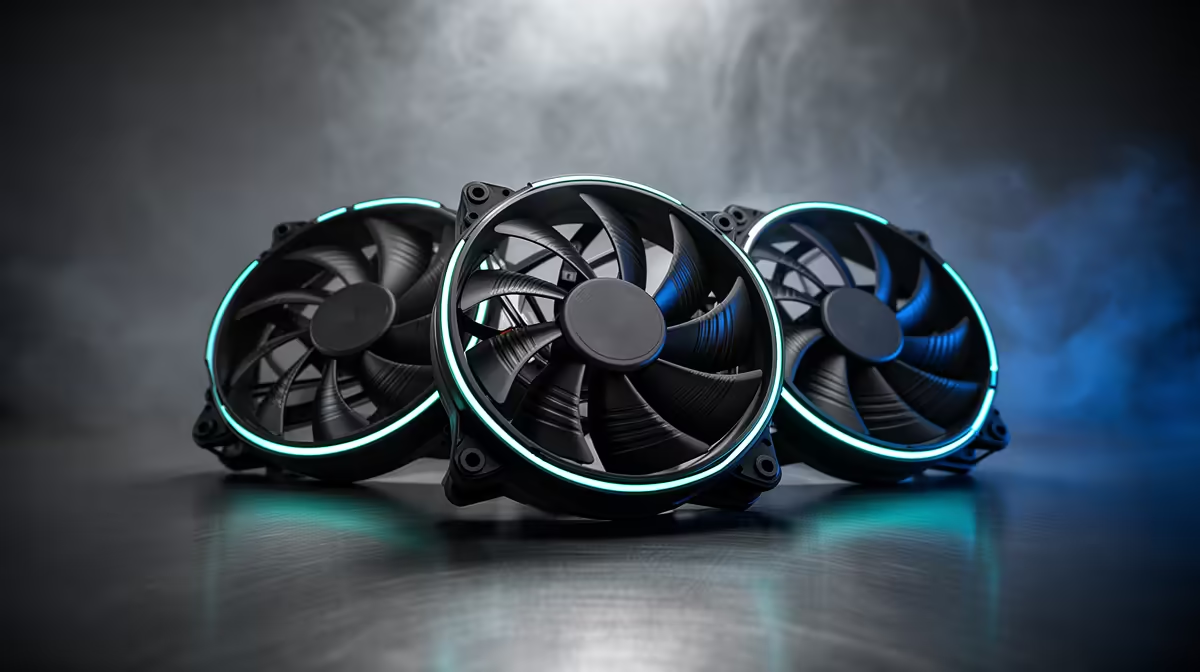
Static pressure tells you how well a fan keeps moving air against resistance. Radiator fins, a dense tower heatsink and a filtered front panel all push back. In those positions, blade shape and pressure performance matter more than an impressive free-air number.
Quick Answer
Use static-pressure fans on radiators and behind restrictive filters. Use airflow-focused fans for open exhaust positions where air has a clear path out of the case. You do not need one fan type everywhere; match each position to the obstacle in front of it.
Pressure against airflow
Airflow is often shown in cubic feet per minute, while static pressure is measured in millimetres of water. Both readings depend on fan speed. A useful comparison looks at noise as well, because a fan you must run at full speed can make a quiet build impossible.
Radiator thickness and fin density change the load. A front filter, narrow vents and a solid panel can create a similar problem. If you remove the panel and temperatures drop, the intake path needs attention.
Explore gaming PC configurations and popular desktop builds to see how cooling fits into the full system.
Build a sensible fan layout
Feed cool air through the front or bottom and give hot air a clear exit at the rear or roof. Two well-placed fans can beat a crowded case whose fans fight each other. Keep cables away from blades and leave breathing room around the intake.
Tune the fan curve after checking CPU and GPU temperatures in a real game. A smooth curve avoids constant speed changes when a short workload nudges the temperature.
Label each fan header in the BIOS if the board allows it. A clear name makes later curve changes safer and shows which sensor controls the radiator or intake.
Retest after closing the panel.
Frequently Asked Questions
Read fan curves across the range.
Compare airflow, pressure and noise at several speeds. A fan that leads at full power may sound rough in the 800 to 1,200 rpm range where the PC spends most of its time. Bearing tone and motor clicks can matter more than one decibel figure.
Use motherboard headers with enough current for the connected fans, and check the total before using a splitter. A powered hub can simplify a large layout. Keep every blade clear of loose cables.
After tuning, test with the filter installed and panel closed. An open-bench result cannot describe the restriction the fan was chosen to overcome.
Do AIO radiators need pressure fans?
Yes, radiator fins create resistance, so pressure performance is useful there.
Can I use a pressure fan as a case exhaust?
You can. It may offer less airflow or more noise than a fan designed for an open position.
Does adding more fans always lower temperatures?
No. Placement, intake restriction and fan direction decide whether extra fans help.
Plan your gaming PC airflow around its radiator, filters and open exhaust positions, then tune fan speed for temperature and noise.