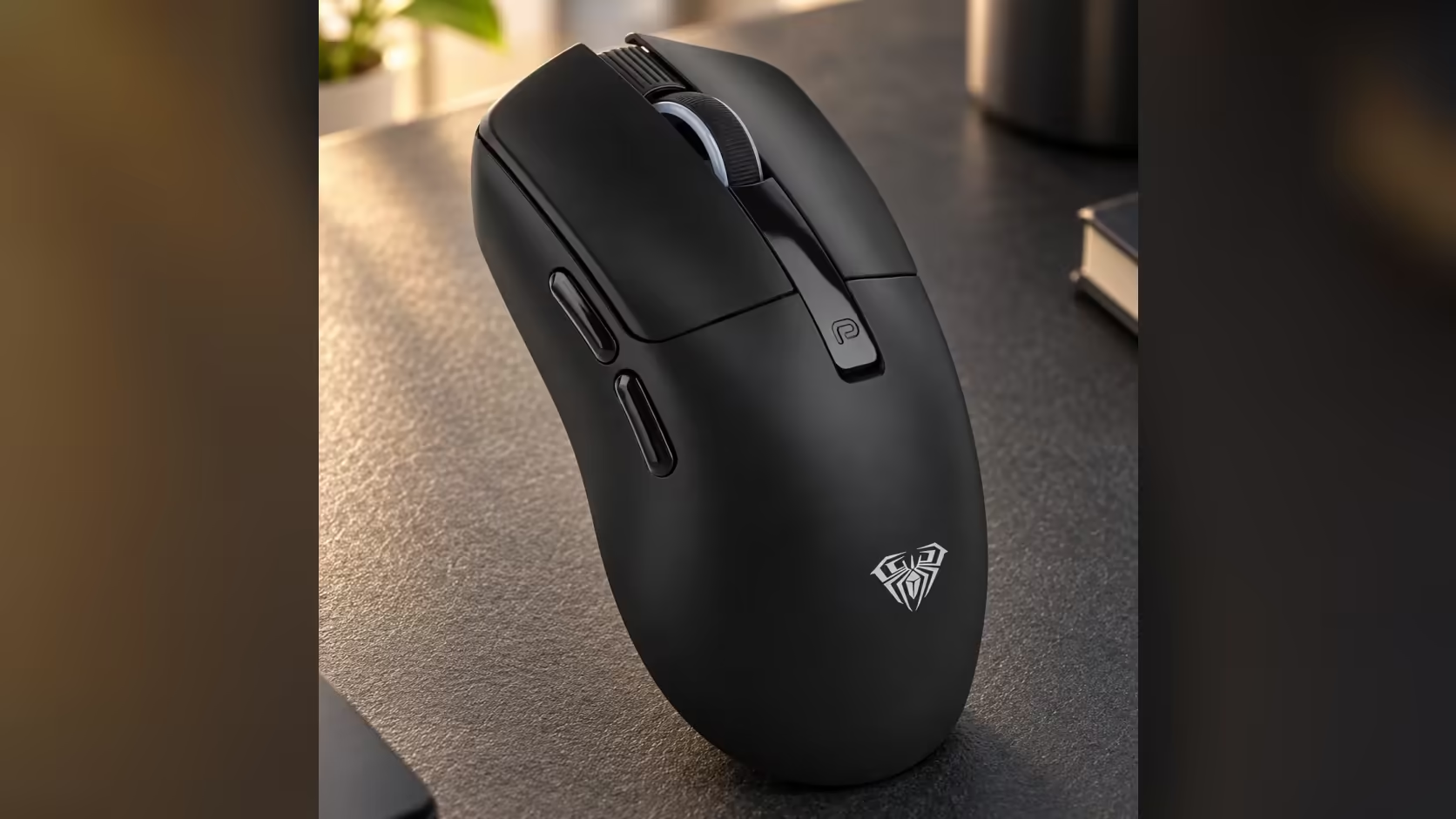
Battery claims on wireless mice are often vague, which is why a specific number stands out. The AULA SC590 Pro comes with one: about 20 hours of continuous use and about 120 hours on standby from its 500mAh battery. Understanding where that SC590 Pro battery life figure comes from, and what it assumes, helps you plan charging around real use rather than hope.
Quick Answer
The AULA SC590 Pro is rated by AULA Argentina at about 20 hours of continuous use and about 120 hours on standby, from a 500mAh lithium battery. Evetech's product page cites that rating, and notes that real results depend on use. The built-in display shows the exact battery level, so you can see the charge falling instead of guessing. Evetech has priced the SC590 Pro at R319.
📋 Where the 20-hour figure comes from
The number is AULA's, published through AULA Argentina, and Evetech's page repeats it with that credit. It is a manufacturer rating, which means it reflects AULA's own test conditions rather than a promise for every desk.
The two parts of the rating measure different things:
- Continuous use, about 20 hours: the mouse awake and working the whole time, tracking and sending data to the PC.
- Standby, about 120 hours: the mouse switched on but idle, waiting for you to move it.
Most real days mix the two. You move the mouse, stop to read or type, then move it again. So your actual time between charges will usually land somewhere between those figures, depending on how much of the day the mouse is truly active.
🔍 Why your hours may differ
Several everyday factors push real results up or down:
- How much you move it. A day of gaming keeps the sensor busy far more than a day of reading documents.
- Which connection you use. The SC590 Pro runs over 2.4GHz wireless, Bluetooth or a USB-C cable, and each link places its own demands on the cell.
- Battery age. Like any lithium cell, capacity tends to fall slowly over many charge cycles.
- Temperature. Very hot or cold rooms can affect any battery's behaviour.
None of this makes the rating wrong. It simply means the rating is a reference point, not a countdown.
🔋 Charging with the display as your guide
Most wireless mice warn you with a blinking light when the battery is already low. The SC590 Pro's built-in screen shows the exact battery level all the time, next to the active DPI and the connection mode. That turns charging into a planned job: if the display reads low on a Friday afternoon, top it up before the weekend.
Recharging is over USB-C, the same port used for wired play. One lead covers both jobs, so keep it within reach of the desk.
What 20 hours means in a week
If you use the mouse actively for about four hours a day, 20 hours of continuous use works out to roughly a working week between charges, with standby time on top. Heavier users should expect to charge more often, and lighter users less.
The rest of the mouse is built for mixed use: a PAW3311 sensor with six DPI levels up to 20,000, 1000Hz polling, six buttons and a weight of about 64g. Compare it with other rechargeable models in Evetech's wireless mouse collection or across the full gaming mice range. Evetech lists the black version with a 1 Year Local Warranty.
Frequently Asked Questions
Who publishes the 20-hour rating?
AULA, via AULA Argentina. Evetech's page cites it and notes that real results depend on use.
How is continuous use different from standby?
Continuous use means the mouse is working non-stop; standby means it is on but idle. The rating is about 20 hours and about 120 hours respectively.
Why might my results not match AULA's number?
Usage, connection mode, battery age and room temperature all affect runtime.
Does the display help with charging?
Yes. It shows the exact battery level at all times, so you can charge before it runs flat.
How do you recharge the SC590 Pro?
Through its USB-C port, the same port used for the wired mode.
Roughly how long is 20 hours day to day?
About a week at four active hours a day, with extra standby time around that.
Want a wireless mouse that tells you when to charge?
See Evetech's wireless and gaming mouse range and compare battery ratings, including the SC590 Pro.