Quick Answer
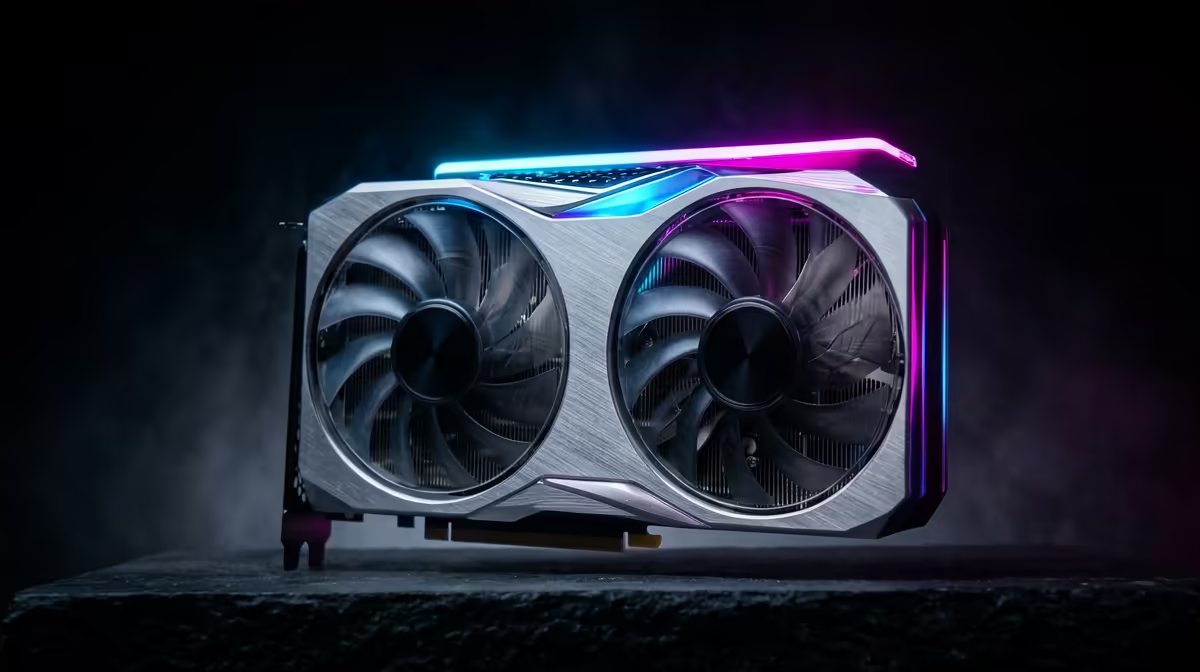
On a R80,000 SA gaming budget, the GPU should usually take about 45% of the tower spend, or roughly R30,600-R41,400. The goal is simple: buy enough graphics power for the monitor target, then keep the CPU, RAM and PSU balanced around it.
GPU Targets By Resolution
For 1080p, cards in the Radeon RX 7600, GeForce RTX 4060 or similar class can make sense when pricing is right. For 1440p, move toward RTX 4070 Super or Radeon RX 7800 XT style performance if the budget allows. A 4K build needs a much stronger card and a larger total budget.
Example Budget Split
At R80,000, reserve R30,600-R41,400 for graphics, then work backward through CPU, motherboard, 16GB-32GB RAM, 1TB SSD, PSU and case. If the budget is very small, used or entry GPUs may be the only path, but the power supply and case clearance still matter. Do not buy a weak PSU just to force a bigger GPU line.
FPS Planning
Use fps goals instead of vague labels. A 1080p 144Hz esports target is different from 1440p high settings at 100fps or 4K 60fps. If the monitor is only 75Hz, overspending on graphics may be less useful than upgrading the display.
Local Sanity Check
Before buying, compare the part against your actual monitor, desk and weekly use. A clear rand value, one named SKU and one measurable target such as 60fps, 144Hz or 32GB keeps the decision grounded instead of generic.
FAQ
What GPU percentage is right for gaming?
About 35-50% of the tower budget is a practical range. Lower budgets may be constrained, while higher budgets can justify a larger graphics share.
Should I buy GPU or CPU first?
Choose the GPU around the monitor target first, then select a CPU that keeps it fed. This avoids a fast processor paired with weak graphics.
How do I avoid overspending on GPU?
Match the card to your resolution and refresh rate. If you play at 1080p 75Hz, a premium 4K-class GPU is not the best use of the budget.
Buyer tip
Write down the monitor resolution and refresh rate before choosing the GPU; that one line prevents most budget mistakes.