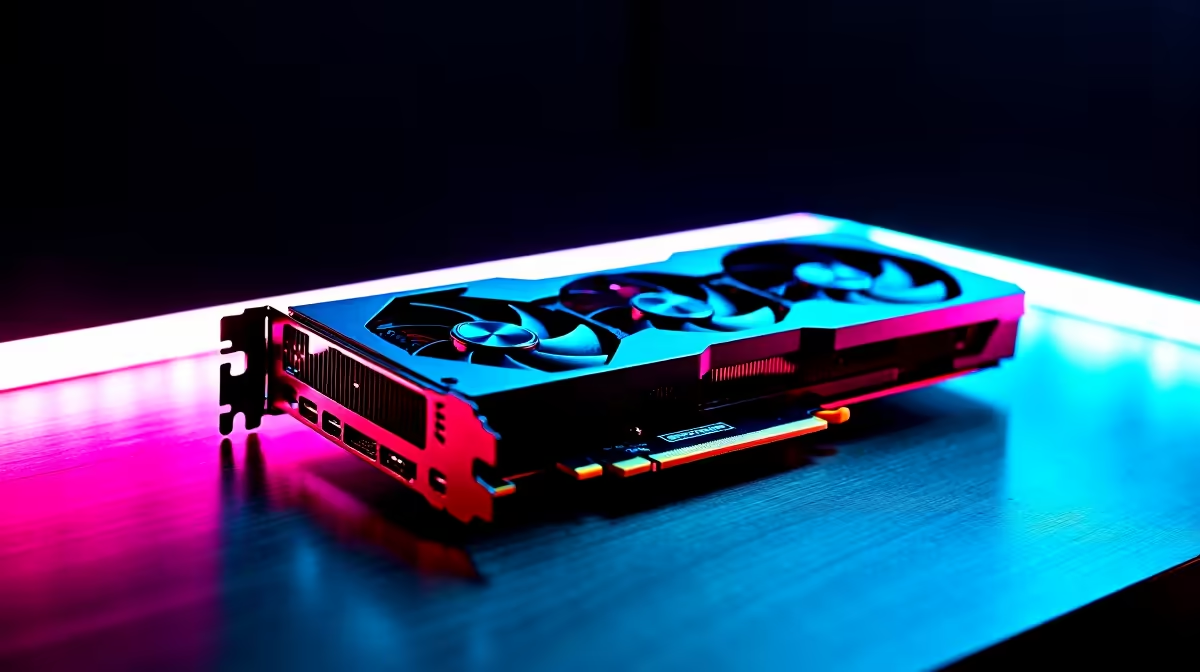
Why Custom Fan Curves Matter for Your RTX 4060 Ti 🔧
South African gamers know the value of a sleek, quiet PC that performs under pressure. Your RTX 4060 Ti is a powerful beast, but stock fan settings don’t always balance noise and temperature optimally. Custom fan curve tuning lets you optimise cooling efficiently, keeping temps down and noise low during those epic Warzone skirmishes or marathon streaming sessions. Ready to unlock your rig’s full potential?
Preparing to Custom Fan Curve Your RTX 4060 Ti: What You Need
Before diving in, equip yourself with the right tools. A quality CPU cooler can help balance heat across your rig, reducing overall fan workload—check out Evetech’s selection of CPU coolers suited for South African setups. Also, browsing current graphics card options might inspire future upgrades after you master fan tuning.
Ensure your GPU drivers and software utilities like MSI Afterburner or EVGA Precision X1 are updated. They provide intuitive interfaces to customise your GPU fan speeds graphically.
Optimal Fan Starting Point
Start your fan curve by setting fans to run at 40% speed below 50 °C. This keeps noise down when gaming isn’t intensive but kicks in when temperatures rise.
Step-by-Step Guide to Custom Fan Curve Your RTX 4060 Ti ⚡
Step 1: Open Your Fan Curve Software
Launch MSI Afterburner or your preferred tuning tool. Navigate to the “Fan” tab and enable manual fan control.
Step 2: Plot Your Fan Curve
Plot points to increase the fan speed progressively as GPU temps go from 40 °C to the 80 °C mark. For example, 40% speed at 45 °C, ramp up to 75% at 70 °C, and hit 100% when over 80 °C. This approach ensures cooling efficiency without constant loud fans.
Step 3: Test Your Settings
Run a game or GPU stress test to monitor how your RTX 4060 Ti sustains temps and noise. Adjust if fans spin up too early or too late. Remember, every case airflow differs!
Step 4: Save and Apply
Once satisfied, save your fan curve profile. Consider setting the software to run on startup for consistent cooling.
Boost Your Build’s Potential with Related Gear 🚀
Optimal cooling means pairing your custom fan curve with great airflow and solid components. Evetech’s best gaming PC deals include rigs with excellent chassis ventilation. For convenience, explore pre-built PC deals featuring factory-optimised cooling and warranties—perfect for those who want reliable performance without tinkering. And if mobility calls, browse the latest notebooks for sale in South Africa that keep cool and nimble on the go.
Custom fan curve tuning is a crucial step toward silent, efficient gaming. South Africa’s ambitious gamers can boost performance and lifespan by staying cool and quiet. Start tuning and see the difference in your build’s thermals and audio footprint.
Ready for Cooler, Quieter Gaming?
Fine-tune your RTX 4060 Ti and explore top-tier PC components at great ZAR prices. Shop now at Evetech for performance that leaves lag in the dust.