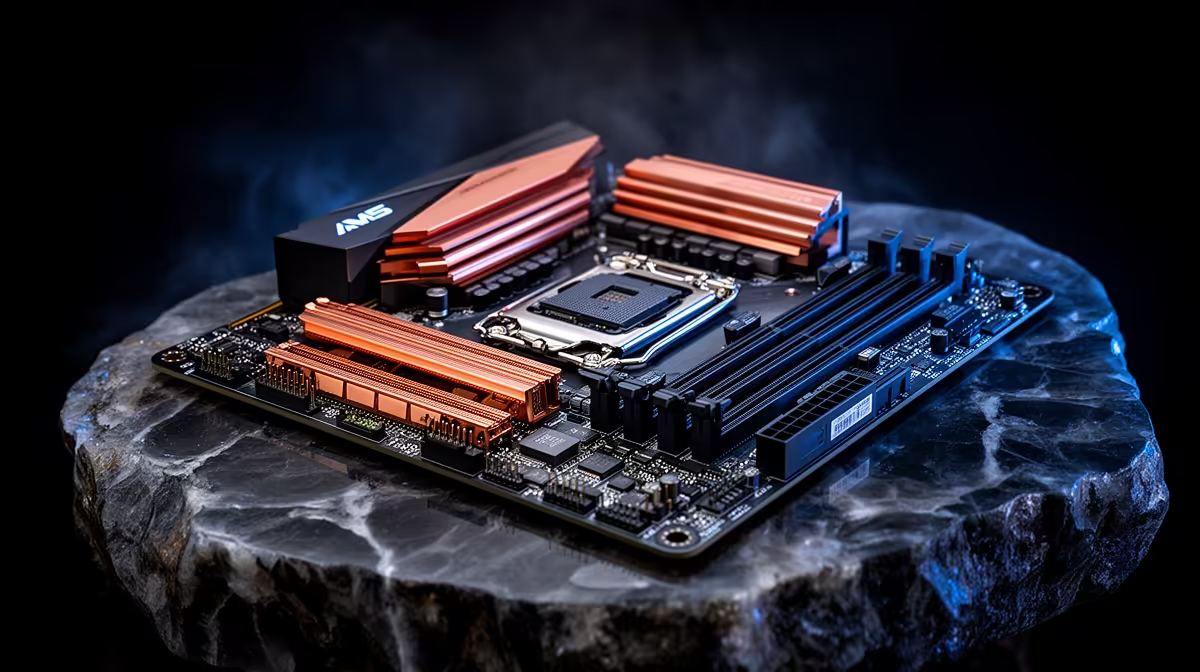
Quick Answer
Most FPS drops on an AM5 motherboard setup come from BIOS defaults, EXPO training, chipset drivers, ReBAR or PCIe link speed, not from a broken game. Prove it with HWiNFO, BIOS, AMD chipset drivers, RTSS and CapFrameX; DDR5-6000 CL30 is a common AM5 target.
Find The Real Limit
Use one repeatable test scene and record average FPS, 1% lows and frame time. For AM5 motherboard setup, the useful tools are HWiNFO, BIOS, AMD chipset drivers, RTSS and CapFrameX. Do not judge by feel alone: 60 fps equals 16.7 ms, 144 fps equals 6.94 ms, and 240 fps equals 4.17 ms.
Checks For This Setup
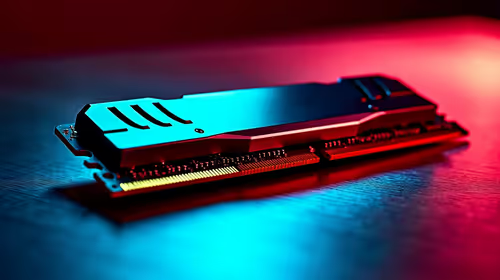
For AM5 motherboard setup, start here: update BIOS, enable EXPO after stability checks, confirm ReBAR, verify GPU PCIe width, and reinstall chipset drivers. Keep AM5 motherboard in mind because its driver, firmware or control software can change how the system behaves after an upgrade. Use broad price context as a sanity check: AM5 boards and DDR5 kits can span R2,000 to R10,000.
If the setup uses online play, separate network stutter from frame pacing. RTSS shows the frame-time graph; ping and jitter tools show the connection. A router change can affect online movement, but it should not reduce local benchmark FPS unless software or USB services changed too.
Settings To Verify
Confirm monitor refresh rate, in-game FPS cap, VRR or FreeSync/G-Sync state, and overlay recording. On GPU builds, check ReBAR, PCIe link width and driver state. On laptops or handhelds, match charger, TDP profile and performance mode to the FPS target.
FAQ
Why did my AM5 motherboard setup start showing FPS drops?
The likely cause is BIOS defaults, EXPO training, chipset drivers, ReBAR or PCIe link speed. Use HWiNFO, BIOS, AMD chipset drivers, RTSS and CapFrameX so you can see whether the limit is GPU load, CPU scheduling, storage, USB, audio, thermals or network jitter.
Should I replace hardware first?
No. Many fixes cost R0 because they come from drivers, firmware, FPS caps, refresh settings or power profiles. Buy hardware only after the same test proves the part cannot meet target.
What number proves the fix worked?
Watch 1% lows and frame time, not only average FPS. A good fix makes the graph flatter: 144Hz should sit near 6.94 ms and a 60 fps cap near 16.7 ms.
Troubleshooting Check
Save one before-and-after result from RTSS or CapFrameX, then keep the setting that improves 1% lows without reducing image quality more than needed.