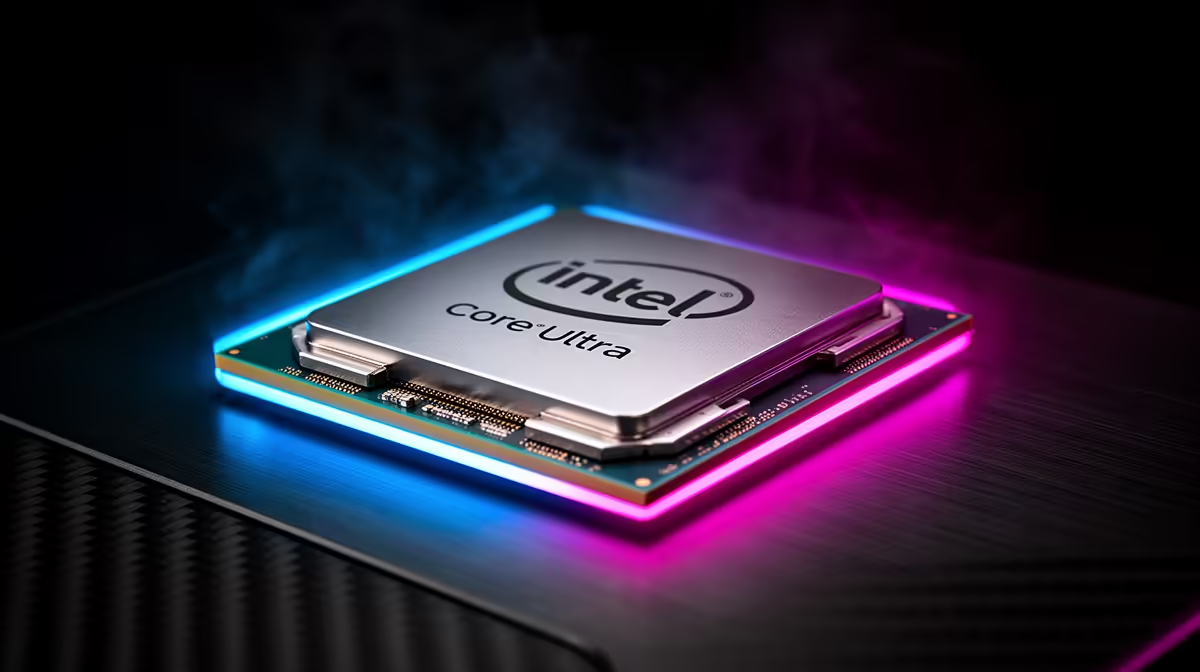
If your Core Ultra 9 285K build keeps causing FPS drops mid-match, the fix almost always comes from one measurable change rather than a fresh parts list.
Quick Answer
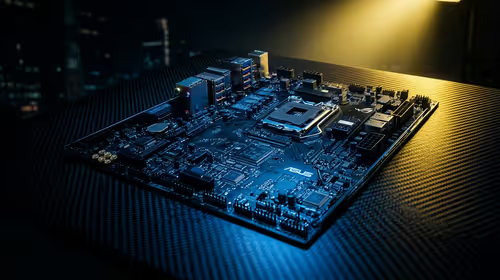
Yes, most FPS drops on a Core Ultra 9 285K build clears once you align display mode, power profile, and a clean driver install. A Core Ultra 9 285K mainboard and CPU pairing usually lands from about R18,500 once a Z890 board is included. Treat the named hardware as context until your numbers prove otherwise.
Recreate FPS drops With One Repeatable Scene
Pick a single in-game area you can reload on demand and run it the same way each time. Note whether FPS drops arrives during loading, busy fights, online play, or only after the Core Ultra 9 285K build warms up. A capable setup can still feel rough when 24 cores settings or background tasks are unsettled, so a fixed scene gives you comparable frame rate readings instead of vague impressions.
Update Drivers From A Clean State
Install the latest stable GPU and chipset drivers, reboot once, and avoid stacking other changes in the same pass. A clean driver state removes a frequent trigger for FPS drops on a Core Ultra 9 285K build. If a recent update introduced the problem, roll back to the previous known-good version and retest the same scene.
Save Time
Lock the in-game preset and resolution first; only then touch one tuning option so you can attribute any gain correctly.
Verify Cables, Ports And Connections
Swap to a known-good certified cable and a different port, since a marginal link can cause FPS drops that looks like a deeper fault. On a Core Ultra 9 285K build this is a two-minute check that rules out a whole class of problems. Reseat the connection, retest the same scene, and record the result before moving on.
FAQ
Is FPS drops on a Core Ultra 9 285K build a hardware fault or a settings problem?
Most of the time it is settings, drivers, or background load rather than a broken part. Run one repeatable scene, change a single variable, and watch frame rate. Only consider a replacement once a clean configuration still shows the issue.
Could a cable or port be causing FPS drops on my Core Ultra 9 285K build?
It can. A marginal or wrong-spec cable produces drops and hitches that mimic deeper faults. Swap to a certified cable, try another port, and re-run the same scene to rule it out in minutes.
Is 5.7 GHz boost relevant when fixing FPS drops?
It can be. Confirming 5.7 GHz boost is configured correctly removes a common hidden cause before you blame other parts. Verify it, retest the same scene, and record the frame rate result.
Fix the cause, then shop smart. When your before-and-after numbers point to a clear limit on your Core Ultra 9 285K build, the right Evetech CPU platform pick becomes obvious.