


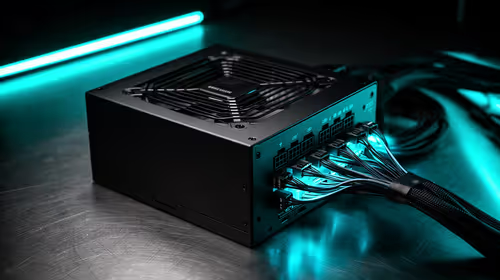
850W PSU Planning for RTX 5090 Builds in SA
850W for RTX 5090 needs a full-build check, not a simple yes. Review GPU guidance, CPU draw, transient load, connectors, PSU quality, and upgrade plans before deciding.
Read moreLow fps on a ryzen 7 9800x3d build usually needs a settings, driver, thermal, or power check first. Work through safe SA troubleshooting steps before replacing parts or assuming a full upgrade.
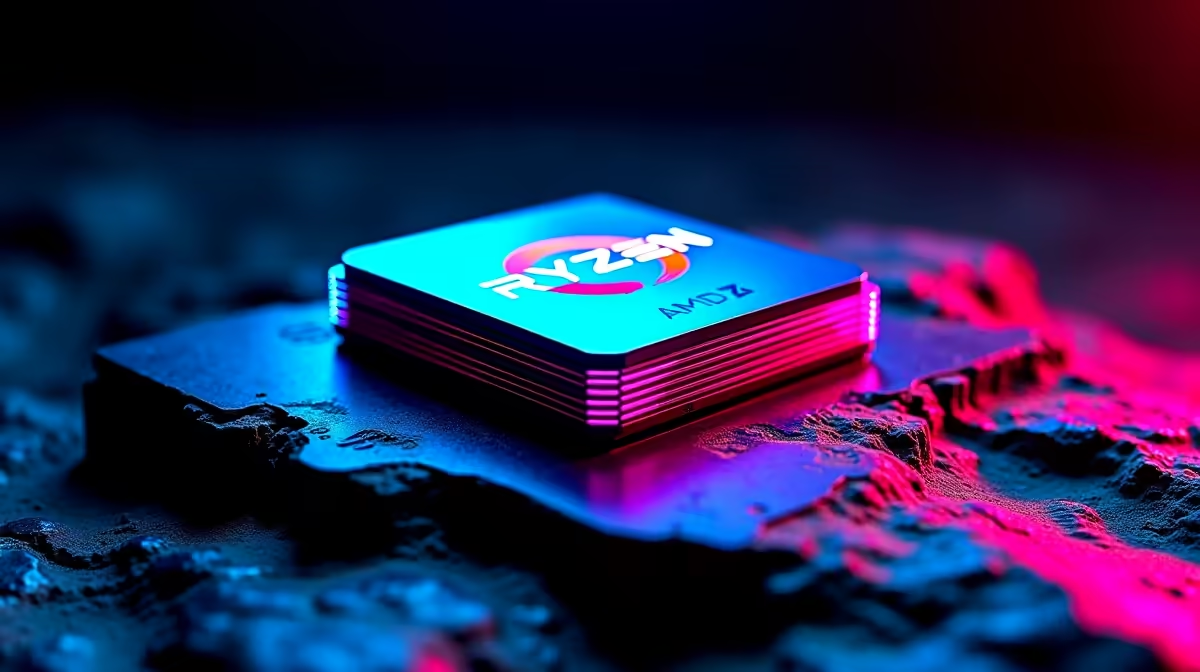
A new Ryzen 7 9800X3D should make games feel sharper, so low FPS right after the upgrade is frustrating - but it's almost always a setup gap rather than a bad part. Here is the order to work through before you spend anything.
After a Ryzen 7 9800X3D upgrade, low FPS almost always means the new part isn't actually doing the work yet: the wrong GPU is selected, Resizable BAR is off, or a power plan is throttling clocks. Fixing those usually restores the 20-40% gain you paid for. That distinction saves South African gamers real money - it separates a free fix from a genuine upgrade you'd buy at Evetech.
Confirm the Ryzen 7 9800X3D is actually doing the work: in the game's GPU/CPU overlay, check which part is at 95-100% load. If neither is, a power plan or frame cap is throttling you. If the GPU sits idle while frames stay low, the wrong GPU is selected or Resizable BAR is off. Each is a free fix worth real frames.
The Ryzen 7 9800X3D relies on a stable platform: a current BIOS, the right power plan, and DDR5 running at 6000 MHz to hold its boost clocks. Update the chipset driver and BIOS, then re-apply your EXPO/XMP memory profile - a half-applied profile is a classic source of stutter. Set the Windows power plan to Balanced or the AMD/Intel high-performance profile so the cores aren't parked at idle clocks mid-game. As a yardstick, with frametimes pinned this CPU keeps 1% lows within a few frames of the average and holds clean frametimes under 16 ms at 60fps, with DDR5-6000 as the proven sweet spot, so use that as your pass/fail line rather than chasing a perfect number.
After two or three controlled tests you'll see the pattern. If the low FPS clears with settings, you've saved the cost of a part - the fix was free. If it only improves with a hardware change, that's your signal to upgrade the one component the test exposed, not the whole rig. For South African buyers that means matching spend to a proven bottleneck: a sub-R2,000 cable or peripheral, a R3,000-R6,000 NVMe drive, or a larger ryzen 7 9800x3d purchase only when the numbers justify it.
It can. Set the Windows power plan to Balanced or the AMD/Intel high-performance profile so the cores aren't parked at idle clocks mid-game. A cable that can't carry your panel's full refresh quietly caps performance and makes motion feel worse than the hardware should.
Rarely. The large majority of cases are settings, drivers, or storage placement - all free. Spend money only once a clean test still falls short, and then buy the one part the test pointed to rather than a full rebuild.
For loading and streaming hitches, yes. The Ryzen 7 9800X3D relies on a stable platform: a current BIOS, the right power plan, and DDR5 running at 6000 MHz to hold its boost clocks. Keeping the game on your fastest NVMe drive with 15-20% free space removes a lot of avoidable stutter.
anything, run the baseline test above. Save your working settings profile once the low FPS is gone, then re-test after major game or driver updates. Only browse new Ryzen 7 9800X3D at Evetech if a clean, fully-tuned setup still falls short.
850W for RTX 5090 needs a full-build check, not a simple yes. Review GPU guidance, CPU draw, transient load, connectors, PSU quality, and upgrade plans before deciding.
Read more
How to fix FPS drops Windows 11 DDR5 build issues starts with RAM profiles, BIOS, chipset drivers, and power settings. South African gamers should test EXPO or XMP, dual-channel slots, overlays, thermals, and display refresh.
Read more
Gaming PC upgrade low FPS usually comes from drivers, BIOS settings, cables, power limits, or poor clocks. This SA-focused checklist helps verify the new hardware before chasing unrelated game tweaks.
Read more
How to fix low FPS on RX 9070 XT build starts with driver, thermals, Windows power, and in-game graphics checks. Use this South Africa checklist to separate GPU limits from CPU, RAM, storage, display, or background app issues before upgrading.
Read more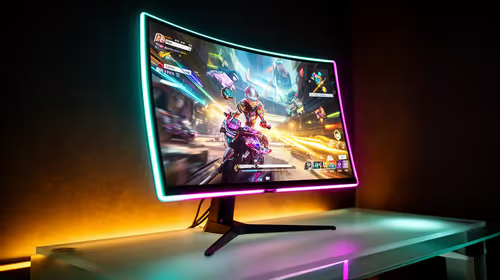
1440p is the sweet spot for many Midrand gamers. It improves sharpness over 1080p without the heavy GPU demand of 4K. SA buyers should compare monitor refresh, GPU class, desk size, cable support, and game settings before upgrading.
Read more
240Hz monitors are mainstream in Johannesburg esports because fast panels improve motion clarity and input feel. Gamers should still check CPU speed, GPU output, game settings, cable support, and whether their titles can hold high frames.
Read more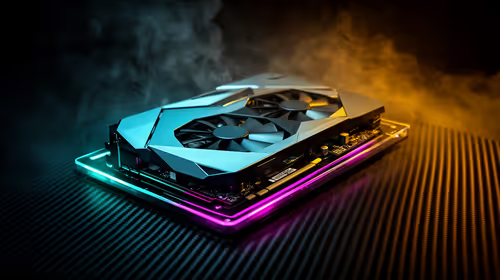
How to fix FPS drops after a RTX 5080 build starts with driver cleanup, BIOS checks, and power testing. Work through SA-friendly checks for chipset drivers, display refresh, PCIe seating, frame caps, and game settings before blaming the GPU.

How to fix fps drops after a steam deck upgrade starts by checking power profile, storage, shader cache, and game settings. Test the Steam Deck upgrade step by step so SA players can separate install issues from normal handheld limits. Keep settings notes.

Valorant keyboard choices in SA should match switch feel, layout, latency, key rollover, and desk space. Compare practical setup needs, comfort, reliability, and upgrade room before buying gear for long gaming sessions.

DDR5 build upgrade dead pixel checks should begin with the monitor. Run solid colour tests, compare screenshots, reseat display cables, and review GPU output before blaming RAM changes in an SA gaming PC. Document repeatable proof for support.

South African builders should prioritise exact CPU support, DDR5, chassis fit and device requirements before premium motherboard breadth. The E-ATX X870E Extreme then adds five M.2 positions, Wi-Fi 7, multi-gig LAN, USB4 Type-C and named AI tools.

South African buyers considering 32GB GDDR7 should confirm whether their games, AI models or creative projects place real pressure on smaller memory pools. The RTX 5090 costs R73,599, so its capacity must be weighed against the rest of the system budget.

A large cache can reduce costly trips to slower memory in workloads that reuse data effectively, but FPS gains vary by game engine and settings. The Ryzen 7 5800X3D provides 100MB cache alongside eight Zen 3 cores, so representative game tests matter.
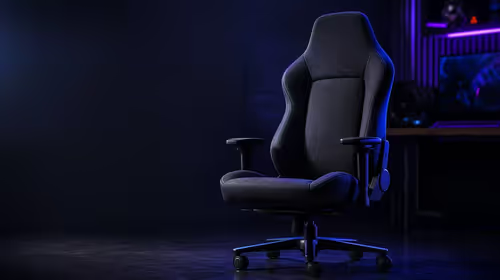
A fabric gaming chair price tier is useful only when the added spend improves fit, cushioning, hardware or daily surface comfort. At R7,899, the HERO TX provides a premium South African benchmark with TX fabric, cold-foam, 4D armrests and stainless-steel levers.
How to fix FPS drops after a RTX 5080 build starts with driver cleanup, BIOS checks, and power testing. Work through SA-friendly checks for chipset drivers, display refresh, PCIe seating, frame caps, and game settings before blaming the GPU.
Valorant keyboard choices in SA should match switch feel, layout, latency, key rollover, and desk space. Compare practical setup needs, comfort, reliability, and upgrade room before buying gear for long gaming sessions.
How to fix fps drops after a steam deck upgrade starts by checking power profile, storage, shader cache, and game settings. Test the Steam Deck upgrade step by step so SA players can separate install issues from normal handheld limits. Keep settings notes.
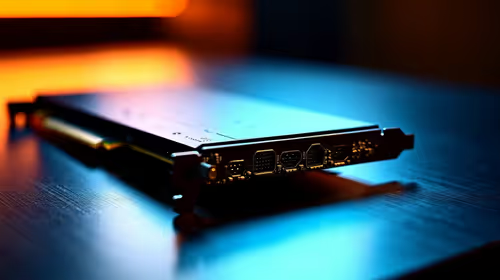
PCIe 5.0 and PCIe 4.0 differ least in couch co-op gaming when the game is already loaded. The real world difference between pcie 5 0 pcie 4 0 is more about load screens, SSD value, and SA build balance.