Achieving 144Hz in Fortnite with an RTX 4090: Why It Matters
South African gamers know the thrill of Fortnite—a fast-paced battle royale demanding precision and speed. Getting a buttery smooth 144Hz refresh rate on your RTX 4090 takes your gameplay to the next level. Faster frames mean clearer visuals and quicker reactions. But how do you squeeze every hertz out of this powerhouse? Let’s break it down and make your setup truly shine ⚡.
Optimising Your RTX 4090 for Fortnite’s 144Hz Gameplay
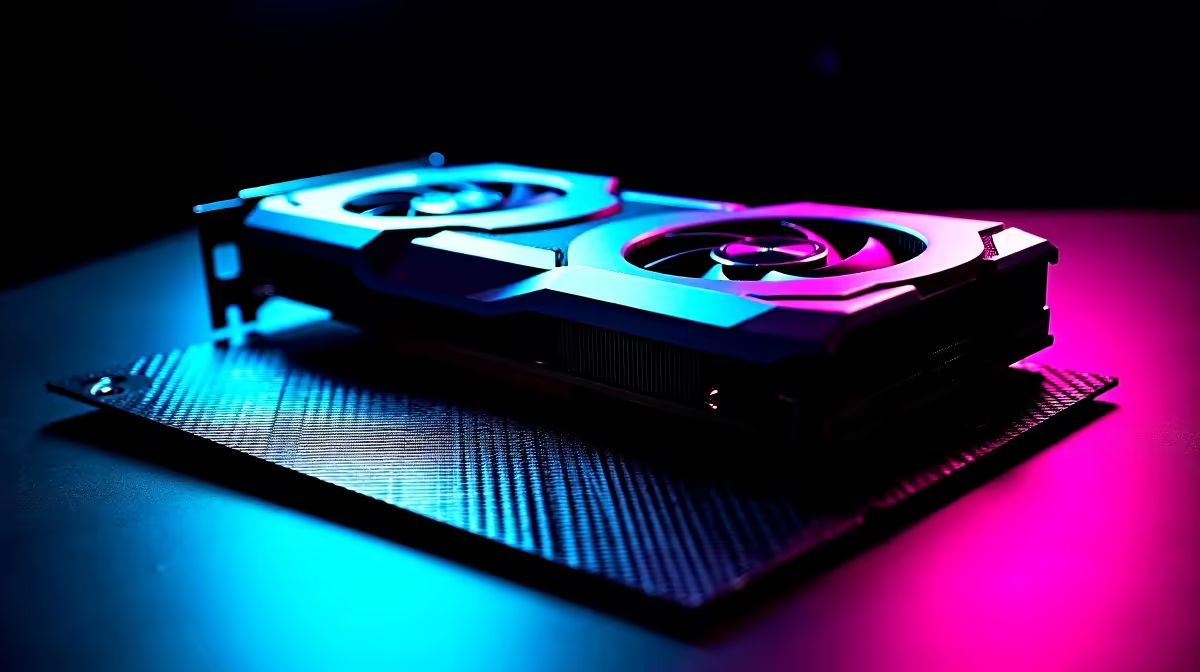
The RTX 4090 is one of the most powerful GPUs available, but default settings often don’t tap into its full potential. To get a steady 144Hz in Fortnite, start by tweaking Nvidia’s Control Panel settings. Enable “Maximum Performance” mode and turn off V-Sync if your monitor supports 144Hz native. This ensures your GPU prioritises raw frame output. Setting Fortnite’s graphics settings to “Epic” looks stunning, but lowering shadows or effects slightly can stabilise frame rates without dulling the experience.
Want to explore our range? Check out the latest graphics cards perfect for South African gamers hungry for speed.
Refresh Rate and Monitor Sync Settings
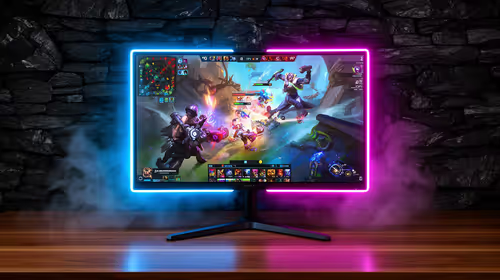
Confirm your monitor is properly set to 144Hz in Windows display settings. Using DisplayPort or HDMI 2.1 cables ensures the bandwidth needed for high-refresh modes. Fortnite’s in-game settings also let you cap frame rates—disable any caps or set it slightly above 144 to avoid spikes. If you’re using G-Sync enabled monitors popular here, enabling variable refresh rate results in smoother, tear-free visual output.
Explore top-notch notebooks ideal for Fortnite and other titles: Notebooks for Sale in South Africa.
Maximise FPS without Compromise
Lower shadow quality by one notch for a 10-15% FPS boost. It keeps most visual flair but reduces GPU load significantly.
{{/TipBox}}
Maximising Your Gaming PC Setup’s Potential
It’s not just the GPU—your CPU, RAM, and storage speed impact hitting that 144Hz sweet spot. A balanced system avoids bottlenecks. South African gamers appreciate value, so consider pre-built rigs designed with Fortnite in mind.
Browse elite Fortnite-ready rigs with free shipping and local support here: Best Gaming PC Deals.
Keep Drivers and Fortnite Updated
Always update your Nvidia drivers for the latest optimisations. Fortnite patches frequently tweak performance, so keep your client current for peak 144Hz stability.
Looking for hassle-free setups? Our curated Pre-Built PC Deals offer great specs ready to plug-and-play.
Final Notes on Consistent 144Hz Fortnite Play
Stable 144Hz on an RTX 4090 is achievable with patience and smart tweaks. South African gamers who dial in settings see visibly smoother gameplay and improved targeting. Keep your rig dust-free and in a cool area; thermal throttling can kill your frame rates. Finally, stay tuned to Evetech’s specials for discounted gear ensuring your setup stays current and affordable 🚀.
Elevate Your Fortnite Experience Today
Ready to dominate Fortnite at 144Hz? Shop now at Evetech for graphics cards and gear that keep you leading the pack.