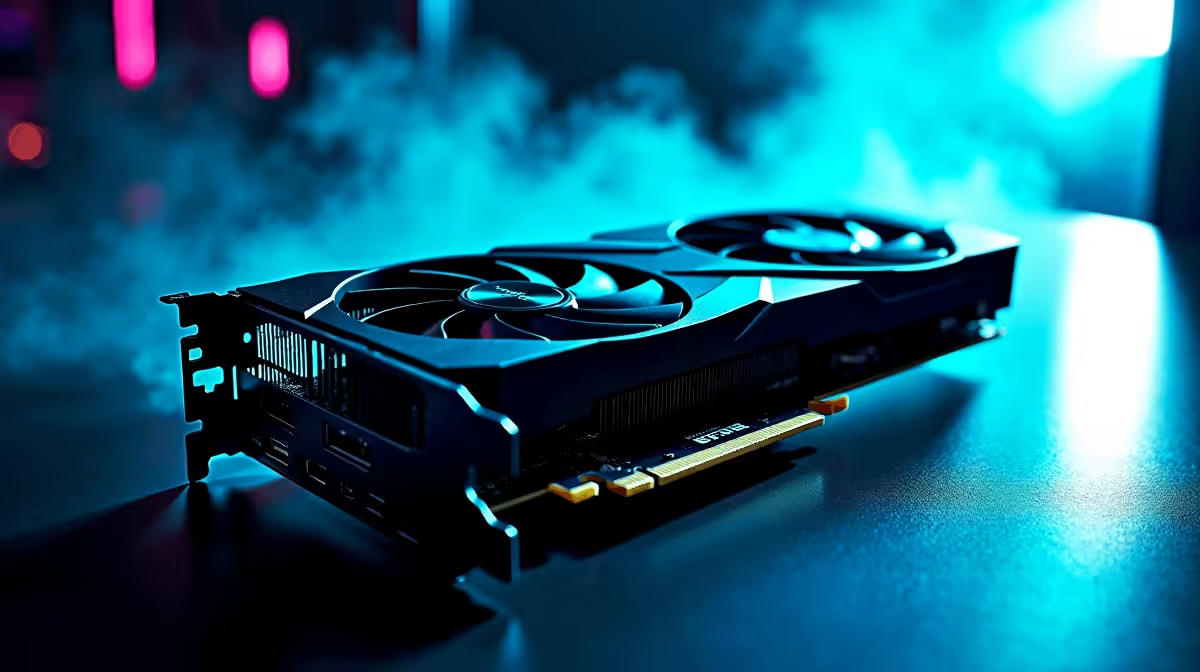
So, you secured the ultimate GPU, and now you want to know how to get 144Hz in League of Legends on an RTX 4090? Let us be honest... this graphics card could probably run five instances of LoL simultaneously while rendering a 3D movie 🚀. But if your screen looks choppy, something is wrong. Let us fix your settings and get those buttery-smooth frames for your next ranked match.
Why Your RTX 4090 Might Not Be Hitting 144Hz 🔧
League of Legends is famously easy to run. Riot Games designed it to work on almost anything. So, if your massive rig is stuttering, the issue is rarely a lack of graphical power. Often, it comes down to monitor settings or cable choices.
Do not go hunting for new graphics cards just yet. These flagship GPUs can cost upwards of R40,000. Check your Windows display settings first. By default, Windows sometimes locks high-refresh-rate monitors to 60Hz. Right-click your desktop, go to Display Settings, click Advanced Display, and ensure your refresh rate is actually set to 144Hz.
Optimising In-Game Settings for League of Legends
Once Windows is sorted, boot up the client. Jump into a custom game to tweak your video settings safely. Under the Video tab, ensure your resolution matches your monitor. Next, look for the Frame Rate Cap option. Set this to 144Hz or Uncapped.
If you leave it at 60 FPS, all that raw power goes to waste. If you are playing on one of our premium gaming laptops, make sure it is plugged into the wall. This unlocks maximum performance.
Monitor Connection Tip ⚡
Always use a high-quality DisplayPort cable instead of HDMI if you want to guarantee 144Hz or higher at 4K resolution. Plug it directly into your RTX 4090, not the motherboard!
CPU Bottlenecks and System Balance
Even with the best GPU on earth, League of Legends relies heavily on your processor. If you paired your flagship card with an ancient CPU, you might experience frame drops. This usually happens during chaotic team fights in Summoner's Rift. A balanced system is crucial for stable performance.
Building a rig from scratch? Checking out custom gaming PC deals helps you find the perfect CPU and GPU pairing. If building sounds like too much work, grab one of our expertly assembled pre-built PCs. You will never have to worry about hardware bottlenecks again.
Enjoying Maximum Frames Without Tearing ✨
With your settings dialled in, you might notice screen tearing. This happens when your GPU produces frames faster than your monitor can display them. To fix this, enable G-Sync in your NVIDIA Control Panel. This syncs your monitor refresh rate to your GPU output... giving you flawless visuals.
Learning how to get 144Hz in League of Legends on an RTX 4090 is easy. You just need to iron out these software quirks. Soon, you will be dodging skill shots with zero input lag. If you want to upgrade your setup further, keep an eye on our daily tech specials to stretch your rands further.
Ready to Dominate the Rift?
Having the right hardware is only half the battle. For maximum power, choice, and value in South Africa, Evetech is hard to beat. Explore our massive range of laptop specials and find the perfect machine to conquer your world.