



1000W PSU Planning for RTX 5090 Builds in SA
1000W for RTX 5090 needs a full-build check, not a simple yes. Review GPU guidance, CPU draw, transient load, connectors, PSU quality, and upgrade plans before deciding.
Read moreMaintain a direct drive extruder by keeping its feed path clear, checking the drive area and testing flow after service. The Neptune 4 Plus uses direct drive with a 300C nozzle. Follow its instructions for cleaning, tension and disassembly steps.

Maintaining a direct drive extruder for consistent filament flow requires a controlled feed-path inspection. Clear symptoms first, follow the exact service procedure and verify flow with a small print before returning to speed or temperature tuning.
The Neptune 4 Plus direct drive uses dual gears, a 5.2:1 reduction ratio and a 290g moving assembly feeding an all-titanium throat and 300C hot end.
For R7,799, the Neptune 4 Plus pairs direct drive delivery with a 300C nozzle ceiling. Unload material correctly, inspect the accessible path, follow its cleaning and tension procedure, then test flow using the same filament and conservative settings.
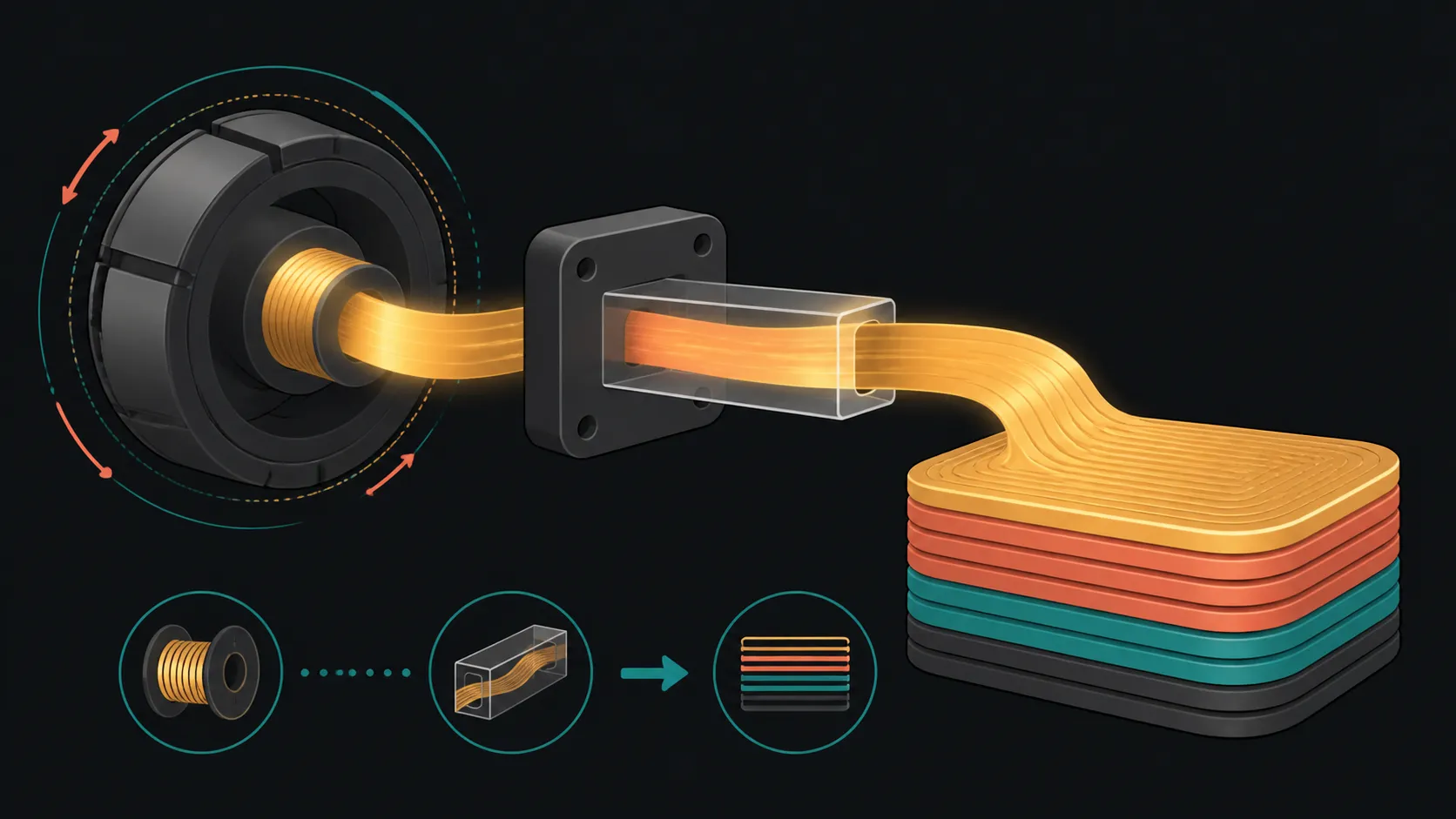
Note the symptom: clicking, inconsistent lines, visible grinding or missing material. Check the spool route and make sure filament can reach the extruder without an obvious snag. A problem outside the drive area can resemble an internal fault.
Keep the current material and profile details. Direct drive describes where the extruder sits relative to the nozzle; it does not identify every compatible filament or prescribe one tension value.
Allow hot parts to follow the printer's safe handling procedure. The 300C maximum is not a routine maintenance temperature and should never replace model-specific instructions.
Use the Neptune 4 Plus procedure for unloading, access, cleaning, tension and reassembly. Do not transfer screw positions or disassembly steps from another direct drive design.
Remove only accessible residue using the approved method and keep small components organised. If a step requires deeper teardown than the user can perform confidently, stop and use appropriate technical support.
Buyers comparing extrusion layouts can browse large 3D printers from Evetech with maintenance access on the checklist.
Reload one known material under its full machine requirements. Confirm that the feed path is seated correctly, then perform the printer's extrusion check before starting a model.
Use a small part with continuous lines and moderate speed. Compare it with the earlier symptom without changing several variables. If flow remains inconsistent, revisit the path and nozzle condition rather than masking it with uncontrolled temperature increases.
Choose test filament among 3D printing materials at Evetech only after confirming compatibility with the complete printer.
Write down the filament, symptom, service action and test outcome. This separates recurring material or nozzle behaviour from a one-off feed-path obstruction.
Explore Evetech 3D printer options when comparing direct drive, build volume, firmware and levelling.
Return to higher speeds only after baseline flow is consistent. Klipper and the up-to-500mm/s capability create tuning room, but maintenance success should be judged through repeatable extrusion rather than the machine's motion ceiling.
Run a second sample after the printer has completed a normal unload and reload. This checks whether the improvement survives the routine an operator will actually repeat, rather than appearing only once immediately after service.
Keep tools, removed components and filament off the build surface during maintenance. When work is shared, record who performed the service and which exact symptom prompted it. A clear handover prevents another user from changing tension or temperature before the verified test has been reviewed.
Store the accepted sample with the service note for future comparison.
Maintain the spool path, gears and nozzle as one chain. The 60W ceramic heater and brass block melt material uniformly, while active PID calibration controls temperature. Unload correctly, clear debris without damaging the titanium throat and retest with a known filament before altering tension.
Cooling also affects flow consistency after extrusion. The head uses paired 4015 fans and a 3010 ball-bearing blower, with two 6025 blowers behind it for fresh layers. Keep those paths clear during maintenance so a successful nozzle cleaning is not followed by overhang or heat-management problems.
Replace consumable parts only with components matched to the exact hot-end assembly.
Inspect the spool route, accessible drive path, filament contact and nozzle feed in a controlled sequence.
Follow the exact Neptune 4 Plus unload, access, cleaning, tension and reassembly process for its mechanism.
Use the same known filament in a conservative small print and compare flow with the original symptom.
No. Every material still needs its own full printer, temperature and handling compatibility confirmed before use.
The nozzle reaches 300C, a maximum capability rather than a default service or print temperature.
It cannot. Material, profile, surface setup and model geometry can change results after the feed path is sound.
Ready to restore a known extrusion baseline? Explore direct drive 3D printers and filament at Evetech with maintenance actions and flow tests kept clearly separated.
Inspect the spool route, accessible drive path, filament contact and nozzle feed in a controlled sequence.
Follow the exact Neptune 4 Plus unload, access, cleaning, tension and reassembly process for its mechanism.
Use the same known filament in a conservative small print and compare flow with the original symptom.
No. Every material still needs its own full printer, temperature and handling compatibility confirmed before use.
The nozzle reaches 300C, a maximum capability rather than a default service or print temperature.
It cannot. Material, profile, surface setup and model geometry can change results after the feed path is sound.
1000W for RTX 5090 needs a full-build check, not a simple yes. Review GPU guidance, CPU draw, transient load, connectors, PSU quality, and upgrade plans before deciding.
Read more
RTX 5080 Super with a 750W PSU is more comfortable than lower wattage if the unit is quality. SA builders should still confirm GPU guidance, CPU draw, connector type, airflow, and upgrade room.
Read more
How to fix FPS drops after a RX 9070 XT starts with driver cleanup, chipset updates, thermals, and power checks. For SA gaming PCs, confirm PCIe seating, monitor refresh, frame caps, and per-game graphics settings before replacing parts.
Read more
How to fix low FPS Windows 11 Wi-Fi 7 issues starts by checking whether the problem is frame rate or network lag. Test ping, drivers, power settings, Ethernet, and game FPS before adjusting visuals.
Read more
AM5 is smart for SA builders because it supports newer Ryzen CPUs, DDR5 memory, and a longer upgrade path. Compare board cost, cooling, gaming needs, and local part availability before choosing your next PC platform.
Read more
AM5 gives Randburg gaming builders a longer upgrade path. For SA buyers, DDR5 support, newer board features, and future CPU options can justify the platform. Weigh board cost, cooler support, BIOS maturity, and upgrade timing before choosing.
Read more
RTX 5090 on a 550W PSU leaves almost no practical room for OC plans. Treat the setup as constrained, with CPU draw, power spikes, cable quality, thermals, and stability checks more important than chasing extra clocks.

FPS drops on a Ryzen 9 9950X3D build often have a fixable cause. Check settings, drivers, thermals, background tasks, network conditions, and bottlenecks before assuming a part must be replaced.

The difference between PCIe 5.0 and PCIe 4.0 for SA gamers is mostly bandwidth headroom. Compare GPU slot needs, NVMe speed, motherboard support, and upgrade timing before paying extra for a newer platform.

Gaming PC stuck pixel checks in South Africa should confirm the monitor fault first. Use colour tests, screenshot comparison, cable swaps, display menu checks, and clear photos before deciding on support.

AMD's current driver now lists a Radeon RX 9050 4GB, while product coverage details a narrowed memory system. SA buyers should weigh the low VRAM ceiling against current local Radeon options.

Samsung Display has demonstrated a 16-inch 2.5K OLED laptop panel running at 300Hz. SA buyers should wait for a named notebook, full panel specifications and a local price before planning an upgrade.

Microsoft says some Windows 11 game crashes after recent updates are linked to RGB-related drivers. Affected SA gamers should confirm the update and driver before using the published registry workaround.

Thermalright's Fan Frame Vision-1 adds a 640x172 status screen to a standard 120mm fan. SA builders should check clearance, USB routing and local support before treating it as an easy upgrade.

Shokz OpenFit Air 2 earbuds weigh 7.2g each and use a redesigned dual-driver open-ear layout. SA buyers should choose them for comfort and awareness, not maximum isolation.

A fake 113GB GTA VI ISO reportedly used empty padding around a small malware payload. SA gamers should delete unofficial builds, keep Windows security active and wait for official channels.

The ROG Flux Charger Dock combines 260W total output, 140W laptop charging and HDMI 2.1. SA buyers should check laptop USB-C limits, display needs and local warranty first.

ASRock's Rock 360 Digital AIO adds a 1.05-inch CPU temperature display, 360mm radiator and simplified wiring. SA builders should check case fit, socket support and local warranty.