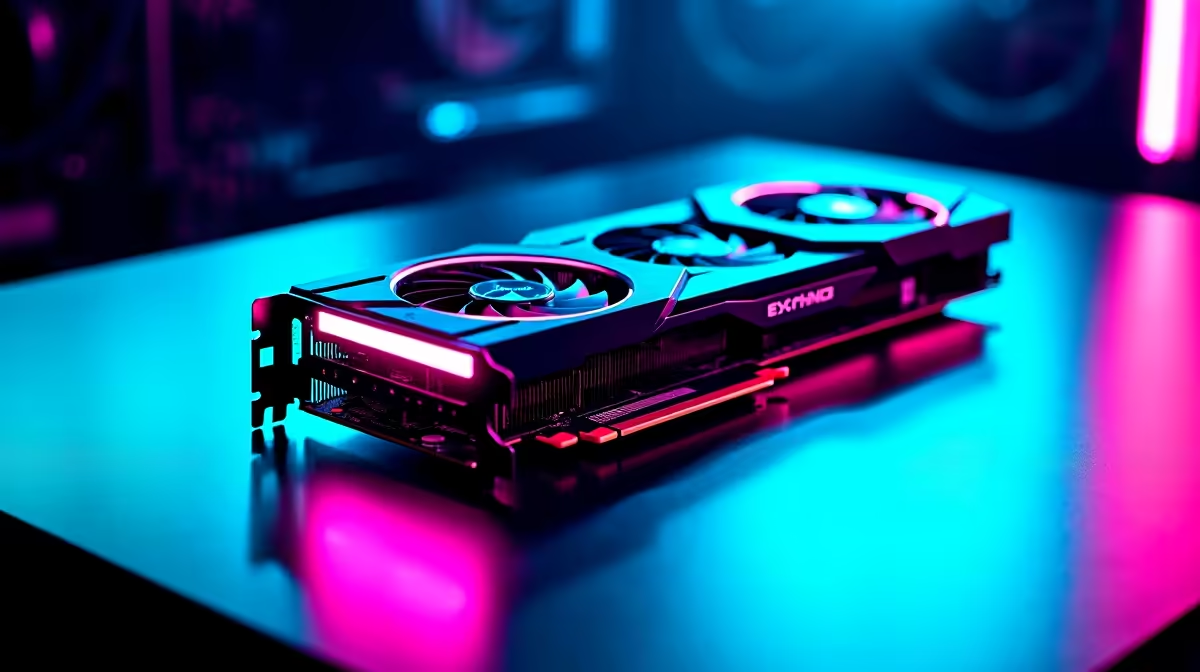
Dropping into the island with frame drops is a quick way back to the lobby. For South African gamers, ping is already a battle... your hardware should not be. If you want to know how to optimize RTX 5060 Ti for Fortnite, you are in the right place. Let us squeeze every frame out of this beast to ensure your next Victory Royale is buttery smooth.
Best In-Game Settings to Optimise RTX 5060 Ti
The RTX 5060 Ti packs serious graphical punch. But maxing out every slider is not the play for competitive shooters. You want high frame rates and absolute clarity.
Start by setting your rendering mode to Performance. This strips away unnecessary visual clutter. Next, keep View Distance on Epic. You need to spot enemies across the map. Drop Shadows and Effects to Low. If you are still running an older GPU, browsing the latest graphics cards is your best first step.
Leverage DLSS and Nvidia Reflex ⚡
Nvidia packed incredible AI tech into the 50-series architecture. To truly optimize RTX 5060 Ti for Fortnite, you must enable Nvidia Reflex. Set it to On + Boost. This drastically reduces system latency... a massive advantage when building or editing at close range.
For resolution scaling, leave DLSS on Quality mode. It keeps your game looking crisp while giving your frame rate a healthy bump. Pairing this tech with a high refresh rate monitor is essential. You can find excellent setups in our best gaming PC deals.
Nvidia Control Panel Pro Tip 🔧
Open your Nvidia Control Panel and navigate to Manage 3D Settings. Set Power Management Mode to Prefer Maximum Performance. This stops your RTX 5060 Ti from downclocking during quiet moments in-game, ensuring instant power when a massive build fight breaks out.
Avoid CPU Bottlenecks 🚀
Your graphics card does not work in isolation. Pushing massive frame rates at 1080p puts heavy strain on your processor. If your CPU cannot keep up with the RTX 5060 Ti, you will experience stuttering.
Make sure you have a modern Ryzen 5 or Core i5 at minimum. Upgrading your core components makes a huge difference. If building from scratch sounds stressful, exploring our pre-built PC deals takes the hassle out of upgrading.
Taking High FPS on the Go
Maybe you travel often or need a portable setup for LANs. The mobile variants of these new GPUs are incredibly efficient. You can still optimise RTX 5060 Ti for Fortnite on a laptop by managing thermal profiles.
Keep your fans on performance mode to prevent thermal throttling. If you prefer mobility, checking out the latest notebooks for sale in South Africa is a smart move.
Final Tweaks for Victory ✨
Always keep your graphics drivers updated. Nvidia frequently releases game-ready drivers that improve stability. Turn off background apps like browsers before you ready up. Every megabyte of RAM counts when aiming for a flawless 240Hz experience.
If you want to upgrade your rig without breaking the bank, watch our daily tech specials to save those Rands.
Ready to Dominate the Island?
Tweaking settings is great, but having the right hardware is the ultimate advantage. For maximum power, choice, and value in South Africa, our custom rigs are hard to beat. Explore our massive range of gaming specials and find the perfect RTX-powered machine to conquer your next match.