A productive layout begins with measured equipment, clear inputs and cables that tolerate position changes. Monitor and peripheral placement on a height-adjustable desk should balance total load and use actual worktop measurements.
Quick Answer
Position heavy monitors and the PC within the A4 Pro's 125kg total, distribute them over the solid core and preserve cable slack through every stored height.
Base monitor placement on measured space and mount needs, with controls kept in a reachable zone. The A4 Pro allows 125kg overall and supplies a broad mousepad plus separate drink and headset supports. Verify worktop dimensions and moving cable paths before finalising screens.
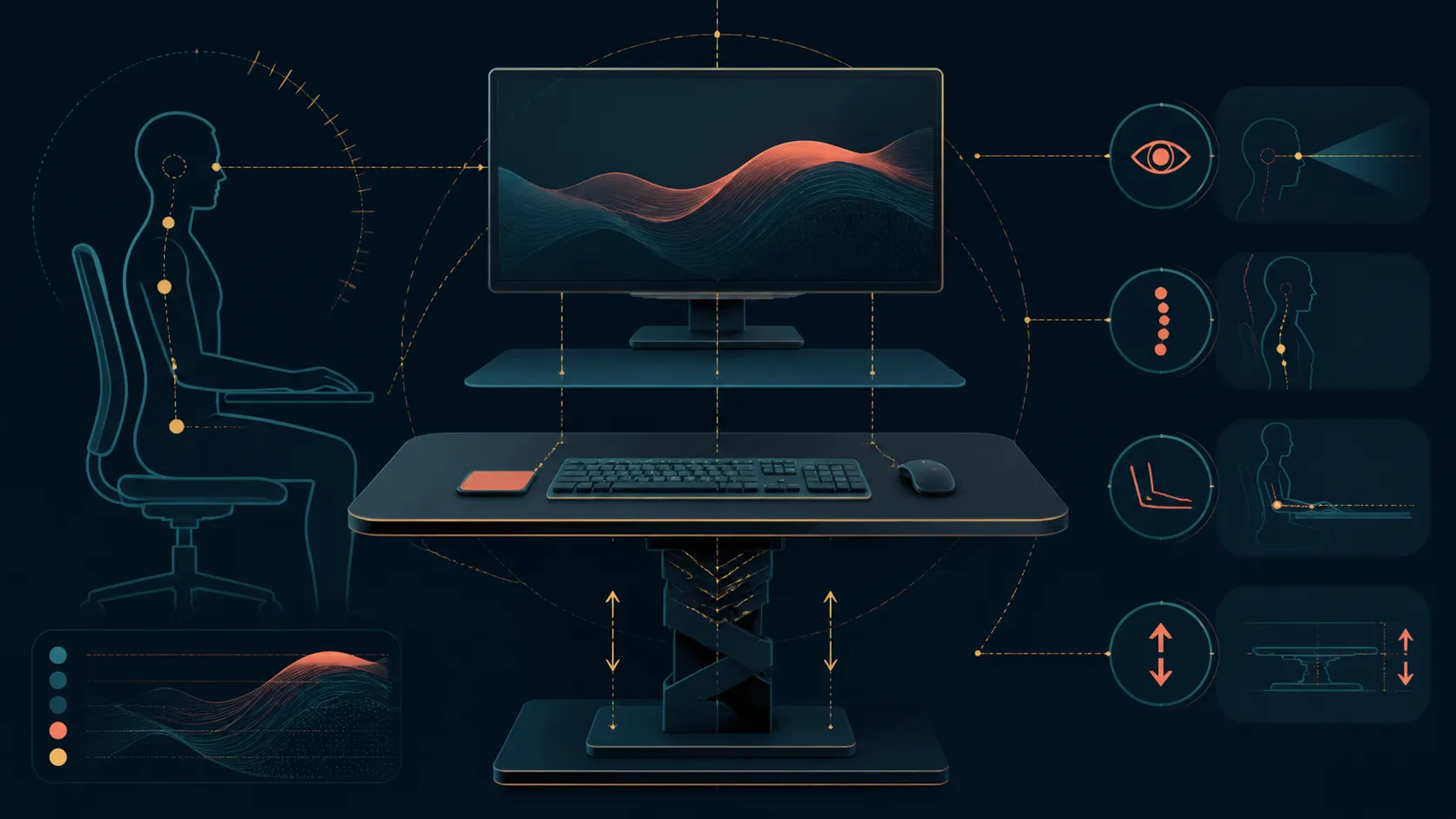
🖥️ Map the display footprint
Record each screen's dimensions, stand or arm, and connection direction. Draw the proposed arrangement rather than using monitor count as a shortcut. Two large displays can demand a different surface from several compact ones.
The A4 Pro's capacity cannot prove spatial fit. Review Evetech's gaming desk selection only after the intended layout has measurements.
⚖️ Calculate supported weight
Add screens, arms, the computer, speakers, controls and accessories. Everything carried by the desk belongs under the 125kg total. Follow mounting guidance and avoid assuming any distribution solely because the sum is below the limit.
Malaysian Albizia sits within the solid-wood top, while carbon fibre forms its working exterior. This cannot automatically approve each clamp or attachment position.
🎮 Reserve input zones
Reserve the desk-spanning mousepad for keyboard and pointer travel, positioning other controls within reach. Move audio gear onto its headset support and place the drink in the separate cup fixture.
Browse Evetech's gaming accessories page to identify peripherals still needing surface space or a connection.
↕️ Test every used height
Precision height adjustment changes the relationship between desktop devices and fixed outlets. Observe signal and power leads across the positions used, avoiding tension or obstruction. No single-height cable check is enough.
Keep the 15W charging area available for a compatible phone. At R10,399, the A4 Pro offers useful layout features, but exact monitor placement still belongs to the buyer's measured plan.
Check viewing and reach needs without assigning universal distances. Each user, display and input arrangement differs, so use the equipment's own adjustment guidance and the owner's comfortable working positions. The desk's precision movement helps revisit height, not decide screen geometry automatically.
Keep frequently changed peripherals near accessible connections. A controller that moves between systems should not require dismantling a monitor route, while permanent devices can occupy less convenient cable paths if their guidance permits.
Photograph the final arrangement at the main positions. When a new screen or arm arrives, the record exposes how weight, space and cable freedom would change before hardware is moved.
Check the phone area at the same time. A charging pad that becomes buried beneath a peripheral is present but no longer convenient, so surface access belongs in the finished layout review.
Repeat the reach check for every regular user, since one arrangement may not suit different positions or task habits.
Save each user's preferred layout separately for later reference.
Start with the primary screen centred to the normal seat, then place secondary panels so arms do not collide during 710-1170mm movement. Keep the mousepad, charging area, cup holder and headset stand usable without crossing cables. Save seated and standing positions only after sightline and reach feel comfortable. The desk's precision control can repeat a good layout but cannot create one automatically.
Save the final screen layout only after checking seated and standing eye lines. A monitor that looks centred at one height can feel too low or force neck movement at another, especially when an arm has limited vertical travel.
Frequently Asked Questions
What should guide monitor placement first?
Use the displays' real dimensions, stands or arms, connection routes and the measured worktop area rather than screen count.
How much load can the A4 Pro carry?
The total desktop rating is 125kg across monitors, mounts, computer equipment, inputs and all other supported items.
Should cables be checked at one height only?
No. Inspect power and signal routes throughout every working position used by the owner.
Where should the mouse and keyboard sit?
Place them within the full-coverage mousepad zone where both inputs remain accessible for the intended tasks.
How can a headset stay off the desktop?
Use the included headset stand to assign audio gear a defined location beside the central work area.
Can a phone use the desktop charging point?
The built-in charging point offers 15W wirelessly when the chosen handset and its case are suitable.
Does monitor count prove the load is safe?
It does not; screen weight, arms and the rest of the equipment determine the combined supported total.
Ready to position screens from measurements rather than assumptions?
Explore Evetech's gaming desks after drawing the display footprint, adding every supported weight and testing moving cable routes.