Accidental inputs are best prevented before the first round, while the control state can still be checked calmly. A fightstick key lock for accidental presses works as part of a routine: configure, establish a baseline, engage the lock and retest.
Quick Answer
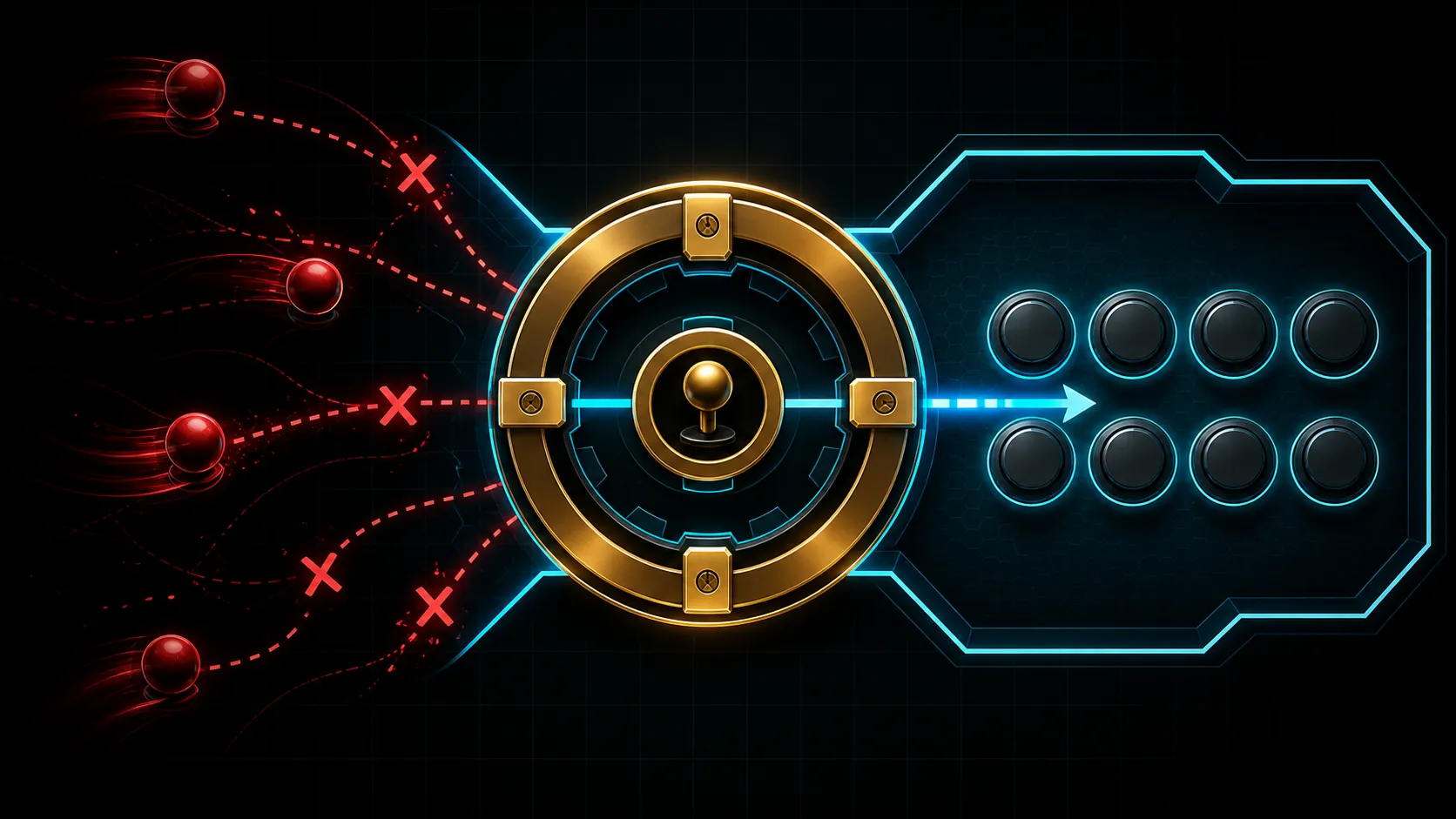
Activate the C2 key lock after configuration to disable function controls and prevent stray presses from changing the setup.
Set the intended mapping and directional function, then activate the GameSir C2 key lock and check every relevant input. The R1,799 fightstick includes a dedicated lock button. Verify what changes instead of assuming the switch blocks every possible press.
🧠 Remove setup errors before using the lock
Connect the C2 to one of its supported systems: PS4, Xbox One or PC. Confirm that the platform recognises it, then run a normal lever and action-button test. A key lock cannot correct a console mismatch or a bad game mapping.
Keep the selected directional function stable during this process. The C2 includes a multi-functional toggle, but its exact modes require product-specific confirmation. Direction uncertainty can look like a lock problem when two settings change together.
Compare controllers by system and layout through Evetech's gaming-controller range before building a shared play station.
🔐 Create a before-and-after input list
Write a short checklist of controls that respond before the lock is engaged. Press the C2 lock button, repeat that exact list and note the difference. This observation establishes what the configured unit is doing more reliably than the button's position alone.
If an essential action becomes unavailable, return to the unlocked baseline and check the correct operating instructions. Do not compensate by remapping several game commands until the lock's intended scope is understood.
🥊 Test hand placement under realistic movement
After the lock state behaves as expected, practise a short sequence at normal hand speed. Notice whether the player's palm or fingers travel near controls that should remain untouched. Adjust position and posture without altering the verified configuration.
The lock can reduce unwanted control activity within its function, but no hardware feature can promise zero accidental inputs. Technique, surface stability and familiarity still shape the result. Likewise, tournament acceptance must come from an organiser's rules rather than from the presence of this button.
Evetech's gaming-accessory selection can support storage and play-area organisation after the controller state is known.
🔁 Make verification a short session habit
Use the same order every time: platform recognition, direction check, actions, lock engagement, locked-state retest. A concise routine protects against a fightstick arriving at play in a different state from the previous session.
If the controller is shared, disengage the lock and reset the baseline for the next person. Each player should understand the intended active and restricted controls rather than inheriting someone else's unexplained state.
For local multiplayer, assign one person to call the readiness steps while the player performs them. A spoken "recognised, mapped, direction checked, lock checked" sequence is quick and reveals skipped stages. It also keeps a teammate from pressing extra controls during the test, which could make the locked-state comparison look inconsistent when the procedure was the real problem.
Reset that spoken checklist whenever the C2 moves to another supported platform, because recognition and software mapping may no longer match the previous station.
The lock is particularly useful during transport and mid-match movement on a lap. Test which controls stop responding, then leave the Sanwa action buttons and lever available for normal play. It protects settings rather than serving as a universal button lock.
A short pre-match lock test is enough; repeated switching can create the very confusion the feature is meant to prevent.
Frequently Asked Questions
Why test inputs before pressing the lock button?
The unlocked results form a control group. Without them, it is difficult to distinguish a lock effect from an existing mapping or recognition problem.
Does the C2 key lock block every button?
No exact restricted-control list should be presumed. Follow the model instructions and compare the configured fightstick in both states.
Can the feature prevent all accidental movement?
It can limit the functions it is designed to control, but hand placement and player technique still matter. Treat it as one protective layer.
Is the lock enough for tournament acceptance?
No. Event organisers set controller policies, and their current rules must be checked separately from the C2 feature list.
Should the directional selector be moved during lock testing?
Keep it fixed. Changing direction mode and lock state together makes the observed difference impossible to attribute cleanly.
What is the cost of this lock-equipped fightstick?
The GameSir C2 is R1,799. Its key lock belongs to a wider package that also covers three platforms and an arcade layout.
Ready to reduce avoidable setup inputs?
Compare Evetech's fightstick and controller options, then organise the play area around a tested pre-session routine.