Quick Answer
Resetting an HP Victus to factory settings is done through the built-in HP Recovery Manager or Windows 11's 'Reset this PC' option in Settings. Back up your files first, plug into mains power, and choose 'Remove everything' for a clean factory state.
Why Reset an HP Victus in the First Place
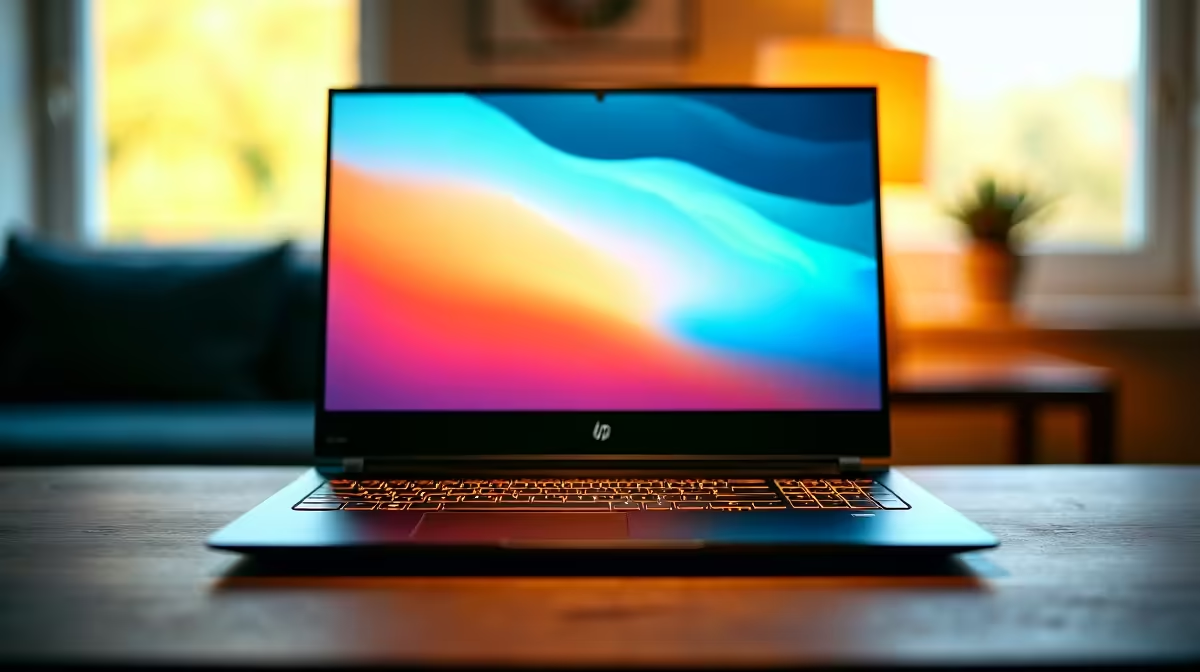
A Victus that boots slowly, freezes mid-game, or carries a previous owner's clutter usually responds well to a factory reset. The Victus 15 and 16 ship with HP Recovery built into a hidden partition, so you don't need a Windows USB to wipe and reinstall. SA buyers who picked one up at a Black Friday price under R20,000 often find a reset is faster than chasing individual driver conflicts.
Step-by-Step: Reset Through Windows 11 Settings
Open Settings, go to System, then Recovery. Click 'Reset this PC' and choose 'Remove everything' for a true factory wipe, or 'Keep my files' if you only want a fresh OS layer. Pick 'Cloud download' if your fibre is stable, or 'Local reinstall' if you're on capped data. The process takes around 45 minutes on a Victus with a Gen4 NVMe, and the laptop will reboot a few times before landing on the out-of-box Windows setup.
Using HP Recovery Manager from Boot
If Windows won't load, tap F11 repeatedly as you power on. That brings up the HP Recovery environment where you select 'Troubleshoot' then 'Reset this PC'. This route reinstalls the original HP image including bundled drivers, which is handy because your Victus's RTX 4060 or 4070 Mobile drivers will already be present after the wipe.
Common Mistakes to Avoid
Don't pull the charger mid-reset, a brownout during the wipe can brick the recovery partition. Sign out of your Microsoft account and unlink any OneDrive sync before starting so you don't push deleted local files to the cloud. Check that BitLocker is suspended in Settings, otherwise you'll need the 48-digit recovery key after the reset finishes.
Frequently Asked Questions
How do I reset my HP Victus to factory settings?
Go to Settings, System, Recovery, then click 'Reset this PC' and choose 'Remove everything'. If Windows won't boot, tap F11 during startup to enter HP Recovery and run the reset from there. Always plug into mains power before starting.
Will a factory reset remove the Windows licence on my HP Victus?
No, the Windows 11 Home or Pro digital licence is tied to the motherboard and reactivates automatically once the laptop reconnects to the internet. You won't need to re-enter a key.
Do I need a USB drive or special tools to reset an HP Victus in SA?
Not for a normal reset, the recovery partition handles everything offline. A 32GB USB is only useful if you've deleted that partition or want to create a backup HP recovery drive in case of future SSD failure.