Creating a safe workspace for a high-temperature 3D printer requires the exact machine and material instructions, controlled access and enough room for operation. A nozzle ceiling and build volume identify planning boundaries without defining every safety feature or external dimension.
Quick Answer
A safe Neptune 4 Plus workspace must accommodate its high-temperature 300C nozzle, moving 320 x 320 x 385mm print volume, filament requirements and cooling airflow.
The R7,799 Neptune 4 Plus has a 300C nozzle and 320 x 320 x 385mm build capacity. Place it on a suitable clear surface, confirm external dimensions and clearances, follow the precise ventilation and safety requirements, manage cables and restrict access during operation.
📐 Measure the Operating Zone
Obtain the printer's full exterior dimensions before choosing a bench. Add room for the spool, cables, moving parts, plate removal and maintenance. Printable volume cannot be used as a footprint.
Choose a supporting surface suitable for the complete machine and work. Keep edges, walkways and loose storage away from the operating zone.
Stepper-driven motion is rated below 65dB, while cooling and material processes can add other room noise. Evaluate vibration directly on the intended support surface.
🌡️ Plan Around Heat and Material
The nozzle can reach 300C, so hot areas require controlled access and correct handling. Follow exact cooldown, service and operating instructions rather than relying on the maximum as a normal temperature.
Ventilation and environmental needs depend on the selected material and full process. Identify them before loading a spool.
Review 3D printing filament through Evetech with workspace requirements included.
🚧 Control Access and Cables
Route power and other cables so they cannot be pulled or crossed during plate access. Keep untrained users, loose clothing and unrelated objects outside the active zone.
Confirm model-specific safety features and supervision requirements rather than assuming sensors, enclosure or protections. Klipper and 500mm/s do not answer these installation questions.
Compare machines in Evetech's large 3D printer category with a measured site plan.
📋 Write the Operating Routine
Document material approval, bed preparation, levelling, job start, monitoring, removal, cooldown and shutdown. Follow the exact machine and filament guidance at every step.
Browse FDM 3D printers at Evetech when another capacity or workspace format may fit better.
Rehearse the routine without starting a print. The dry run reveals blocked access and cable problems before heat or motion is introduced. Update the workspace whenever the material or process changes.
Assign responsibilities for setup, monitoring, removal, maintenance and shutdown. Shared equipment becomes safer to manage when every stage has an owner and an approved handover rather than an assumption that somebody else is watching.
Define emergency and incident procedures for the actual site and machine before operation. Review access after adding shelves, tools or another printer because a once-clear route can become obstructed as the workspace grows.
Audit the area periodically with the printer idle. Confirm that nearby storage has not migrated into required operating clearance, labels remain readable and approved materials still follow their handling route. A workspace is a maintained system rather than a one-time placement decision.
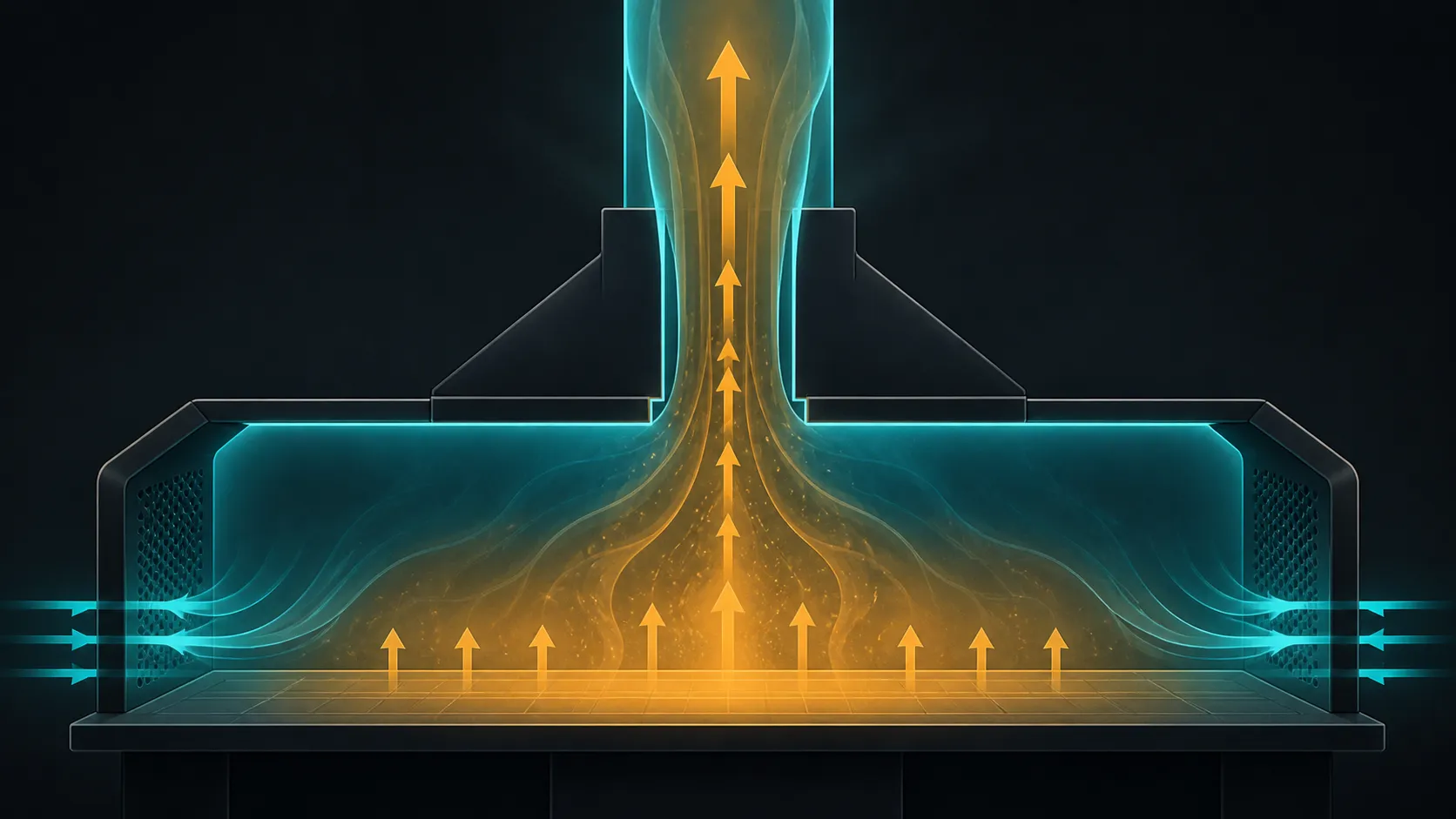
Place the printer on a rigid clear surface, keep the rear 6025 blowers unobstructed and route Ethernet, USB or power away from motion. ABS, ASA and nylon can require more environmental control than PLA. Follow the exact material guidance instead of treating the open machine's sub-65dB operation as a safety rating.
The printer's under-65dB motion rating describes operation, not fume control. Keep flammable items away from the hot end and bed, preserve access to power, and supervise initial layers according to the material and site policy. Network control should not become a reason to ignore the machine during critical setup.
Frequently Asked Questions
What workspace basics should come first?
Use a suitable support, measure the complete operating zone, control access and route cables away from moving work.
Why does the nozzle temperature matter?
The 300C ceiling establishes a significant heat boundary requiring exact handling, material and cooldown procedures.
Can build volume determine the required desk size?
No. Obtain the printer's exterior dimensions and add spool, movement, service and plate-removal clearance.
Are safety sensors or enclosure features included?
Confirm safety equipment on the exact machine rather than inferring sensors or enclosure from other specifications.
Should access around the printer be controlled?
Yes. Keep the active area clear and restrict access under the machine, material and workspace procedure.
Does the speed rating change workspace planning?
It reinforces the need for suitable support and clearance but does not define exterior footprint or complete installation rules; motion itself is rated below 65dB.
What price belongs to this high-temperature example?
The Neptune 4 Plus costs R7,799 with its 320 x 320 x 385mm volume, Klipper, automatic levelling and direct-drive extrusion.
Planning the operating zone before the printer arrives?
Compare high-temperature 3D printers at Evetech with machine dimensions, material requirements and supervised workflow still visible.