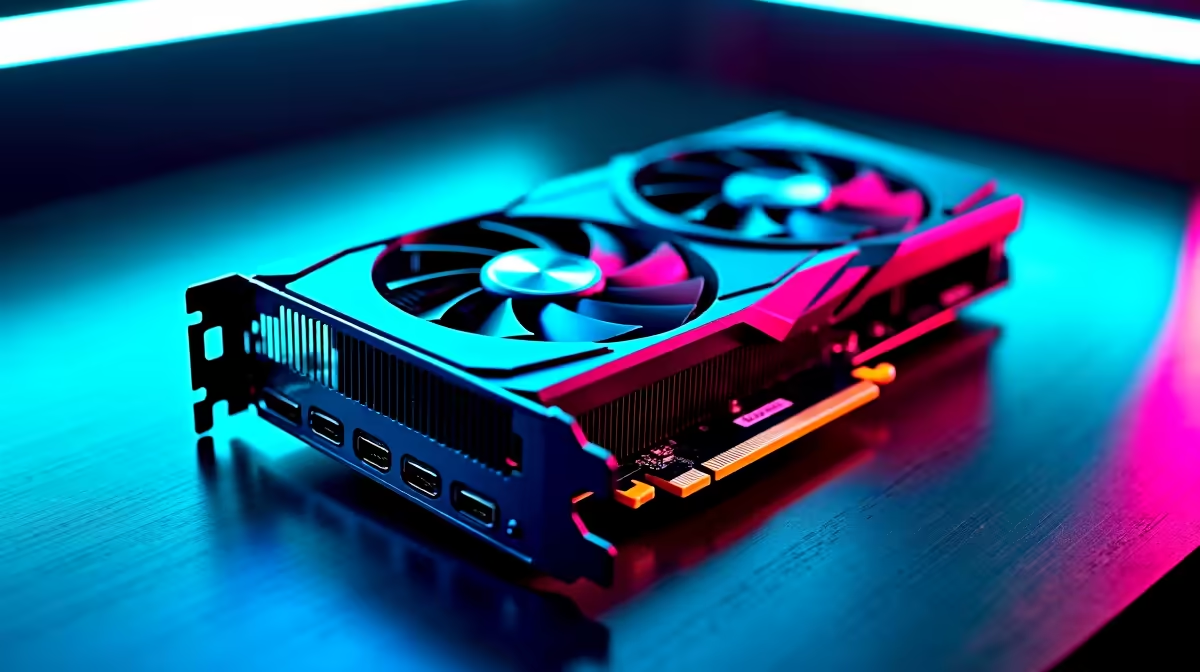
You just dropped some serious ZAR on a shiny new GPU. But plugging it in is only half the battle. If you want maximum frame rates and zero stuttering, you need the latest software. Learning how to update RTX 4070 Super drivers in South Africa is essential for peak performance. Let us walk you through the easiest ways to keep your rig running perfectly. 🚀
Why Keeping Your GPU Updated Matters
Nvidia constantly tweaks their software to squeeze out more power. An outdated driver can cause crashes or terrible frame pacing. Whether you are playing the latest AAA title or grinding competitive shooters, fresh drivers ensure stability. Still hunting for the perfect upgrade? Explore our massive range of graphics cards for sale to find your match.
The Easiest Method... Use the App
The simplest way to update RTX 4070 Super drivers is through the official Nvidia app. Previously known as GeForce Experience, the new Nvidia App streamlines everything. Just download it, log in, and click the drivers tab. It will automatically detect your hardware and fetch the right files. We recommend this exact method for anyone picking up one of our best gaming PC deals right now.
Clean Install Tip 🔧
Always select the 'Custom Installation' option and check the 'Perform a clean installation' box. This wipes old driver profiles and prevents annoying software conflicts down the line.
Manual Downloads for Ultimate Control
Sometimes you want to skip the extra software. You can head straight to the Nvidia website to grab the driver package manually. Select your exact GPU model and Windows version. This is a great habit to build if you prefer keeping your system lean and fast. We actually configure our pre-built PCs with clean driver installs before they ship.
The same logic applies if you are gaming on the go with high-performance laptops. Just make sure you select the notebook version of the driver if you are on a mobile device.
Avoiding Update Hiccups in South Africa
We all know the pain of internet dropping mid-download. A corrupted driver file will ruin your evening. Always ensure you have a stable connection before starting the 600MB download. Is your current setup struggling with modern demands? It might be time for a broader hardware refresh. Keep an eye on our daily specials for incredible savings on top-tier gear. ⚡
Ready to Dominate Your Games?
Now that your drivers are fully updated, your PC is ready for anything. If you are looking to push your frame rates even higher in South Africa, we have the hardware you need. Explore our incredible Evetech specials and find the perfect upgrade to conquer your world.