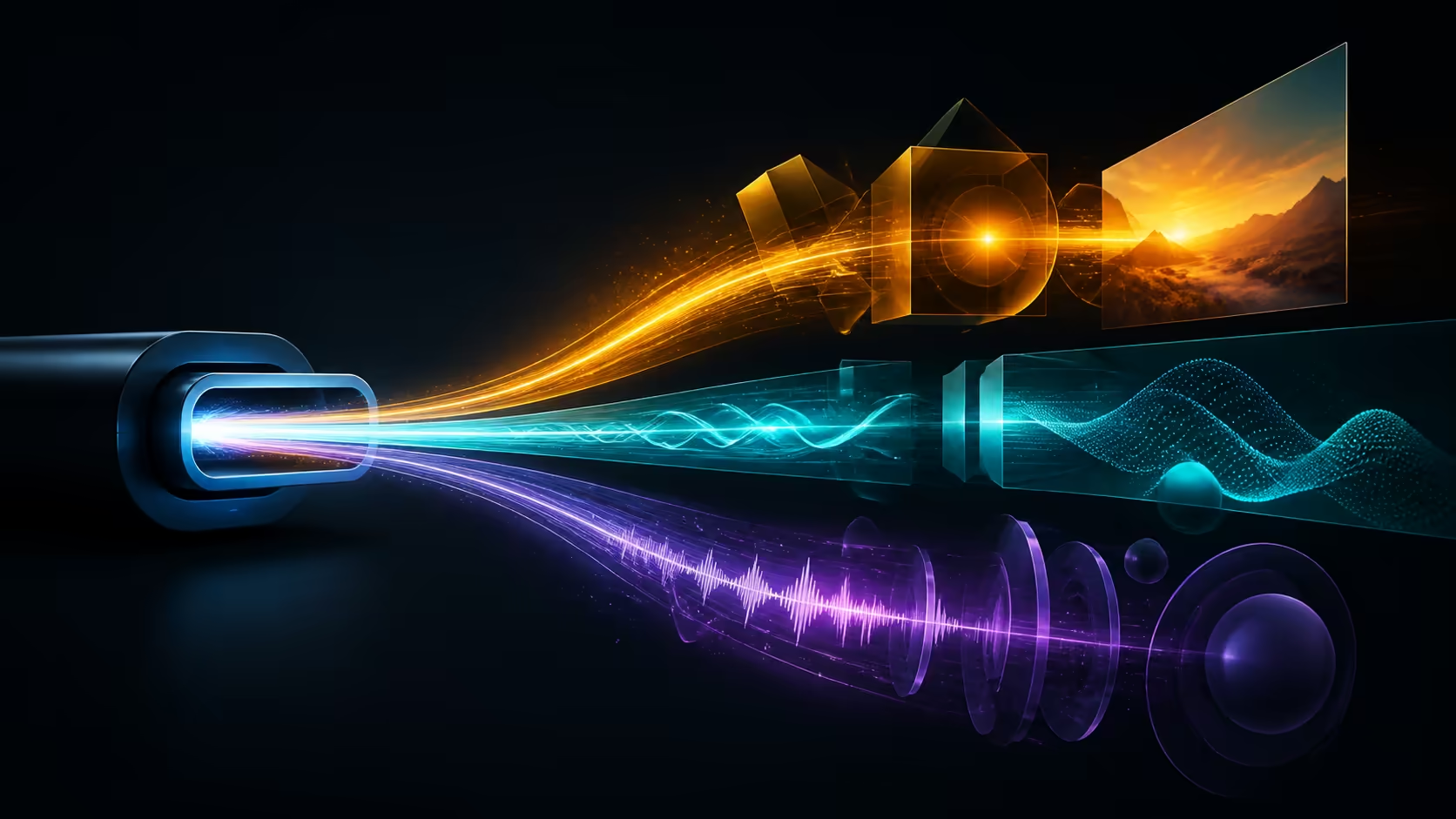
One USB-C lead can simplify a mobile desk only when all three jobs arrive together: power, picture and audio data. A single-cable portable monitor connection therefore needs an end-to-end test, not just a matching plug. At R7,199, the UPERFECT UColor O2 is designed for that combined route.
Quick Answer
Single-cable operation works when a full-featured USB-C host can provide display signal, audio and sufficient power; otherwise the OLED monitor needs external power.
The UColor O2 combines three functions on its single USB-C route: panel power, image data and audio data. Connect directly to the host, establish the 2880x1800 picture, select the intended sound destination and apply 120Hz last. At R7,199, the monitor still depends on the exact laptop port and cable for a successful one-lead arrangement.
🧭 Map what crosses the cable
Write three separate pass conditions. Power should keep the display operating through the session. Video should remain stable at the chosen resolution and refresh setting. Audio data should appear on the intended playback path, without assuming a particular speaker arrangement from the word audio.
Run those checks with no dock in between. If only one function fails, changing the entire setup hides the cause. A direct baseline gives every later accessory a known comparison.
Explore other portable screens at Evetech after defining the same three connection jobs.
🧭 Qualify the host and lead
USB-C describes a connector family, not an identical feature set on every computer or cable. Identify the port intended for external display use and test a cable suited to the complete path. Avoid inferring support from charging alone; power delivery does not prove that video is present.
Label the successful lead and keep its role clear. A visually similar replacement can change behaviour, so record any swap before troubleshooting Windows or the panel.
🧭 Add the 3K and 120Hz load
Once the basic connection works, choose the UColor O2's 2880x1800 native resolution. Set readable scaling on its 16-inch OLED surface, then try 120Hz. Check that the combined state survives a restart, sleep and reconnection.
If the picture becomes unstable, step back to the last known configuration before replacing components. Exact bandwidth outcomes depend on the host and cable, so diagnose the path rather than promising a result for every device.
🧭 Rehearse the mobile routine
Disconnect and pack the 6.5mm monitor with the tested lead. At the destination, rebuild the route without consulting memory and measure the interval from unpacking to a usable desktop. This reveals whether single-cable convenience survives actual travel.
Compare fixed alternatives through the Evetech PC-monitor selection when portability is not essential. A permanent desk may value a different connection plan.
Measure whether one cable stays stable
Use the monitor through a complete work block rather than a quick desktop check. Open moving content, transfer attention between applications and route audio as it will be used. Record any brief blanking, power interruption or output change. Then disconnect and reconnect once, confirming the three functions return in the same order.
A cable route earns convenience only when it remains predictable under normal use. An intermittent lead can be more disruptive than a deliberately separate power and video arrangement.
Create a two-cable fallback plan
Single-cable operation is the preferred product path, but deadline work benefits from a known recovery option. Identify the shortest alternative that the actual host and monitor support, and test it before travel. Keep that equipment outside the value score unless the preferred route genuinely needs it.
Write the fallback in plain language: which port, which lead and which display selection. A rehearsed option prevents random adapters from entering the chain when the main cable is damaged or misplaced.
The connection feeds a 16-inch 3K 120Hz panel, so the cable and source must negotiate more than a basic image. Test native 2880x1800 and audio first, then select the higher refresh. If the screen resets, dims or disconnects, keep USB-C for signal and add power rather than assuming the monitor is incompatible. The same unit also offers Mini HDMI for devices using a dedicated video output.
Frequently Asked Questions
Can one USB-C cable really carry three functions?
Yes, the UColor O2 supports a single-cable power, audio and video route. The attached host and lead must support the required path.
Does USB-C charging prove video support?
No. A port can perform one role without every other USB-C capability. Test external video directly.
Should audio be tested before 120Hz?
Test the basic picture and intended audio route first. Add 120Hz afterward so a failure has fewer possible causes.
Why label the working cable?
Similar-looking leads can behave differently. A labelled baseline makes later replacement or dock troubleshooting much clearer.
Ready to reduce a portable desk to one tested cable?
Compare Evetech monitor options with the exact host, power, picture and audio requirements for your mobile setup.