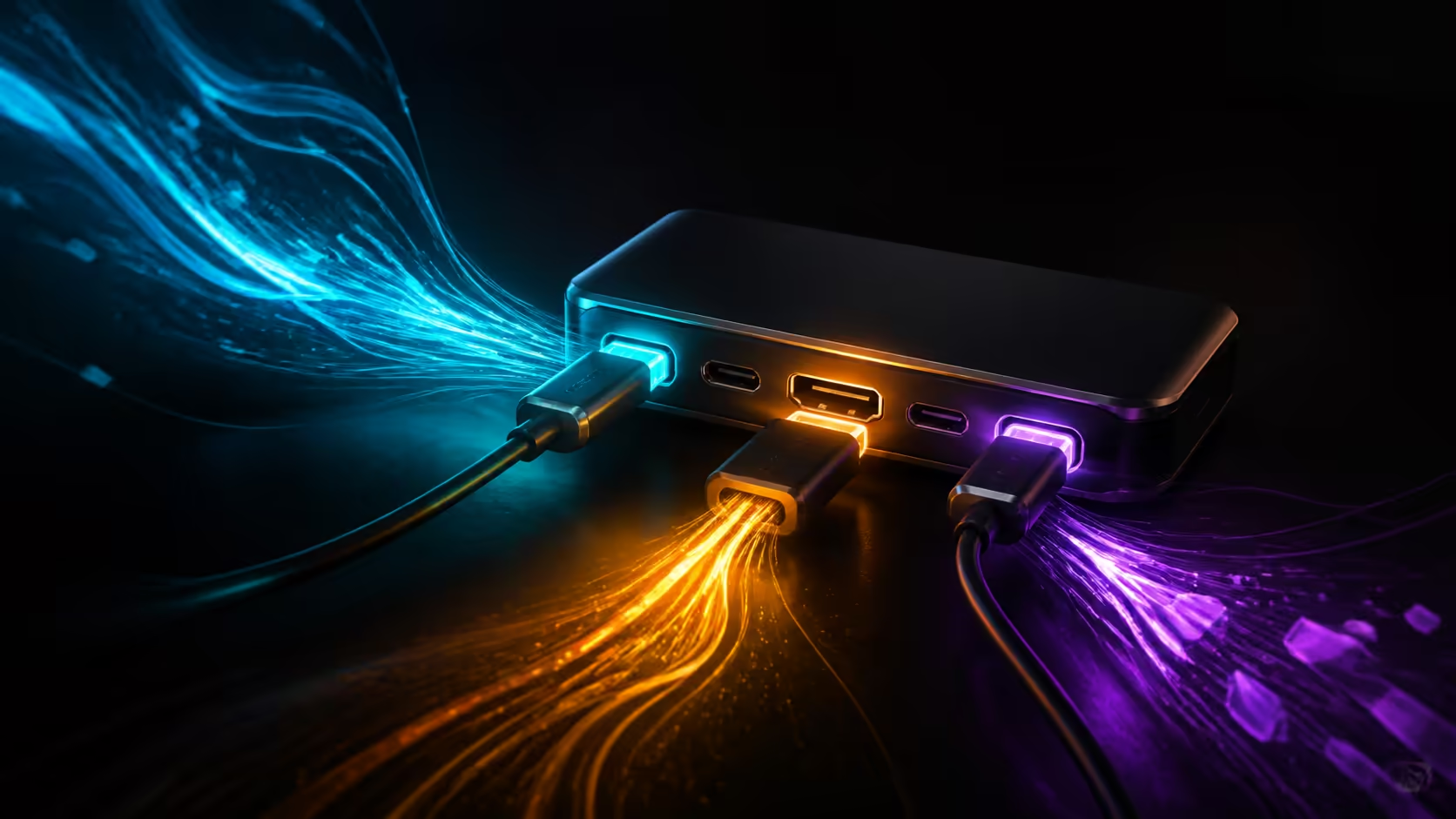
Port count becomes valuable when it removes a daily adaptor shuffle. Three USB-C ports and HDMI on a slim 14-inch laptop could support charging, displays and fast accessories cleanly, but usefulness depends on the capabilities behind each socket and the equipment already on the desk.
Quick Answer
Three capable USB-C connections can separate power, display and high-speed data, while HDMI offers a familiar direct monitor or projector route. The arrangement is most useful for people moving between mobile and desk setups. Use MSI's Modern 14S AI+ G3MG, priced at R29,199, as the compact performance reference. It carries Core Ultra 7 355, a 1TB SSD and 32GB RAM; value port layouts by the jobs they enable.
🔌 Multiple USB-C sockets reduce competition
One connector might carry the charger, another a dock, and a third an external SSD or phone. Separating these loads can reduce hub congestion and make troubleshooting easier. Placement also matters: ports on both sides let the charging cable approach from different desks and prevent all adaptors from colliding in one area.
USB-C is a physical shape rather than a complete capability statement. Data rate, video output and power delivery can differ by connection. A well-designed three-port layout is far more useful than three identical-looking sockets with limited roles.
🖥️ HDMI remains convenient in shared spaces
HDMI is widely used on monitors, televisions and presentation equipment. A direct port can eliminate an adaptor and provide a simple fallback when a USB-C dock is occupied. Cable and output capability still shape the maximum resolution and refresh combination.
For a regular desk, decide whether the monitor should use HDMI directly or travel through a dock. Direct video can leave USB-C bandwidth free for storage and network traffic. A dock can make arrival quicker when one cable handles several devices.
Evetech's AI laptop finder helps compare portable systems by task, while the Intel laptop category provides a broad view of processor, memory and storage options.
🧳 Port usefulness changes on the road
At home, a hub can expand one capable connection. In a meeting room, a direct HDMI output and an open charging socket can be more valuable than a complex dock left behind. A third USB-C route can support external storage or a presentation remote without disconnecting power.
Map a normal travel session before buying accessories. Include the charger, display cable and any device that transfers large files. The goal is not to fill every socket, but to avoid one critical connection blocking another.
The R29,199 MSI reference has a 14-inch-class body with 32GB RAM for substantial mobile productivity. A 1TB SSD holds files and Core Ultra 7 355 runs the applications. The ideal connector mix should shorten the transition into each workspace.
⚙️ Build a clean desk topology
Reserve the most capable route for the highest-demand device. Put keyboard and mouse on a hub, keep a fast SSD direct where possible, and ensure the charger supplies enough power through the chosen chain. Test sleep and wake several times because connection negotiation is part of daily reliability.
Label cables by job and length. A drawer of visually identical USB-C leads can waste the advantage of a generous port layout if only one carries the required video or data mode.
A port plan should include failure recovery. Keep one display route that bypasses the hub and a charger path that does not depend on an adaptor. These alternatives are useful during a presentation or deadline and help isolate the source of a connection issue later.
Consider mechanical load as well. Wide adaptors can block neighbouring sockets, and a heavy hub can pull on a side-mounted connection. Short extension leads or a desk-supported dock can preserve access and reduce strain without changing the electronic capability.
Frequently Asked Questions
Are three USB-C ports automatically identical?
No. They can support different combinations of data, video and charging. The physical connector does not define every function.
Is HDMI better than USB-C for a monitor?
Neither is universally better. Use the path that supports the desired display mode while leaving enough data and power capacity for other devices.
Can one USB-C port run a complete desk?
It can through a suitable dock, but all traffic shares an upstream route. Multiple ports can separate demanding devices and simplify diagnosis.
Why does port position matter?
Connections on both sides improve cable routing and reduce strain. Closely packed sockets can also block neighbours when adaptors are wide.
What role does the R29,199 MSI play here?
It anchors the compact-system comparison through Core Ultra 7 355 and a 14-inch-class body. Memory capacity is 32GB and storage is 1TB. Port needs should be mapped from the desk separately.
Ready to stop rearranging cables every time the workspace changes?
Compare Evetech laptops with a connection map in hand, then choose a port layout that gives power, video and high-speed devices their own sensible routes.