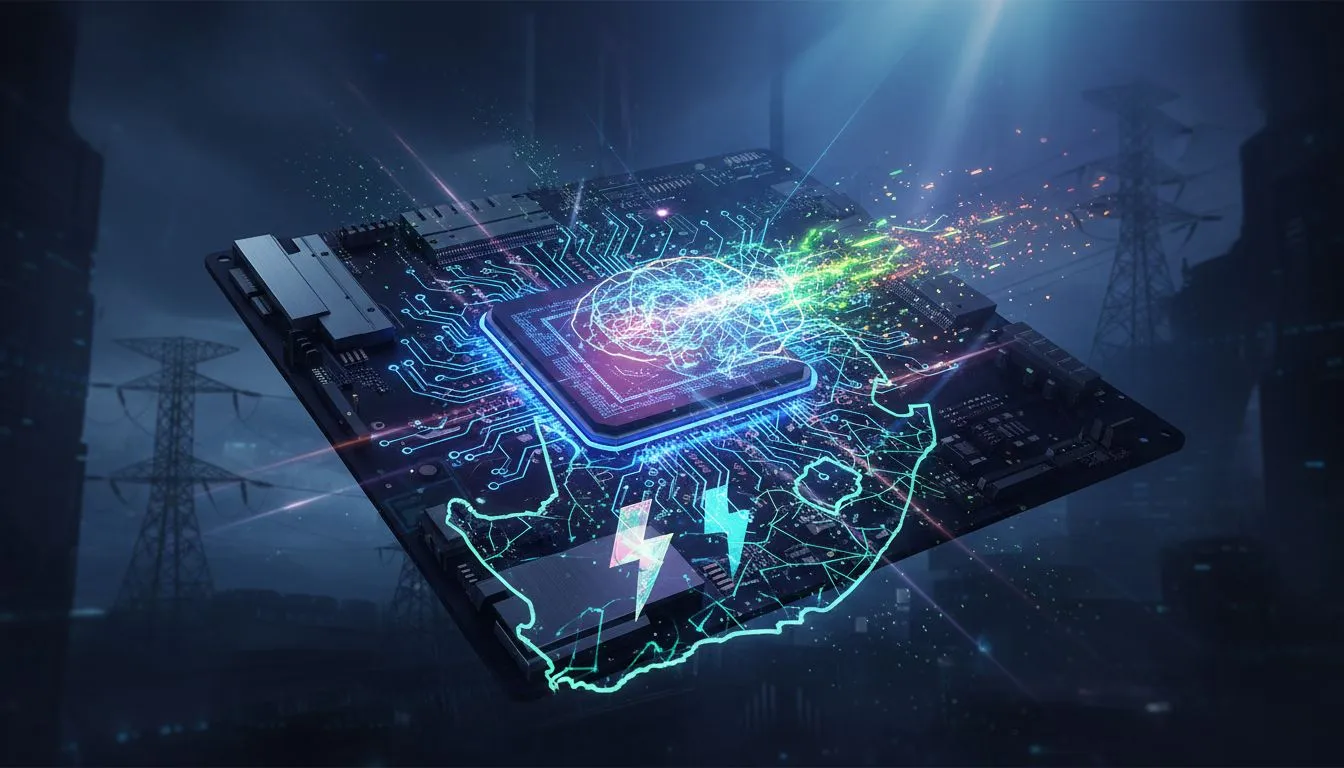
Loadshedding hitting you mid-match is a uniquely South African kind of pain. One moment you're about to clutch the round, the next... silence. While we can't stop the power cuts, you can make your PC more resilient. Smart Intel motherboard power management is your secret weapon, a simple way to protect your hardware from the chaos. It’s about more than just saving power; it’s about stability when the grid is anything but.
Understanding Your Intel Motherboard's Power Management
So, what exactly are these power settings hiding in your BIOS/UEFI? Think of them as the brain of your PC's power usage. They control how much electricity your CPU and other components draw, both when you're gaming and when the machine is idle. Proper Intel motherboard power management helps prevent damage from the sudden surges that often happen when power returns, creating a more stable environment for your precious components.
These features aren't just for high-end rigs; whether you're browsing for cheap Intel and AMD based motherboards or a top-tier model, understanding these settings is crucial for PC longevity in South Africa.
Essential Power Management Tweaks for Loadshedding 🔧
Diving into the BIOS can seem intimidating, but a few small changes can make a huge difference. You don't need to be a pro overclocker to optimise your system for loadshedding. These settings are usually found under an "Advanced" or "Power Management" tab in your BIOS/UEFI.
Enable CPU C-States
C-states are "sleep states" for your processor. When your CPU isn't working hard, C-states allow it to enter a low-power mode, reducing electricity consumption and heat. Enabling them (especially "C6/C7 states") is a great way to lower your PC's idle power draw. Why does this matter for loadshedding? A cooler, less power-hungry system is less stressed when the power suddenly cuts or returns. You'll find these options on virtually all modern Intel motherboards, making it an easy first step.
The Ultimate Defence: Get a UPS! ⚡
While these BIOS settings are fantastic for managing power and preventing damage from surges, they can't save your game during a sudden outage. A good Uninterruptible Power Supply (UPS) is your best friend. It gives you a crucial window to save your progress, close applications safely, and shut down your PC properly, protecting your hardware and your high score.
Set "Restore on AC Power Loss" to Off
This is arguably the most important setting for loadshedding. It determines what your PC does when power is restored after an outage. The default is often "Last State" or "Power On," which means your PC will try to boot up the second the electricity comes back. This is risky, as that initial current can be unstable.
By setting it to "Power Off," you ensure your PC stays off until you physically press the power button. This gives the grid a moment to stabilise and protects your components from a potentially damaging power surge. While the exact wording might differ, similar protective logic can be applied on most AMD motherboards as well.
Taking a few minutes to configure your Intel motherboard power management settings is a proactive step every South African PC owner should take. It’s a free, simple way to add a layer of protection to the machine you've invested your time and money in. 🤔
Ready to Build a Loadshedding-Proof Rig? 🛡️
A stable motherboard is the foundation of any reliable gaming PC. Proper Intel motherboard power management, paired with the right hardware, can make all the difference. Explore our full range of PC components and build a machine that's ready for anything Eskom throws at it.