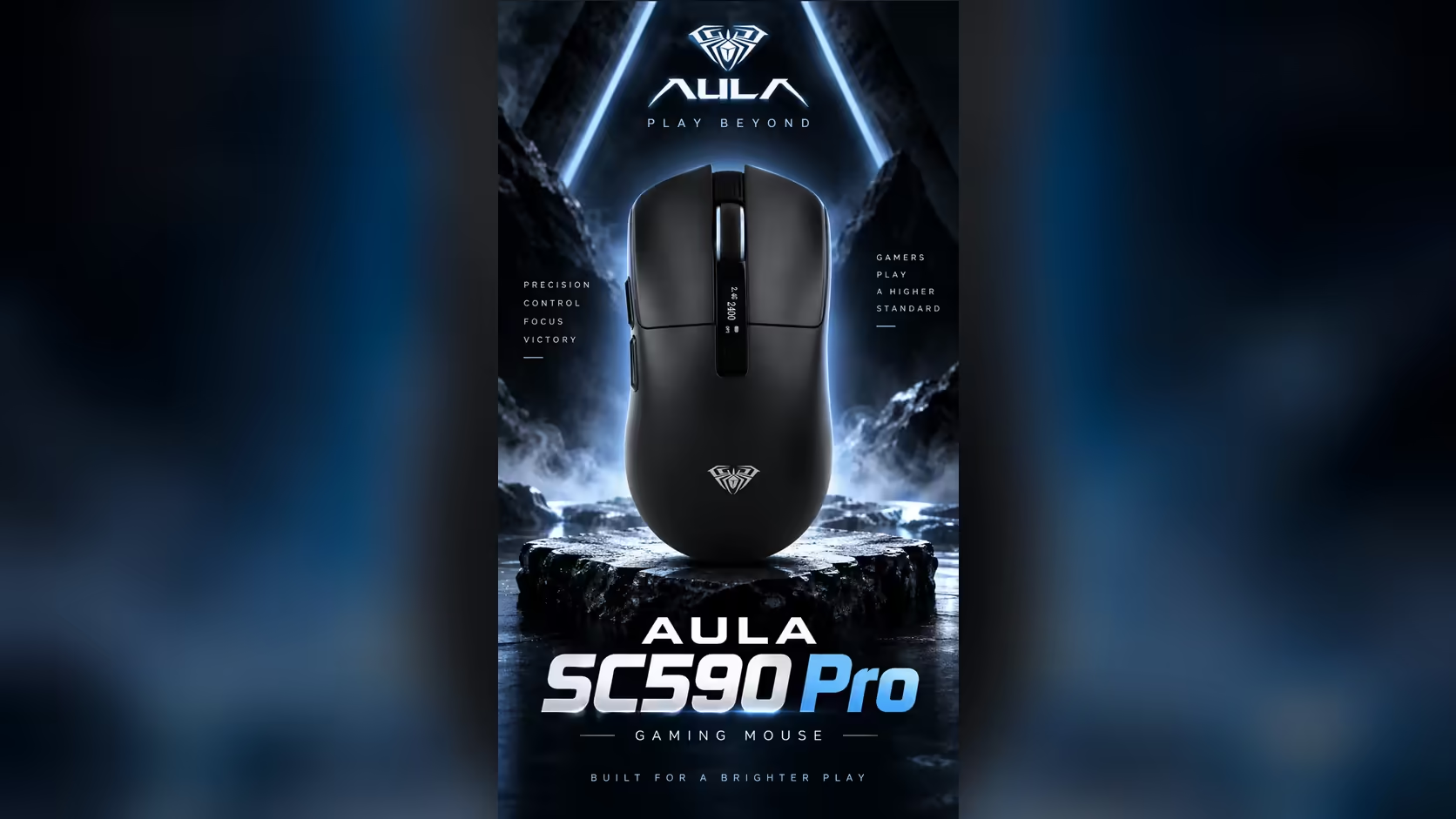
Polling rates on gaming mice keep climbing, and it is easy to assume that a mouse at 1000Hz is somehow behind. For office work and casual gaming, it is not. The AULA SC590 Pro reports its position every millisecond, and that is more than enough for everything most people do. Here is why 1000Hz polling is still a sensible standard, and who actually benefits from going higher.
Quick Answer
Yes. At 1000Hz the AULA SC590 Pro reports its position to the PC every millisecond, which is plenty for office work and casual games. Higher rates mainly matter to competitive players on high refresh rate monitors. The SC590 Pro, which Evetech sells for R319, adds six DPI levels up to 20,000 and a built-in display showing battery, DPI and connection mode.
⏱️ What every millisecond looks like
Think of polling as a status report the mouse sends to the computer. At 1000Hz that is 1000 updates a second, or one every millisecond. On a typical 60Hz or 144Hz monitor, the screen refreshes far less often than the mouse reports, so the cursor always has fresh data to draw.
In practice, you will not feel any delay at 1000Hz while scrolling documents, dragging windows, editing photos or playing most games. The movement is smooth and immediate.
Who benefits from more?
Rates above 1000Hz shorten the gap between updates further. Competitive players on very high refresh rate monitors are the group most likely to notice, and even then the difference is subtle. Higher polling also tends to ask more of the PC and the battery. For office desks and casual gaming, the extra headroom rarely pays off.
💼 Office work on the SC590 Pro
The right connection
For a work laptop, Bluetooth leaves the USB ports free. For a desktop, the 2.4GHz dongle is the reliable everyday link. A USB-C cable is the third option, and it is also how the mouse charges. The display shows which mode is active.
Beyond a basic office mouse
A basic office mouse gives you two buttons and a wheel. The SC590 Pro adds six physical buttons, six DPI levels from 1200 to 20,000, and a display that shows the exact battery level. That last one alone saves a lot of "why did my mouse die?" moments.
🎮 Casual gaming on the same mouse
The PAW3311 optical sensor at 1000Hz tracks cleanly for casual and regular gaming. Start at the 1200 or 2400 DPI step for games that need aim, and tune your in-game sensitivity from there. The display confirms your DPI, so you never start a match on the wrong setting.
At about 64g, the SC590 Pro is also light enough for fast movements, and AULA builds it light to spare your arm during marathon sessions.
Battery and polling
AULA Argentina rates the 500mAh battery at roughly 20 hours of continuous tracking and 120 idle. Real results vary with how hard the mouse works.
Evetech carries the SC590 Pro in black. To see it next to higher-polling models, browse the gaming mice category, or look at the wireless mouse page for dongle and Bluetooth alternatives. It comes from Evetech with a 1 Year Local Warranty.
Frequently Asked Questions
Can you notice a one-millisecond update gap?
Not in office work or casual games. At 1000Hz the cursor updates faster than most monitors refresh.
Who benefits from rates above 1000Hz?
Mainly competitive players on very high refresh rate monitors, and even they notice only a subtle difference.
Does polling rate affect battery life?
Generally, higher polling uses more power. The SC590 Pro's 1000Hz is a sensible balance.
Which connection suits office use on a laptop?
Bluetooth, which leaves USB ports free. The 2.4GHz dongle suits a desktop.
Is the sensor good enough for casual gaming?
Yes. The PAW3311 at 1000Hz tracks cleanly, with six DPI levels to choose from.
How is it different from a basic office mouse?
It adds six physical buttons, a wide DPI range and a display showing battery, DPI and connection mode.
Want a mouse that covers the office and the odd game?
See Evetech's gaming mouse range and compare the SC590 Pro with higher-polling alternatives.