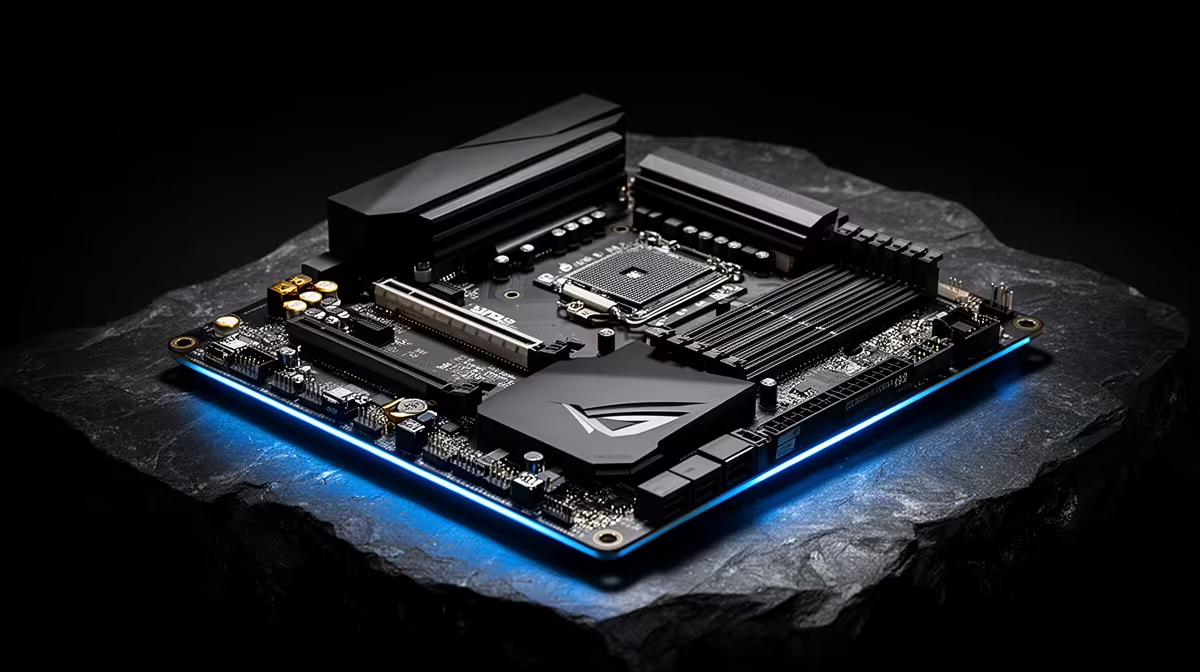
Trim a R25,000 gaming PC build down to its final component list and the motherboard line is usually the first place people look for savings, since it rarely shows up in a benchmark chart the way a graphics card does. Skipping the PCIe 5.0 spec on a b650e motherboard to save a few hundred Rand feels sensible in the moment, right up until the next storage or graphics upgrade needs that bandwidth and the board cannot provide it.
Quick Answer
At a R25,000 budget, paying for guaranteed PCIe 5.0 support is a reasonable call for longevity rather than a same-day performance boost, since current GPUs rarely need that bandwidth yet. Gen5 speeds reach both the graphics slot and all three M.2 bays on the ASUS B650E MAX Gaming WiFi, which asks R3,499, roughly fourteen percent of a R25,000 total build.
📊 What PCIe 5.0 Actually Changes Today
Right now, no mainstream gaming graphics card saturates PCIe 4.0 x16, so running a current GPU in a PCIe 5.0 slot brings no measurable frame-rate gain over PCIe 4.0. The real-world benefit shows up on the storage side, where Gen5 SSDs already outrun PCIe 4.0 drives in sequential transfer speeds, cutting load times and file-copy waits noticeably.
Where the Bandwidth Pays Off First
Large game installs, texture streaming and asset loading benefit more immediately from a fast PCIe 5.0 M.2 slot than the graphics slot does, which is why the three storage slots on this board matter more day to day than the headline graphics-slot spec.
🔧 What R3,499 Buys Inside a R25,000 Build
At roughly fourteen percent of a R25,000 total, this board still leaves the bulk of the budget for the CPU and graphics card, the two parts that decide frame rates directly. It also throws in a tri-band wireless radio, an 8000MT/s DDR5 ceiling, a USB4 header and BIOS FlashBack for a CPU-less firmware update, none of which need to be bought separately later.
🔮 Building for the Next Upgrade Cycle
A R25,000 build today often becomes a R25,000 upgrade budget in a year or two, with a new GPU or SSD swapped in rather than a whole new PC bought. Locking in PCIe 5.0 support now means that future upgrade slots straight in without a board swap, which is the actual case for spending the extra Rand rather than any gain visible in benchmarks today. See this exact listing for the full specification breakdown.
Frequently Asked Questions
Will PCIe 5.0 speed up my current GPU?
No, current graphics cards do not saturate PCIe 4.0 bandwidth, so a PCIe 5.0 slot offers no measurable gain with today's GPUs.
Does PCIe 5.0 help with storage right away?
Yes, Gen5 SSDs already move data faster than PCIe 4.0 drives, which shortens load times and large file transfers immediately.
Is R3,499 too much to spend on a motherboard at R25,000?
It sits within a reasonable ten to fifteen percent share of that budget while covering chipset, memory and networking needs without a separate upgrade later.
Should I downgrade to save money on a tight budget?
Only if the savings are needed elsewhere in the build; otherwise the future-proofing from guaranteed PCIe 5.0 tends to outlast a single GPU generation.
What else should I compare before deciding?
Check other boards in the AMD B650 range to confirm which ones actually guarantee PCIe 5.0 rather than listing it as optional, or scan Evetech's full AMD motherboard catalogue for a wider comparison.
Ready to see if PCIe 5.0 earns its place in your budget?
The ASUS B650E MAX Gaming WiFi waits near Evetech's AMD B650E motherboard shelf, built to settle whether PCIe 5.0 earns its keep in a R25,000 build.