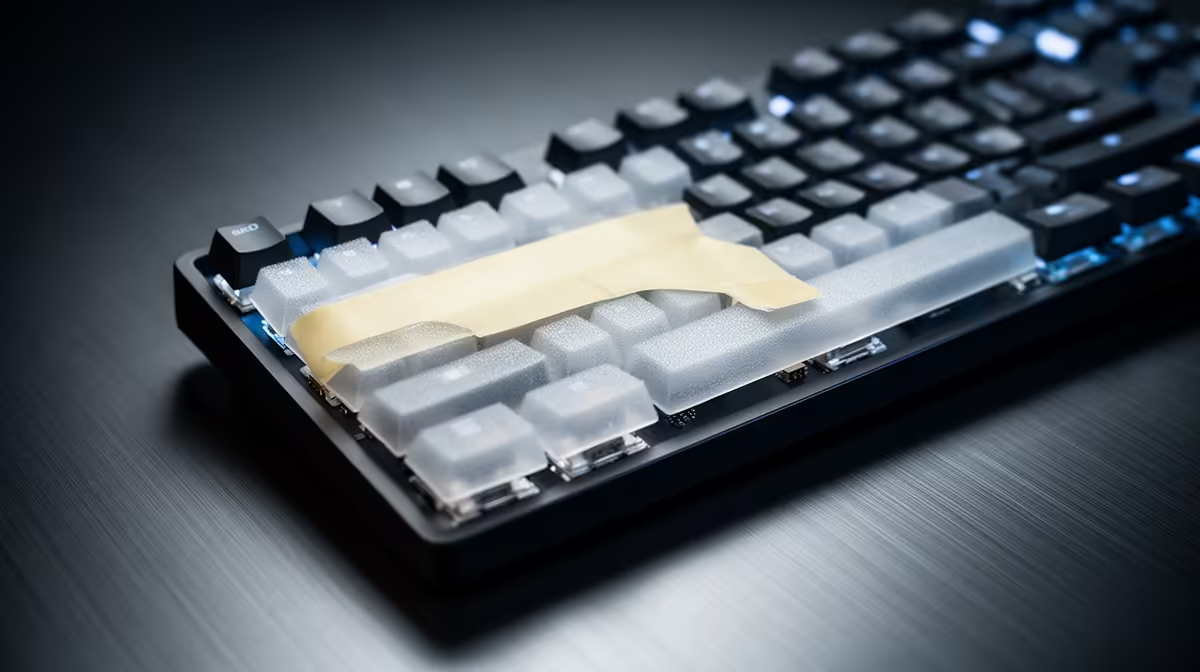
Foam, tape and PE sheets touch different parts of a keyboard's vibration path, so each changes the result in its own way. Keyboard sound mods work best when one safe reversible layer targets a sound you recorded first.
Quick Answer
Keyboard foam, tape and PE-sheet mods change different parts of the sound path. Case foam reduces empty cavity resonance. Tape on the rear of a compatible PCB can alter its resonance and make the board sound fuller. A thin PE sheet between the PCB and switches can create a brighter, pop-like attack and may change feel a little. Results depend on the board. Check battery, heat, clearance and warranty before adding material inside it.
Start with the construction shown across gaming keyboard deals, then compare layouts in the keyboard best-sellers range. A hot-swap socket, wireless battery and tight low-profile case change which mods are practical.
Case foam controls empty space
Foam fills part of the gap between the PCB and bottom case, reducing hollow resonance. Dense material can damp more sound and reduce flex. A thin layer may leave more of the original character.
Use non-conductive material suited to electronics and keep it clear of battery cells, connectors, daughterboards, vents and screw posts. Never compress a lithium battery or cover a part that becomes hot. Reassemble without force.
Tape changes PCB resonance
The common tape mod places removable tape on the rear of the PCB. It can raise or focus certain sound frequencies. It does not have one guaranteed "deeper" result because case space, plate and tape layers differ.
Use a material and adhesive that the keyboard maker or a trusted electronics procedure considers safe. Avoid conductive tape, hot components, sockets and exposed contacts. Wireless boards need extra caution around the battery. Begin with one controlled layer and stop if the case no longer closes with normal pressure.
Adhesive can age, leave residue or react with coatings. That makes reversibility conditional rather than certain. Photograph the untouched board and note each layer so you can return to a known state.
PE sheets affect the switch interface
A PE switch sheet sits around the switch pins between the plate area and PCB on compatible builds. It became known for a sharp, poppy sound rather than one universal softening effect. Thickness and cut-outs must suit the sockets, LEDs and stabilisers.
Poor fit can keep switches from seating, interfere with contacts or change plate spacing. Use a purpose-cut sheet for the layout. Press every switch into full engagement and test the whole matrix before closing the case.
Change one layer and record it
Make a baseline recording with the keyboard on its normal desk. Use the same keys, force, room and microphone position after each mod. A phone recording will not capture every sensation, but it helps separate a real change from expectation.
Start with the easiest, safest reversible option for the exact board. Case foam is a sensible target for a hollow case when clearance exists. Tape suits a known compatible PCB. A PE sheet belongs in a build designed to accept its thickness.
Combine mods only after hearing each one. Foam plus tape plus a sheet can remove the sound you liked and make fault-finding difficult. Typing consistency, wireless safety and reliable switch contact outrank a fashionable recording.
FAQ
Which mod should a beginner try first?
Choose the one that targets a measured issue and is safe for the exact board. A roomy wired case with hollow resonance may suit removable case foam.
Can all three mods be combined?
Sometimes, when clearance and electrical safety permit. Test one layer at a time because their effects interact.
Do sound mods improve gaming performance?
Their main purpose is feel and sound. A mod that prevents full switch seating or changes key reliability harms performance.
Record the stock keyboard, identify cavity, PCB or switch-interface sound, and test one compatible non-conductive mod without crowding batteries, contacts or hot parts.