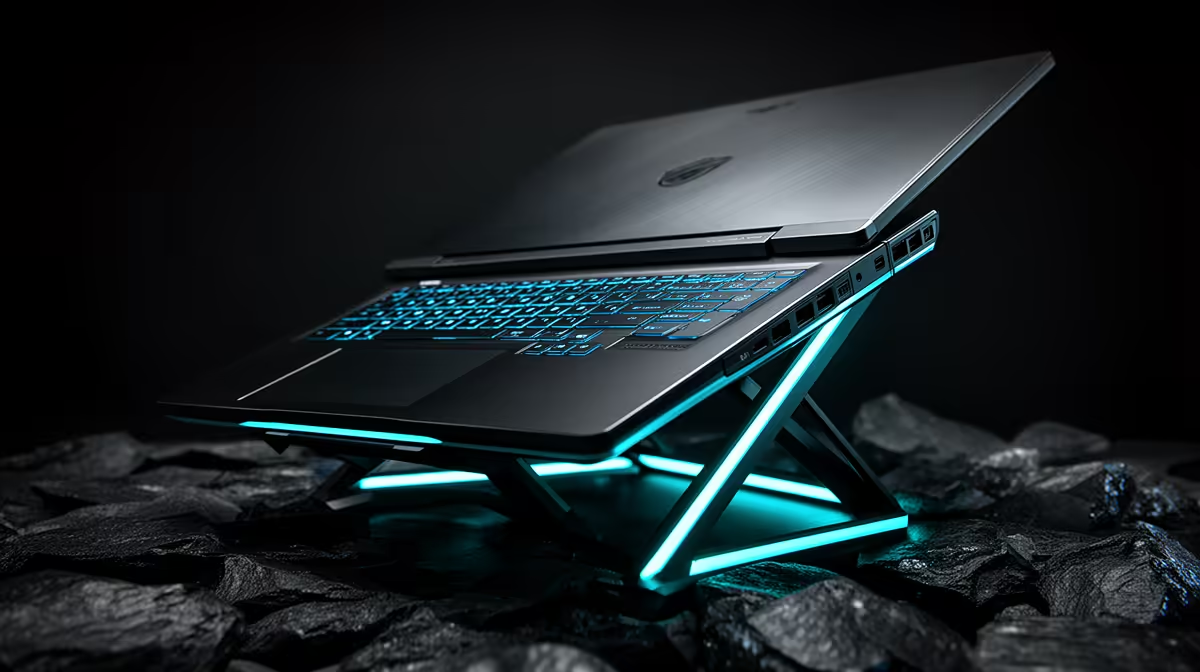
Lenovo LOQ RTX3050 at R9,500 suits South African players who want a stronger laptop base for Call of Duty before worrying about desk extras. A stand can be worth it when it raises the screen, clears space for a keyboard and mouse, and helps the machine sit more comfortably during long sessions, but it does not replace choosing the right hardware first.
Start with the machine, then fix the angle
The Lenovo LOQ RTX3050 at R9,500 is the most game-focused pick here because RTX3050 is the clearest gaming spec in the list. A stand makes sense with it if the screen sits too low or the keyboard area gets warm during play, especially when you are using a separate mouse.
The ASUS ExpertBook P1503 i5 at R9,858 is better suited to lighter everyday use, schoolwork, and casual sessions. Its i5 spec keeps the recommendation realistic: use a stand for posture and desk comfort, not because it turns the machine into a gaming-first setup.
The Lenovo IdeaPad Slim 3 i7 at R13,400 and ASUS Vivobook X1504VA i7 at R13,999 give you stronger i7 options for a mixed desk where gaming shares space with study, browsing, and work. If you already play with an external keyboard, raising either model can make the whole setup feel less cramped.
Gaming Room Desk Setup
In a small gaming room, the stand is most useful when the laptop becomes the screen while the keyboard and mouse sit lower on the desk. The ASUS Vivobook S14 OLED at R10,719 is appealing if screen quality matters for daily use, while the Lenovo LOQ RTX3050 at R9,500 remains the better gaming-leaning choice.
Ready to choose the right laptop?
Use ASUS ExpertBook P1503 i5 at R9,858 as the laptop shortlist benchmark, then check whether its listed spec matches the space, workload, and upgrade path.