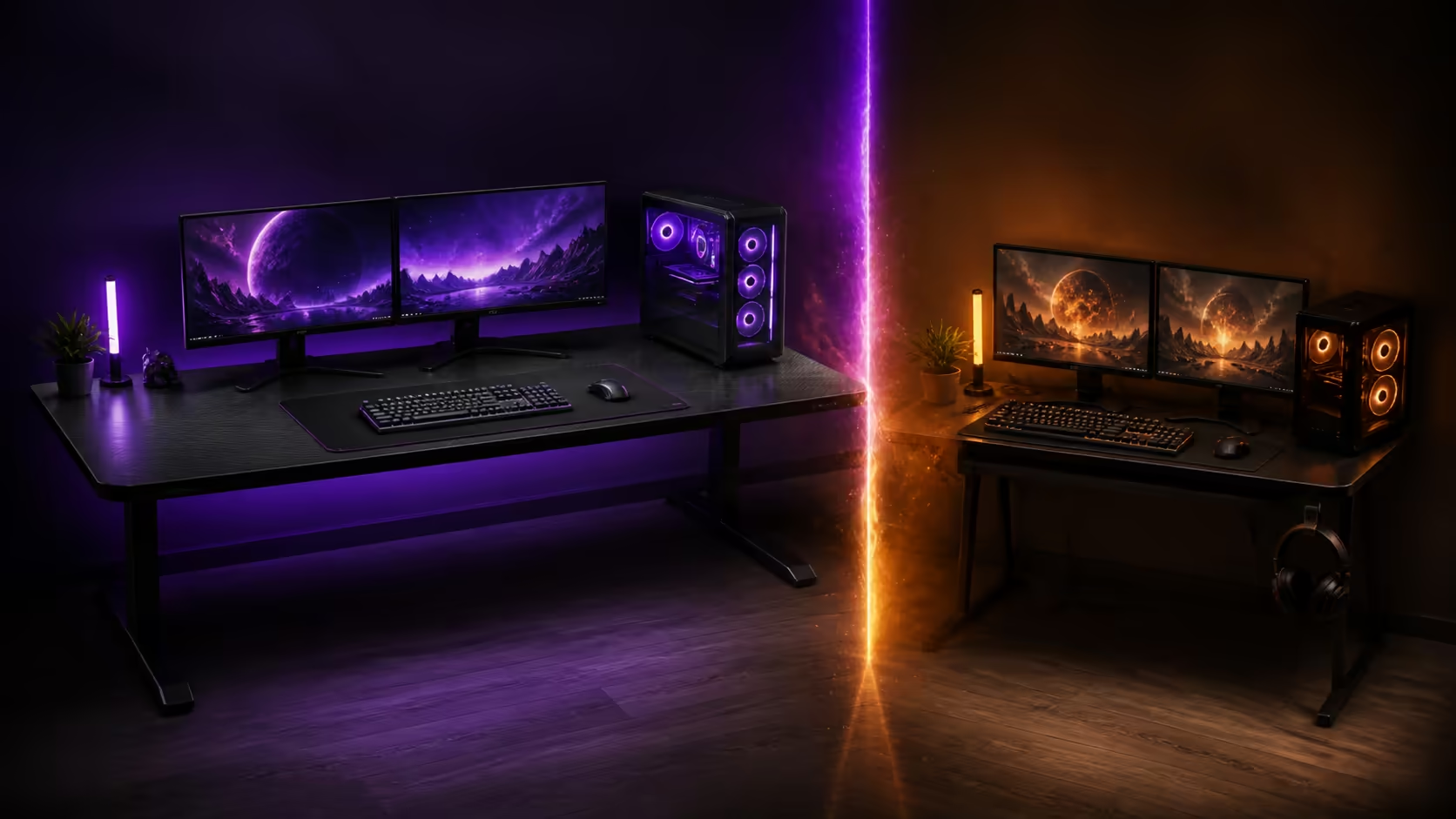
The larger desk is not automatically the better desk; unused width can cost walking space and make equipment harder to reach. Large gaming desks vs compact desks should be decided with room clearance, screen bases and mouse travel. The R5,099 Arozzi Arena supplies a 160x82cm example for the large side of that comparison.
Quick Answer
Choose a large desk when wide displays, a desktop PC and varied peripherals still leave a clear central input zone. Choose compact when the room needs easier circulation and the setup uses fewer, smaller footprints. Before buying the R5,099 Arena, mark its full 160x82cm size plus chair movement; its height adjustment and full-surface mousepad cannot compensate for a cramped room.
📏 Measure the room, not an empty wall
Use tape to outline both desk sizes on the floor. Open nearby doors, pull the chair back and walk the normal route through the room. Include skirting, plugs and furniture that prevent the worktop from sitting flush.
A compact desk can preserve access and encourage a focused equipment list. A large top can support broader display and creative layouts, but only if the user's reach remains comfortable.
Compare the gaming desk category with external dimensions and the actual room plan side by side.
🖥️ Count equipment footprints
Measure monitor feet at their widest points, then add the keyboard, mouse sweep, speakers and tower. A 160cm width is useful when those shapes coexist without stacking cables or pushing inputs off-centre.
Depth matters too. The Arena provides 82cm from front to back, offering space to separate a display from controls. Viewing distance and stand shape still decide how much of that depth is usable.
Its huge full-surface mousepad supports flexible input placement across the top. A compact desk with a standard mat may be easier to rearrange or relocate.
Review Arozzi setup layouts by looking for clear working zones rather than simply more equipment.
🧵 Compare routing and reach
Wide desks need deliberate cable drops. The Arena has three cut-outs, letting screen and peripheral groups use shorter surface routes. Label leads and support their excess below the desktop.
On a compact surface, one route may serve most devices, but congestion can build quickly. Keep power bricks out of leg space and avoid bending connectors around a crowded edge.
Height adjustment on the Arena helps align the input surface with relaxed elbows. It does not shorten the reach to an accessory parked at the far corner, so keep daily tools inside an easy arm arc.
🏠 Choose for the next real change
Buy around a likely screen or PC change, not every imaginary upgrade. A household expecting a second monitor may value reserve width; a student moving rooms may value a compact footprint more.
Explore complete gaming setups after fixing the desk boundary. Accessories should fit the chosen surface without becoming the reason a larger room is needed.
At R5,099, the dark grey Arena makes sense when its full area earns a task. Photograph the tape outline for a day before committing and notice every time it interrupts the room.
Think about cleaning access as part of size. A worktop pressed tightly between furniture may provide more equipment area but make its rear edge and cable openings difficult to reach. Leave enough access to blot the water-resistant surface, trace leads and inspect monitor attachment without dismantling the entire station.
A move between homes or rooms changes the calculation. Measure doorways and turning points, keep assembly directions, and plan how the desk will be handled without dragging it by the top. Compact dimensions can win through easier relocation even when a broad desktop feels more generous during use.
Frequently Asked Questions
Who benefits most from a large gaming desk?
Users with wide or multiple screens, a desktop tower and several active peripherals gain from clearly separated equipment zones.
When is a compact desk smarter?
It suits limited rooms, lighter equipment lists and setups that need to move or preserve walking space.
How should a 160x82cm desk be measured in a room?
Mark the whole footprint, then add chair travel, door movement, plugs and access around nearby furniture.
Does a deeper desk automatically improve monitor comfort?
No. Screen size, stand shape, viewing distance and readable scaling still determine comfort.
What cable features support the Arena's layout?
Three cut-outs provide distributed routes from the broad surface to the area below.
Is monitor attachment included as a desk feature?
Yes, though any chosen display hardware still needs its own compatibility checks.
How much is the 160x82cm Arena?
The dark grey gaming desk costs R5,099.
Ready to let the floor plan choose between large and compact?
Compare gaming desk sizes at Evetech, live with both taped footprints for a day, and favour the surface that supports gear without stealing circulation.