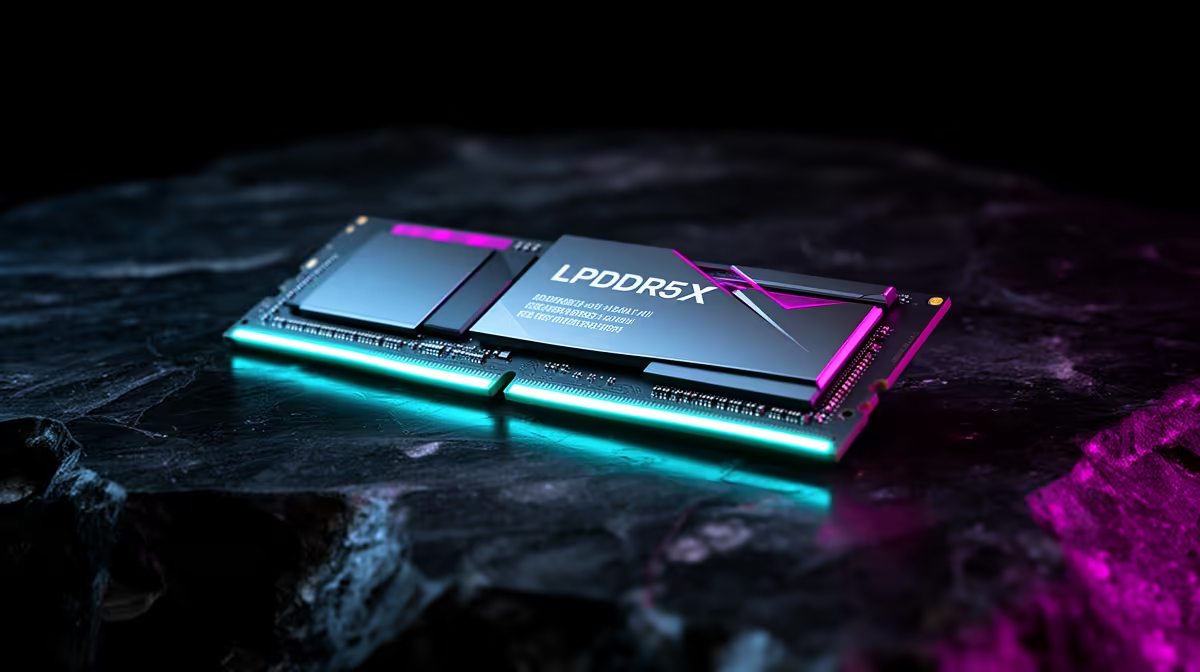
LPDDR5X is fast, efficient memory built into thin laptops and handheld devices. It gives the processor and integrated graphics useful bandwidth while consuming less power than many removable desktop-style modules. The trade-off is fixed capacity: you cannot add a SO-DIMM later.
Quick Answer
Choose LPDDR5X when battery life, thin design and integrated-graphics bandwidth matter, and buy enough capacity for the device's full life. Choose a laptop with socketed DDR5 when later RAM upgrades are more important than the slimmer power-efficient design.
How it differs from desktop DDR5
LP stands for low power. The memory is designed for mobile power budgets and sits close to the processor, often soldered to the motherboard. Standard DDR5 laptop memory can use removable SO-DIMMs in designs that support them.
The advertised transfer rate cannot be compared alone. Channel layout, memory controller and processor all affect bandwidth. Integrated graphics can benefit because it shares system memory instead of using dedicated VRAM.
The queue links point to desktop memory, so use the DDR5 memory catalogue and popular memory products to understand the removable alternative. LPDDR5X remains part of the laptop configuration rather than a kit you add later.
What it changes in gaming
On integrated graphics, higher memory bandwidth can improve performance because the GPU and CPU share the pool. Results depend on the exact processor, power mode and game. A dedicated GPU with its own VRAM reduces that effect.
Capacity still matters. Sixteen gigabytes can suit mainstream use, while 32GB gives creation and heavy multitasking more room. Because LPDDR5X is soldered, choose the final capacity at checkout.
Battery improvement comes from the whole laptop. Screen, CPU, battery size and firmware can outweigh the memory type, so compare complete model tests.
Capacity is permanent here.
Frequently Asked Questions
Buy enough capacity on day one.
Check how much memory the operating system, browser and main application use together. Integrated graphics also reserves or shares this pool, so an 8GB thin laptop can feel tighter than the number suggests. Sixteen gigabytes is a safer all-round starting point for multitasking; heavier creative or local AI work may justify more.
Read the full configuration because LPDDR capacity is tied to the motherboard. A spare-looking panel does not create an upgrade slot. If two otherwise similar laptops differ only in memory, price the higher capacity against the years you expect to keep the machine.
Efficiency gains still depend on the complete laptop. Display, CPU tuning and battery size can outweigh the memory type in a real runtime test.
Can LPDDR5X be upgraded?
It is usually soldered and cannot be upgraded through normal memory modules.
Is it faster than DDR5?
It can offer high bandwidth, though real performance depends on the device and memory layout.
Does it help gaming laptops?
It can help integrated graphics and power efficiency. A dedicated GPU relies more on its own VRAM.
Compare laptop memory type and fixed capacity with the battery life and upgrade path you expect to keep.