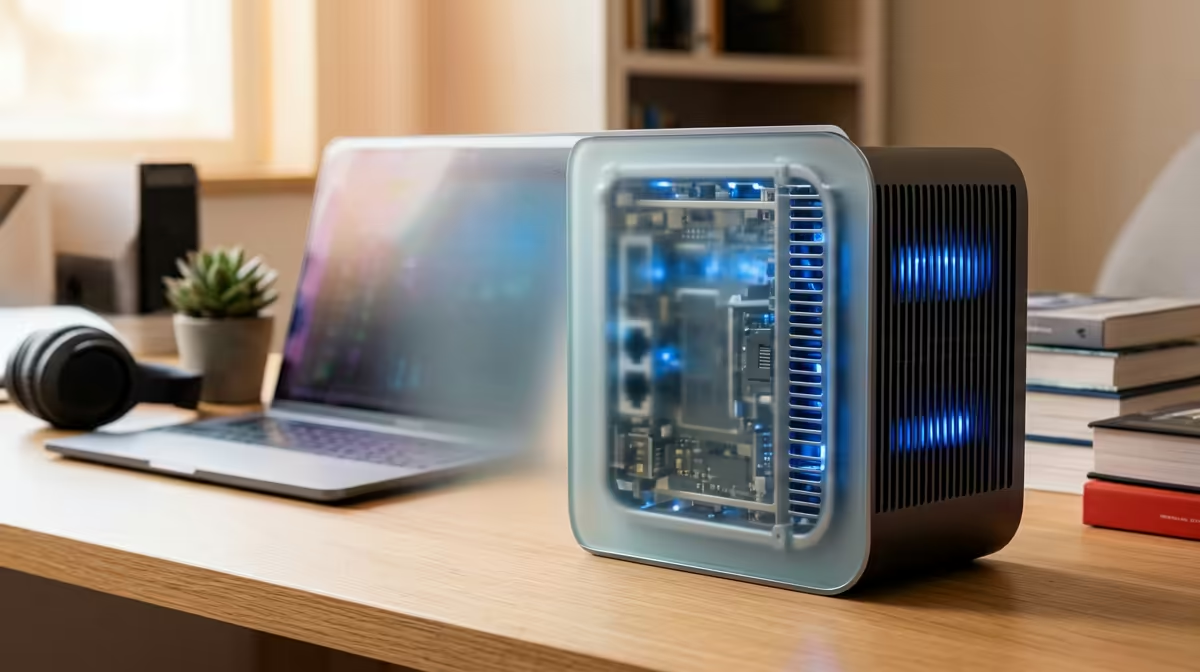
Mesh Wi-Fi is about matching nodes, bands and backhaul to your home and your ISP, not buying the most expensive kit on the shelf.
Quick Answer
For parents kitting out a teen, App control is worth paying for when you want parental scheduling, guest networks and per-device limits - exactly the case for parents and family buyers. The TP-Link Deco app and ASUS router app lead here. A solid Wi-Fi 6 mesh like the TP-Link Deco X50 3-pack runs around R3,000; a tri-band ASUS ZenWiFi XT8 sits near R8,000, and a high-end Netgear Orbi can reach R15,000. Match the kit to your home size and ISP.
What good app control gives you
The app is where you actually manage a mesh day to day. The TP-Link Deco app offers easy parental controls, profiles, guest networks and per-device pausing; ASUS and Netgear Orbi apps add similar scheduling. For parents and family buyers, that scheduling and content filtering is the feature that earns its keep - it's why app quality matters as much as raw speed.
Wi-Fi standard, ISP and SA homes
Match the generation to your line and devices. Wi-Fi 6 is the value sweet spot today; Wi-Fi 6E adds a clean 6GHz band, and Wi-Fi 7 is the future-proof premium. Most SA fibre lines from Vumatel or Openserve ship with a basic ISP router - a mesh kit in bridge mode replaces its poor Wi-Fi while keeping the fibre connection. A 3-pack Deco X50 (around R3,000) is the dependable upgrade for a typical home.
FAQ
How many mesh nodes does a SA home need?
A 2-pack for a flat or townhouse, a 3-pack for a ~350sqm suburban house. Only large double-storey or face-brick homes need more - extra nodes add cost and latency hops.
Do I replace my ISP router with a mesh?
Run the mesh in bridge or AP mode behind your Vumatel or Openserve router - it keeps the fibre connection while replacing the ISP's weak Wi-Fi with strong mesh coverage.
Wi-Fi 6, 6E or 7 for a mesh kit?
Wi-Fi 6 is the value pick for most homes (a Deco X50 3-pack is ~R3,000); 6E adds a clean 6GHz band, and Wi-Fi 7 future-proofs you at a premium. Match it to your devices and budget.
main node next to the fibre router in bridge mode and space the others within line-of-sight - placement affects coverage more than buying extra nodes.