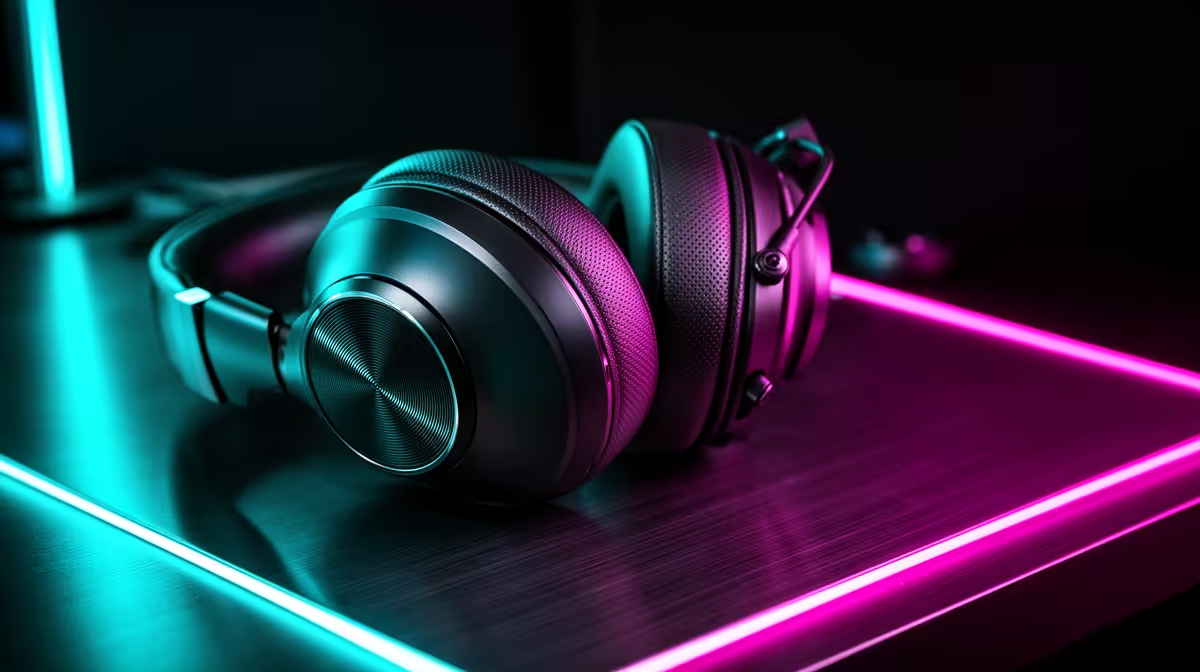
Running Minecraft with a shader pack pushes the GPU, not the ears, so the headset is a comfort and chat decision rather than a performance one.
Quick Answer
A shader-loaded Minecraft session needs a comfy headset for long building sprees, not audiophile drivers: R700-R1,500 wired is plenty. Put the bigger budget into the GPU and a 16GB RAM kit, since shaders can drop frame rates by 40-60fps before audio ever matters.
What to spend at each tier
The budget tier (R700-R1,500) covers wired 40-50mm-driver sets that handle voice chat and music well; the HyperX Cloud range and Logitech G335 are typical here. The balanced tier (R2,000-R4,000) adds 2.4GHz wireless, better noise-rejecting mics and memory-foam pads. Premium (R4,500+) buys you ANC, dual-source audio and detachable broadcast-grade mics. Most players are happiest in the balanced bracket because comfort and a clean mic do more for the experience than another R2,000 of features.
Connection and comfort checks before you pay
Confirm the plug first: 3.5mm works across PC, console controllers and laptops, USB is simplest on a desktop, and 2.4GHz wireless needs a free port for the dongle. Then check clamp force and weight, because a 350g+ headset becomes uncomfortable after 90 minutes. A flip-to-mute mic and replaceable pads matter more over two years than RGB or a brand badge, so weight those when two sets are close on price.
FAQ
What is a good headset budget for a first build in South Africa?
Around R1,000-R1,800 buys a comfortable wired set with a clear mic that lasts years. Spending past R4,000 only pays off if you genuinely need ANC or wireless freedom.
Is wireless worth it for competitive play?
A 2.4GHz wireless headset adds almost no latency and is fine competitively, but Bluetooth adds 100-200ms and should be avoided for timing-sensitive games. Wired remains the safest pick under R1,500.
Do I need virtual 7.1 surround?
Not really; stereo with good 50mm drivers gives clearer positional cues for most players. Virtual surround can smear footstep direction, so test it before relying on it.
3.5mm headset into your PC's rear motherboard jacks rather than a noisy front-panel port to cut hiss before you assume the headset is at fault.