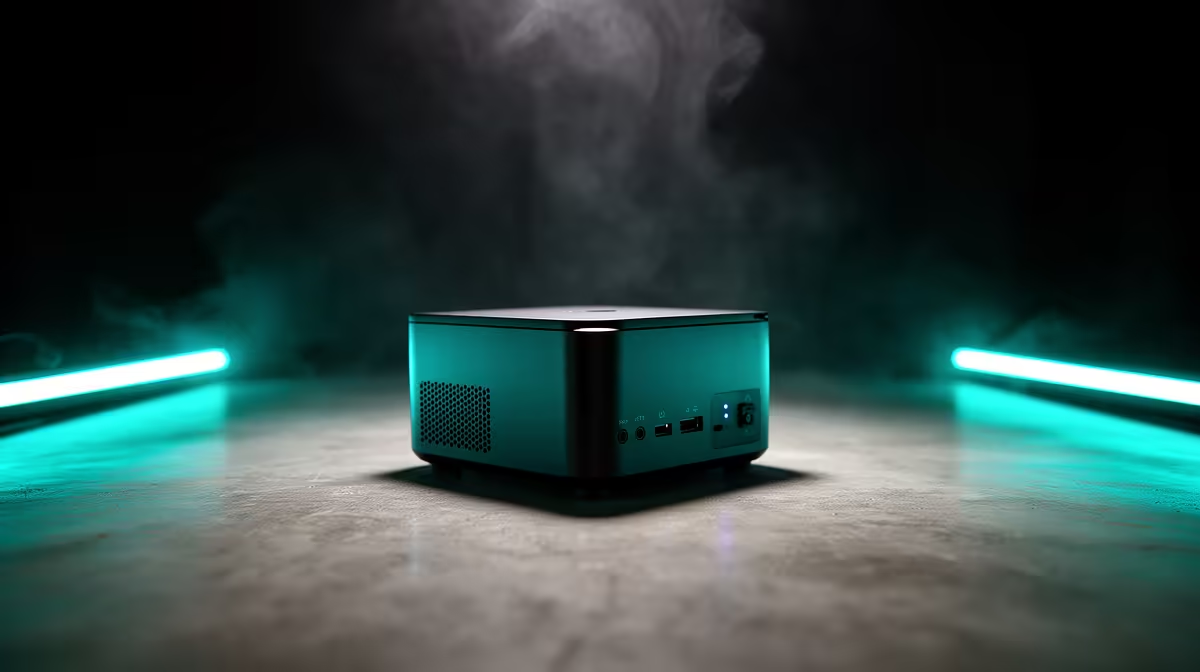
The UM750L 16GB/1TB at R4,600 suits a family homework desk because this mini pc gives enough memory and storage for school documents, browser tabs, video calls, and shared household use without taking over the table.
Best value for a shared family desk
For most homes, Oculink should not be the main reason to buy. Family use is usually about reliable everyday speed, neat placement, and enough storage for assignments, photos, PDFs, and learning apps. The Minisforum NAB6 Lite i5 8GB/512GB at R4,150 is the lower-cost pick when the machine is mainly for typing, browsing, email, and online homework.
The UM750L 16GB/1TB at R4,600 is the better sweet spot because its 16GB memory gives more breathing room for several users, while the 1TB storage is more forgiving when school projects, downloads, and family files pile up. The NINKEAR M7 16GB/512GB at R4,650 is close in price, but its 512GB storage makes the UM750L feel stronger for a shared home PC.
South African homework corner setup
A compact unit works well on a student desk, lounge TV unit, or shared study counter where screen space and cable clutter matter. The HP AIO 22 at R10,036 includes the screen in the same desktop footprint, which can be tidier for a dedicated study area, but a small box like the NINKEAR M8 16GB/1TB at R8,350 lets the family place the computer out of the way and choose the screen size that suits the room.
The NINKEAR L12 PRO i9 at R8,150 is worth considering when older learners also do heavier multitasking, while the GEEKOM A8 Max 32GB/1TB at R12,900 is the high-end option for a busier household that wants 32GB memory and 1TB storage in one compact system.
Ready to choose the right mini pc?
Use Minisforum NAB6 Lite i5 8GB/512GB at R4,150 when mini oculink family homework matters, then compare the desk fit against its listed spec.