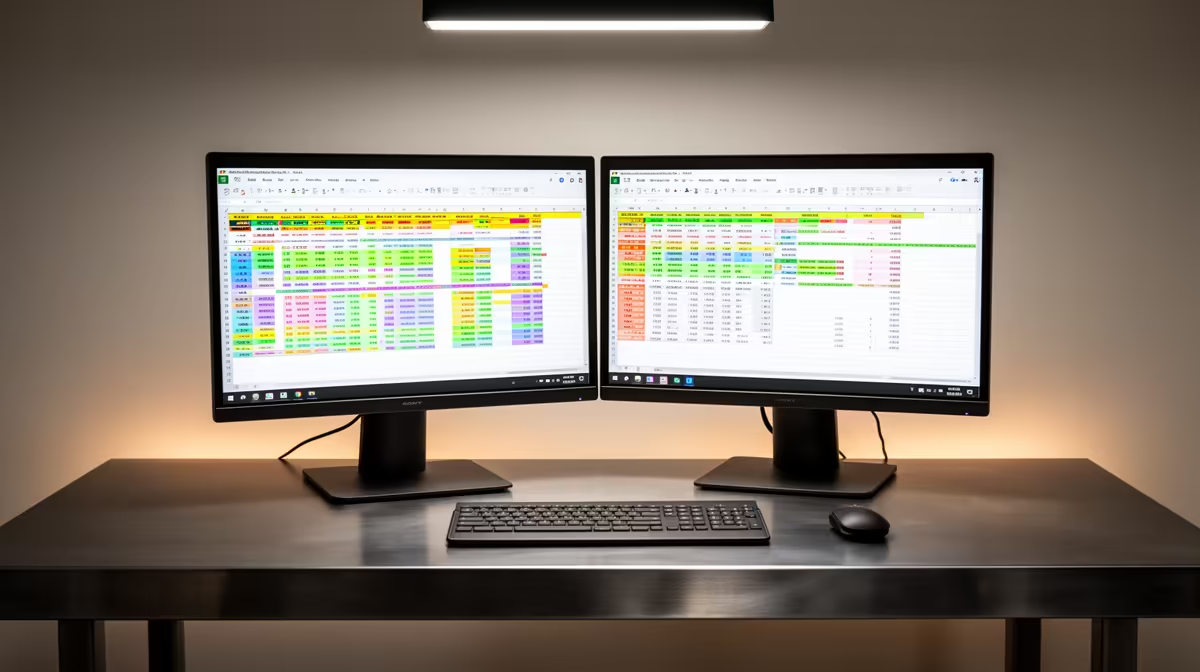
Dell SE2726H 27in FHD 144Hz at R1,797 suits a South African bookkeeper who wants one larger monitor beside a laptop for Sage and Xero without making the desk feel cramped. A dock can handle the cable routing, but the screen choice decides whether invoices, bank feeds, supplier statements, and email can stay readable through a full admin session.
Practical second screen choice
The Dell SE2726H 27in FHD 144Hz at R1,797 is the strongest first pick here because the 27in size gives spreadsheets and browser tabs more breathing room. FHD keeps it simple for office docks, and 144Hz makes mouse movement and window dragging feel smooth when you are moving between accounts, PDFs, and mail.
The Dell SE2426H 23.8in FHD at R1,532 is better for a narrow counter or compact desk where a 27in panel would sit too close. Its 23.8in FHD spec is still enough for a laptop-plus-screen workflow, especially if the external display is used for the main accounting window and the laptop remains open for email or document previews.
Small-business accounts desk
For a reception desk, practice office, or home admin corner, the Dahua LM27 100Hz at R1,500 is a cost-conscious way to add a 27in screen without jumping too far in price. The 100Hz refresh rate is not about gaming in this setup, it simply helps the daily scroll through ledgers, web pages, and long statements feel less tiring.
MSI PRO MP275W at R1,850 is the cleaner pick when the desk is visible to clients or shared by staff. It stays in the same practical office lane while giving you another listed 27in-class option for a docked laptop station.
Ready to choose the right monitor?
Use Dell SE2726H 27in FHD 144Hz at R1,797 as the monitor shortlist benchmark, then check whether its listed spec matches the space, workload, and upgrade path.