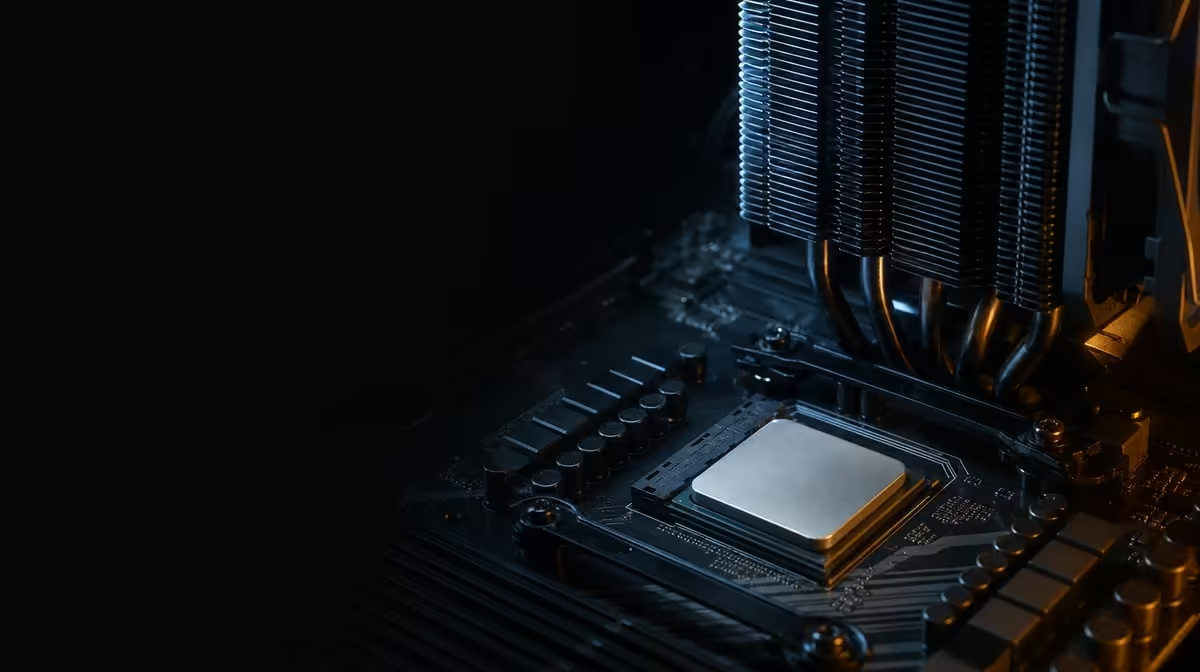
Gaming can concentrate processor work into demanding bursts, so a temperature that rises quickly is a reason to inspect the thermal path, not to guess at one universal normal. Why a Ryzen 7 5800X3D can run hot in games starts with its 105W rating and the fact that no cooler is included. The R7,199 CPU relies entirely on the AM4 solution installed around it.
Quick Answer
The 105W Ryzen 7 5800X3D can produce substantial heat during gaming, and temperatures depend on cooler capability, mounting contact, fan or pump operation, case airflow and room conditions. No CPU cooler comes with the R7,199 processor. Check the physical thermal path and repeat the same load before changing BIOS settings.
🌡️ Understand why games create heat
Games do not load every processor in the same pattern. A title can keep time-sensitive cores busy, vary rapidly between scenes and combine with background tasks. This CPU uses eight Zen 3 cores, supports 16 threads and carries 100MB cache, although those specifications do not define one temperature.
Its frequency can move between workload-dependent states, with 3.5GHz listed as base and 4.5GHz as the maximum boost. Temperature, active cores, power and firmware shape the observed behaviour. A short peak and a long gaming session are different tests.
🔍 Inspect the physical cooling path
Confirm that an AM4-compatible cooler with appropriate capacity is installed. Check even mounting, thermal contact, fan or pump power and sensible fan direction. Assess Evetech's CPU cooler category using the case dimensions and its airflow route.
Clean blocked filters and ensure heated air has a route out. Room temperature changes the air available to the cooler, so compare results under similar ambient conditions. An otherwise capable cooler can struggle in a restricted case.
📊 Test before tuning
Use one game scene and record temperatures, fan behaviour and performance after the system has reached a comparable state. Repeated measurements are more useful than one reading taken from an unknown load.
Check the correct motherboard BIOS and stable defaults before manual changes. Evetech's AMD processor options keep the thermal discussion attached to the exact CPU, while the wider CPU range provides context for other choices.
If temperatures rise unusually or the system becomes unstable despite correct installation, stop the heavy test and seek appropriate technical support. Do not use a 105W label as permission to ignore unexpected behaviour.
Memory and graphics load can help make the test representative. Keep the same game version, scene and visual settings, and note whether the discrete GPU is working at a similar level between runs. A changed frame cap or preset can alter processor activity and make two temperature readings incomparable.
Allow the system to return to a consistent starting state between tests. Record fan controls and whether the case panels are fitted, since an open chassis is not the same thermal environment as normal use. Change one physical or software variable, repeat the load and keep the result.
Once the cause is found, preserve a baseline with the stable BIOS, cooler setup and observed gaming range. That record is more useful for future maintenance than a single temperature copied from another PC whose room, chassis and workload are different.
Compare the result again after the case returns to its normal position at the desk. Wall clearance, carpet, nearby heat and restricted vents can alter airflow from what was observed on the workbench. The finished placement is part of the cooler's real operating environment.
Frequently Asked Questions
Why can gaming create high processor temperatures?
Games can keep time-sensitive CPU work active and change load rapidly between scenes. The thermal result depends on the complete cooler and chassis environment.
What should be inspected before changing BIOS settings?
Check cooler mounting, thermal contact, fan or pump operation, case airflow and the room conditions. Confirm a supported BIOS and stable defaults.
How does the absent bundled cooler affect diagnosis?
It means every system uses a separately chosen thermal solution. The exact cooler, mount and case therefore need to be known before temperatures can be interpreted.
Can room temperature change the same gaming result?
Yes. Warmer intake air can raise component temperatures under an otherwise similar load, which is why ambient conditions should be recorded.
Does a 105W rating define one normal temperature?
It does not. Cooler design, installation, airflow, workload and ambient temperature all influence the reading.
When should technical support be considered?
Seek help when temperatures or instability remain abnormal after safe physical checks, or when the installation and firmware steps are uncertain.
What makes a temperature test useful for comparison?
Use the same game route, settings, fan controls and similar room conditions. Let the system reach a comparable state and repeat the measurement.
Ready to trace gaming heat from the processor through the entire case?
Match Evetech's cooling options to the R7,199 105W CPU, then verify mounting, airflow and repeatable temperatures.