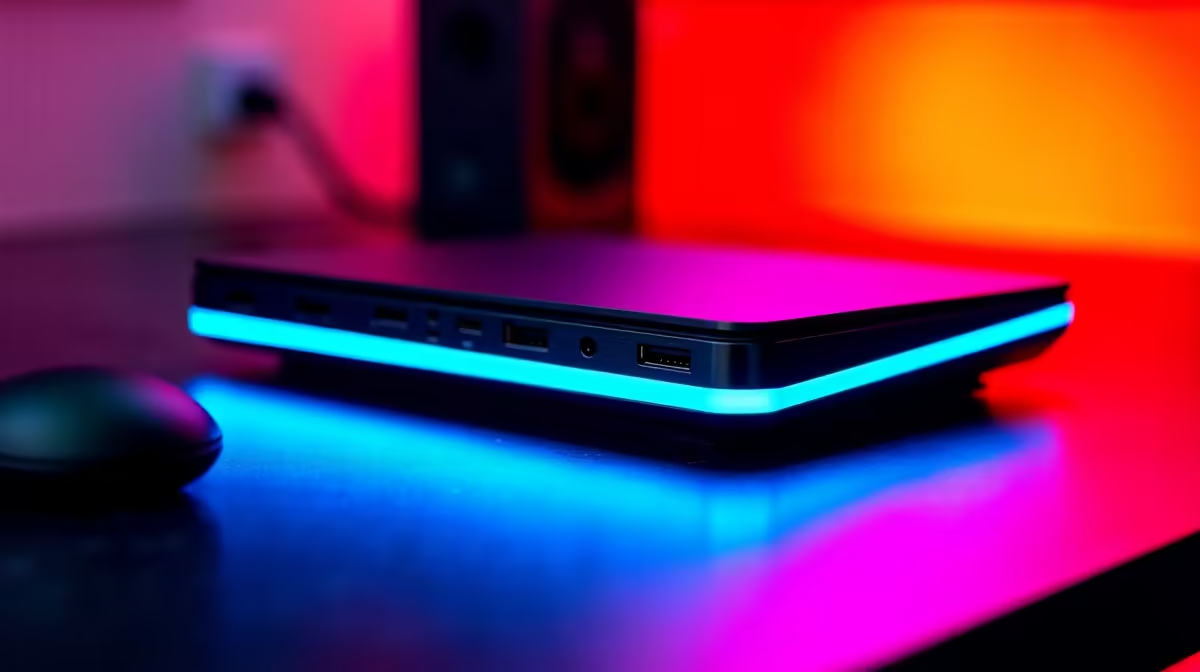
A dock is judged by how cleanly it drives your screens over one cable. This guide keeps the focus on portable gaming while travelling and what is genuinely worth paying for at Evetech.
Quick Answer
For portable gaming while travelling, the dock worth buying is the one that drives your exact monitor count and resolution over a single cable, so check the display engine before the port count. A USB-C dock for one or two 1080p screens starts near R1,200; dual-4K or CAD-grade setups want Thunderbolt and run R3,500 to R6,500. Confirm your laptop supports the dock's standard first.
What to ignore and where cheap docks get pricey
Ignore RGB and SD-card slots you will never use; do not ignore the display engine and PD wattage. A R600 dock that drops a monitor or undercharges costs you a separate charger and a return. The R1,500 to R3,500 tier with the right standard saves that hassle.
Match the dock to your laptop's port standard
For portable gaming while travelling, a dock is only as good as the laptop port it plugs into. USB-C with DisplayPort Alt Mode drives basic dual displays; Thunderbolt 3 or 4 is needed for dual-4K at 60Hz and heavy data. Plugging a Thunderbolt dock into a plain USB-C port silently caps your displays, so check the laptop spec sheet first.
Display outputs decide what you can actually run
Count screens and resolution: one 1080p screen is easy; dual 4K at 60Hz needs the bandwidth Thunderbolt provides. For CAD and SolidWorks, smooth dual-monitor work is worth the Thunderbolt premium because dropped frames and 30Hz flicker slow you down all day. Verify the dock lists your exact resolution and refresh combo.
FAQ
Does my dock need Thunderbolt?
Only if you run dual 4K at 60Hz or heavy data like CAD. For portable gaming while travelling with one or two 1080p screens, a USB-C DisplayPort Alt Mode dock from R1,200 is enough. Match the dock to the laptop port.
How many display outputs do I actually need?
Count your monitors plus one spare. A single external screen is simple; dual screens at high resolution need the bandwidth Thunderbolt provides. Confirm the dock lists your exact resolution and refresh rate.
Will the dock charge my laptop?
Only if its Power Delivery wattage matches your laptop's charger, often 65W to 100W. An underpowered dock charges slowly or drains the battery under load, so check the PD spec before buying.
laptop's port standard, USB-C Alt Mode versus Thunderbolt, and required resolution before buying - a dock that exceeds the laptop's capability wastes money, and one that falls short caps your screens.