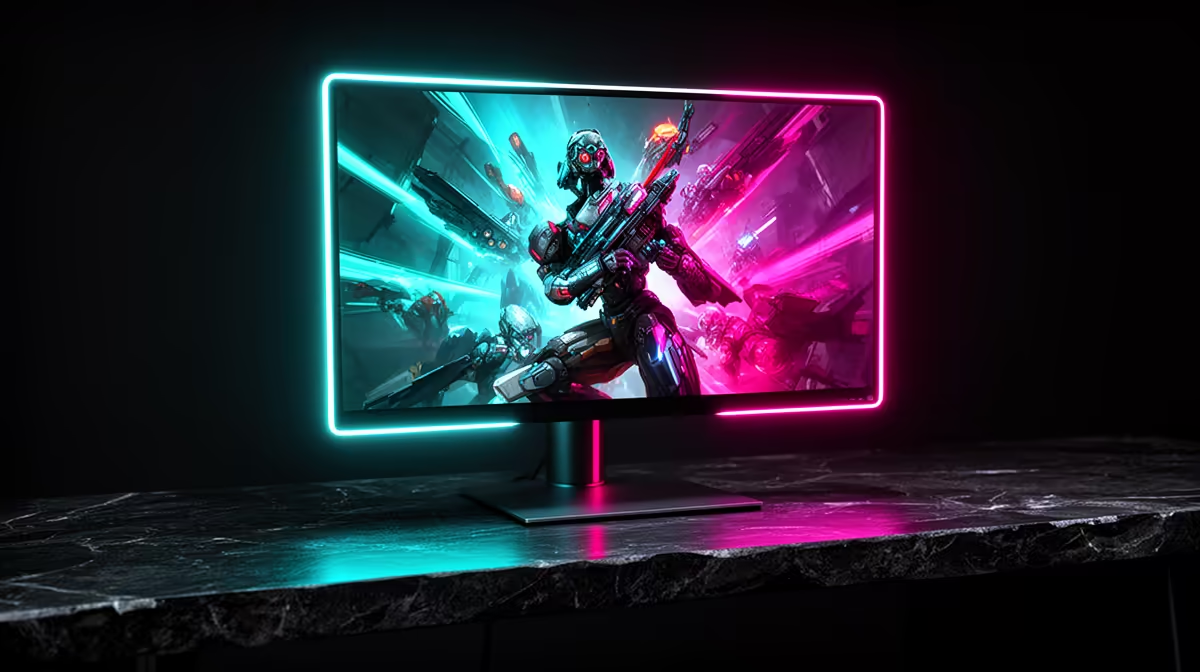
OLED burn-in is a real risk in 2026, but it is neither an instant failure nor a countdown with one expiry date. It comes from uneven pixel wear accumulated over time. A gamer who rotates titles and lets the monitor run its protection cycles presents a different workload from a desk showing the same bright interface all day.
Quick Answer
Modern OLED monitors include tools that reduce uneven wear, such as pixel shifting, static-element dimming and scheduled compensation. The exact set varies by model. Long, repeated HUDs and high brightness still increase risk. Keep the protections enabled, use a short screen-off timer and read the model's written warranty. Evetech's July 2026 in-stock gaming-monitor median was R4,499, a dated category marker while you weigh OLED's higher spend against that remaining risk.
🎮 Gaming content is usually varied, until it is not
Camera movement changes most of the image constantly. The fixed health bar, minimap and scoreboard do not move with it. Thousands of hours in one title can make those repeated shapes more important than the word "gaming" suggests.
Rotate games when you naturally want to; there is no need to interrupt a normal evening every few minutes. Hide static launchers when they are unused and avoid leaving a paused HDR scene on screen.
Evetech's OLED monitor range lets you identify the exact protection features and care instructions model by model.
🛡️ Let the monitor maintain itself
Do not unplug the monitor at the wall immediately after every session. Some models perform a short compensation routine in standby. Follow the manufacturer's prompt and allow longer maintenance cycles when requested.
Comfortable SDR brightness helps reduce pixel stress and eye fatigue in a dim room. HDR highlights can stay available for HDR content without turning the Windows desktop into a light source.
🧾 Avoid a magic hour count
Wear changes with panel, cooling, brightness and content. A fixed number of hours cannot predict when one owner will see a lasting difference. Inspect uniform grey occasionally without turning the process into a weekly anxiety ritual.
Compare current models in Evetech's full monitor category and best-seller list, then let the written South African warranty close the decision.
Frequently Asked Questions
Has OLED burn-in improved since early panels?
Panel design and protection systems have improved, reducing risk without removing the underlying uneven-wear mechanism.
What gaming habits still risk OLED burn-in?
Very long use of one bright HUD, excessive brightness and leaving paused content displayed repeatedly add exposure.
Do modern OLED monitors run automatic burn-in protection?
Many do. Check the exact model for pixel shift, dimming and compensation routines.
Is burn-in risk different for gaming versus office use?
Often. Games move much of the image, while office applications can keep the same toolbars visible for an entire workday.
How many hours of static content typically causes concern?
There is no universal threshold. Brightness, panel design and the shape of the repeated content all matter.
Does brightness level affect OLED burn-in risk?
Yes. Higher output generally asks the pixels to work harder, so use a comfortable SDR level for the room.
Should burn-in risk stop someone buying OLED in 2026?
It should shape the choice and care routine. Varied-content gamers who value OLED's image quality may find the trade worthwhile.
Want OLED contrast without turning ownership into a worry schedule?
Compare current OLED monitors at Evetech, check each model's protection and warranty, then use sensible idle and brightness settings from day one.