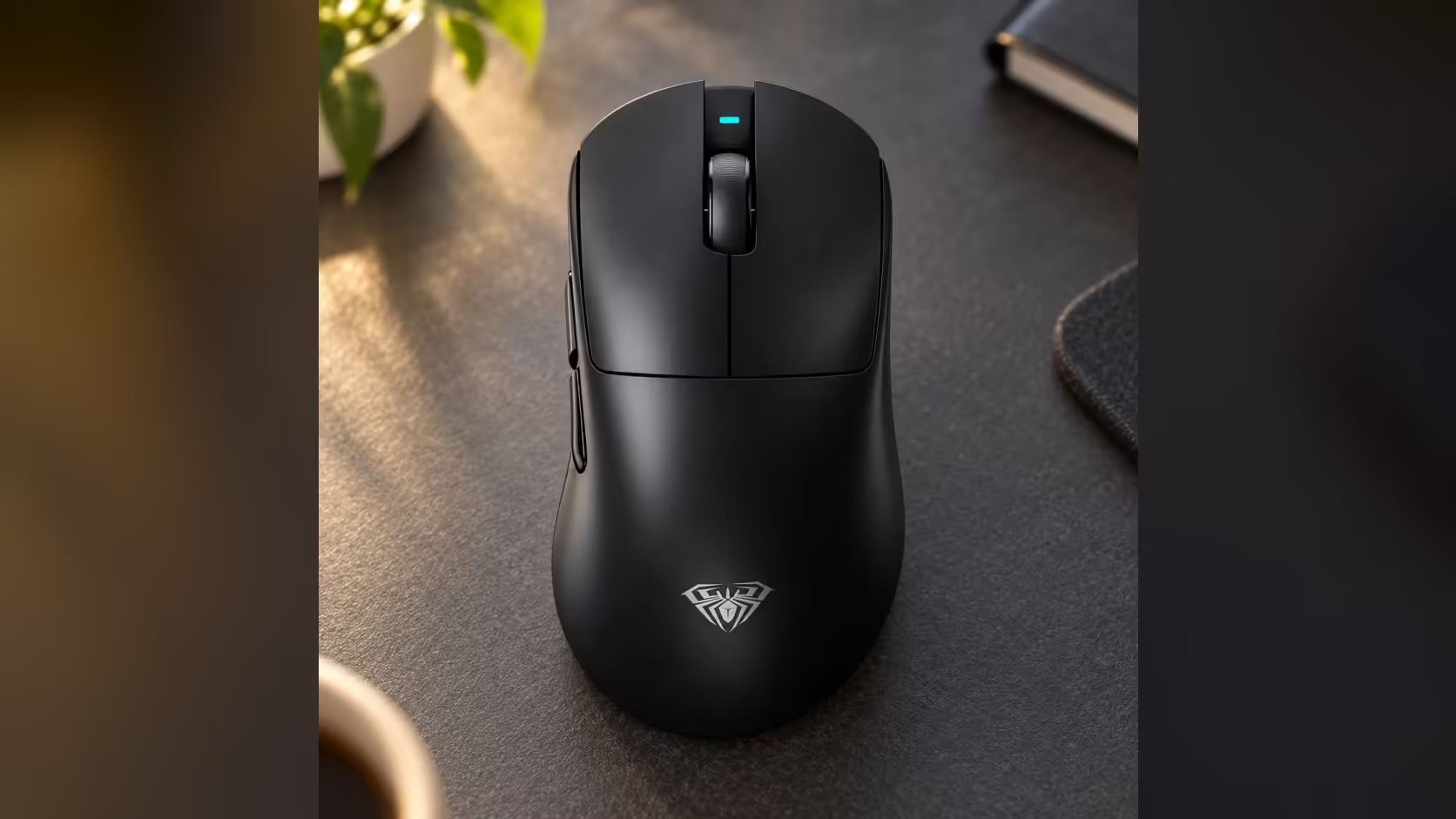
Mac users often have one practical question about a gaming mouse before any other: will it work without a dongle hanging off a MacBook's limited ports? For the AULA SC900 MAX, the answer is yes. It pairs with a Mac over Bluetooth, which AULA specifies as BLE only, and that raises the next question for a gaming mouse on a Mac: when is the receiver still worth plugging in?
Quick Answer
No, the SC900 MAX does not need its receiver on a Mac. AULA lists macOS support, and the mouse pairs over Bluetooth using BLE only. Bluetooth tops out at 125Hz, while the dongle and a USB-C lead both allow up to 8000Hz, so use Bluetooth for everyday work and the receiver when you game. Its 1 Year Local Warranty runs through Evetech, where the mouse costs R749.
📶 What "BLE only" means
BLE stands for Bluetooth Low Energy, a version of Bluetooth designed to use very little power. Modern Macs support it, and it is the standard way many wireless mice and keyboards connect. "BLE only" simply means the SC900 MAX uses that low-energy form of Bluetooth rather than older, higher-power Bluetooth modes.
The practical result is a connection that is easy on the battery and ideal for browsing, writing and general use, with no receiver taking up a port.
🎮 Why use the receiver on a Mac at all?
Speed. Over Bluetooth, the SC900 MAX reports its position 125 times a second. On the 2.4GHz receiver, it starts at 1000Hz and can be raised to 8000Hz in AULA's software. For games on a Mac, that far higher reporting rate makes tracking feel smoother and more immediate.
So the sensible split is:
- Bluetooth for work, travel and everyday tasks.
- The receiver when you sit down to play.
A switch on the underside chooses between 2.4GHz, off and Bluetooth, so moving between the two is quick.
🔌 The USB-C cable is an option too
Recent MacBooks use USB-C ports, and the SC900 MAX connects and charges over USB-C, so a single cable can link it straight to the laptop. Wired, it reaches the same 8000Hz ceiling as the receiver, and it charges the 400mAh battery at the same time. That makes the cable a handy choice at a desk, especially when the battery is low.
💻 Which mode suits a MacBook on the go?
For a MacBook in a bag, Bluetooth is the natural choice. There is no small receiver to lose, and no port taken up. The SC900 MAX's size, 126 x 68 x 44mm, and weight, 62g with its battery fitted, make it easy to carry, and switching the base switch to off stops it draining in transit.
If you plan to game while travelling, pack the receiver or a USB-C cable as well.
🔗 Pairing and settings
To pair over Bluetooth, set the base switch to Bluetooth and put the mouse into pairing mode as described in AULA's guide, then add it from the Bluetooth section of your Mac's System Settings.
DPI is handled on the mouse itself. The button on the underside cycles through six steps from 400 to 30,000, with a coloured indicator for each, so it works the same way on a Mac as on a Windows PC.
Compare Mac-friendly options in Evetech's gaming mice, or look through the wireless mouse range.
Frequently Asked Questions
What does BLE only mean for the SC900 MAX?
It connects using Bluetooth Low Energy, a low-power form of Bluetooth supported by modern Macs.
Why bother with the receiver on a Mac?
It raises the polling rate from Bluetooth's 125Hz to at least 1000Hz, up to 8000Hz, which suits gaming.
Can I connect it to a Mac with a cable?
Yes, over USB-C, which also charges the battery and reaches up to 8000Hz.
Which mode is best for a MacBook while travelling?
Bluetooth, since there is no receiver to lose and no port used.
What are the pairing steps on a Mac?
Set the base switch to Bluetooth, enter pairing mode as AULA's guide describes, then add it in your Mac's Bluetooth settings.
Do the DPI steps work on macOS?
Yes. The six steps live in the mouse's own underside button, so macOS changes nothing about them.
Ready for a mouse that fits your Mac and your games?
Browse Evetech's gaming mice and compare the SC900 MAX with other wireless models for your setup.