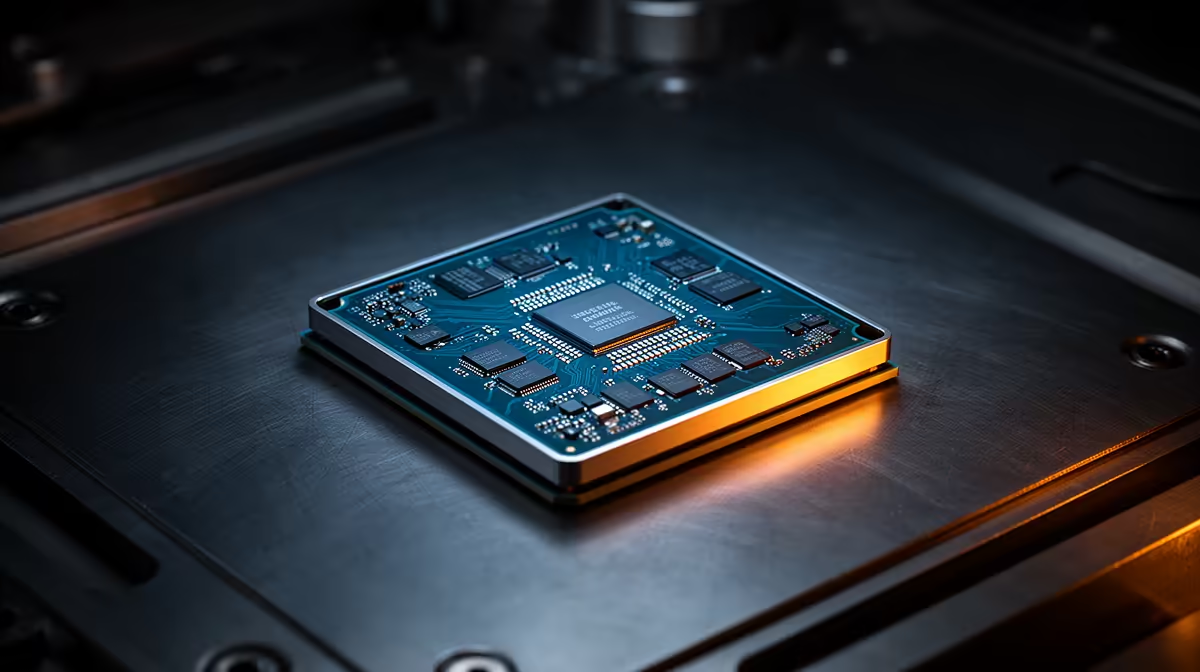
Modern CPUs already adjust clocks around power, temperature and workload many times a second. CPU overclocking in 2026 offers smaller gains for more heat, making measured performance and stability the only useful judge.
Quick Answer
Manual CPU overclocking is worth it in 2026 when you enjoy tuning or a measured workload gains enough to justify extra heat, power and stability testing. It is a weak default upgrade. Modern AMD and Intel processors already adjust clocks around temperature, current and workload, so all-core tuning can improve one task while reducing light-thread boost or efficiency. Start with supported motherboard defaults, strong case airflow and a repeatable benchmark. Change one control at a time, stay within manufacturer guidance and keep the stock result if the gain disappears in your real games.
Boost behaviour already uses the available headroom
A current processor does not sit at one fixed clock. It raises and lowers frequency according to active cores, temperature, power limits and silicon quality. That makes the remaining all-core margin smaller and more workload-specific than it was on many older CPUs.
Motherboard defaults can also change power behaviour. Record BIOS version, power limits and cooling before comparing. An unrestricted board profile is not the same baseline as the processor maker's supported setting.
Gaming gains can vanish behind the GPU
At 1440p or 4K, the graphics card may decide frame rate. A CPU overclock that improves a low-resolution benchmark can produce little change in your normal settings.
Test the busiest game scene, not an empty training room. Record low-frame behaviour, frame times, temperature, clock and complete-system power. Keep the change only when it improves the target without noise or instability you dislike.
Stability takes longer than a score
A tuning run must survive cold boot, sleep, idle, gaming, memory load and sustained all-core work. One benchmark pass proves very little. Watch corrected hardware errors as well as crashes.
Voltage and temperature can affect lifespan and warranty support. Follow current manufacturer limits for the exact processor and board. Avoid copying a voltage from another chip; silicon samples differ.
Cooling is useful without an overclock
A capable cooler can reduce fan noise and help the processor sustain its supported boost behaviour. It cannot guarantee extra clock speed. Case intake, room temperature, mounting and fan control shape the result.
Know when tuning has a clear purpose
An all-core render that runs every day gives you a measurable case. So does a small-form-factor build where an undervolt holds similar performance with less heat. Chasing a benchmark rank is a hobby goal and can be enjoyable, but it should not be confused with a free everyday upgrade.
Keep a saved baseline and a one-click route back to supported settings. If a BIOS update changes boost or memory behaviour, validate the tune again instead of assuming the old result survived.
Browse AMD processors and Intel CPUs to compare supported specifications before tuning.
FAQ
Does manual overclocking always beat automatic boost?
No. An all-core tune can help sustained work and lose light-thread boost, efficiency or stability.
Will a larger cooler raise gaming frame rate?
Only when temperature or power behaviour was holding the CPU back. Measure before and after in the same scene.
How long should I stability-test?
Use several workloads and normal daily cycles across more than one session. A single score is not enough.
Compare current processors and cooling, then keep a CPU tune only when your own workload proves the gain.