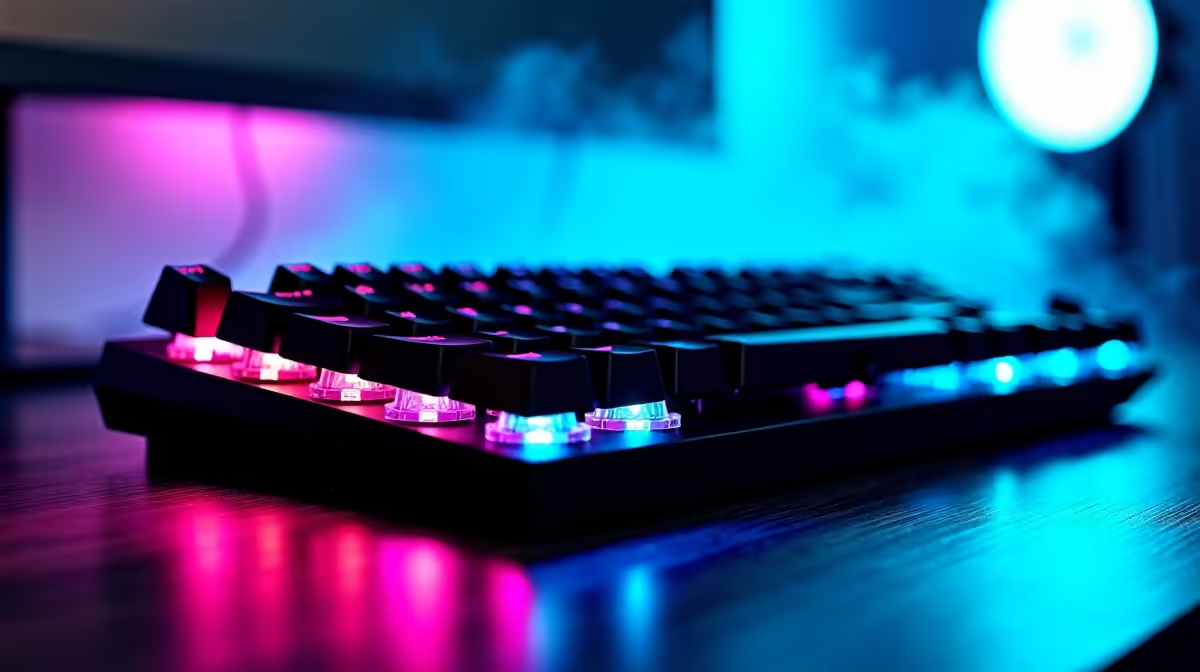
Tired of dragging your mouse across the screen like you're navigating a map of Gauteng during rush hour? Every click and drag costs you precious seconds. Whether you're trying to loot faster, edit a video, or just smash through your work, relying on the mouse is a bottleneck. Your custom-built DeepSeek PC is a powerhouse of potential ⚡. It's time to unlock its true speed by mastering a few essential PC keyboard shortcuts for efficiency.
Essential Windows Shortcuts Everyone Should Master
Let's move beyond the classic Ctrl+C and Ctrl+V. To truly boost your productivity, you need to integrate these commands into your muscle memory. They're simple, effective, and will fundamentally change how you interact with your PC.
Win + D: Instantly minimises all windows to show your desktop. Press it again to bring them all back. Perfect for when your boss... or a teammate... walks by unexpectedly.Win + V: This opens your clipboard history. Ever copied something, got distracted, and copied something else? This lifesaver lets you see and paste previously copied items.Ctrl + Shift + Esc: Bypasses the usual Ctrl+Alt+Delete screen and opens the Task Manager directly. It's the fastest way to shut down a misbehaving app, especially crucial when you're mid-game on one of our AMD-powered gaming rigs and need to manage your resources.Alt + Tab: The classic app switcher. Hold Alt and tap Tab to cycle through your open windows.
Mastering these basic keyboard shortcuts is the first step toward a smoother, faster workflow.
Level Up with Advanced PC Keyboard Shortcuts
Ready to go from amateur to pro? These shortcuts are slightly less common but offer huge gains in efficiency, especially for multitasking, streaming, and content creation. A high-end machine makes using these features seamless, allowing you to manage multiple complex applications without a single stutter.
Snap, Snip, and Organise Like a Pro
Win + Arrow Keys: This is the ultimate window management tool. Snap your active window to the left, right, top, or bottom half of the screen. Combine it with corner snaps for a perfect quadrant layout.Win + Shift + S: Say goodbye to the old Snipping Tool. This command brings up a modern screen-capture overlay, letting you instantly grab a rectangular snip, freeform shape, or a full-screen image and copy it to your clipboard. It's brilliant for sharing a quick screenshot on Discord while running demanding titles on powerful NVIDIA GeForce gaming PCs.Win + . (period): Need an emoji or a special character? This shortcut opens the emoji and symbol panel, so you can add a bit of flair to your chats and documents. ✨
Productivity Pro Tip 🚀
On Windows, install Microsoft PowerToys and enable FancyZones. This free utility lets you create custom snap layouts for your windows, which is a lifesaver on large or ultrawide monitors. You can define zones for your game, your streaming software, and your chat, all visible at once.
Shortcuts for the Ultimate Power User
If your PC is your command centre for complex projects, these keyboard shortcuts for efficiency will save you hours. Virtual desktops are one of Windows' most underutilised features, allowing you to create separate, organised workspaces for different tasks.
Win + Tab: Opens Task View, showing all your open windows and your virtual desktops.Win + Ctrl + D: Instantly creates and switches to a new virtual desktop.Win + Ctrl + Arrow Keys: Swiftly navigate between your different virtual desktops.
This level of organisation is invaluable for developers, designers, and data analysts who need to juggle multiple project windows without cluttering a single screen. It's a workflow that thrives on the raw power found in dedicated high-performance workstation PCs, where switching between resource-heavy environments is effortless.
Ready to Unlock True Speed?
Keyboard shortcuts make you faster, but a powerful PC makes everything instant. If you're ready to stop waiting and start doing, explore our massive range of customisable PCs. Find the perfect DeepSeek PC for your needs and build a machine that truly keeps up.