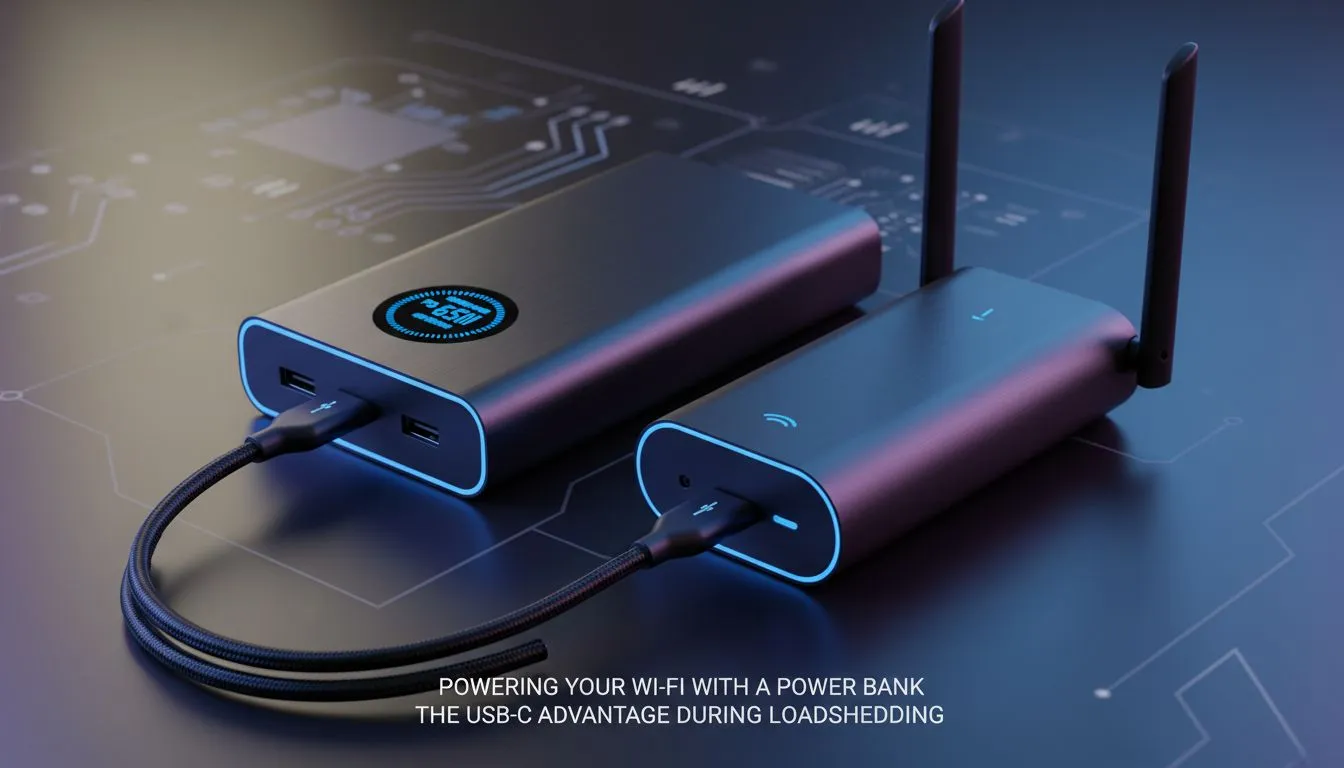
Loadshedding is a frustrating reality for every South African gamer. When the grid fails, your killstreak shouldn't have to end abruptly. Most users assume a massive, noisy inverter is the only solution for backup power. However, learning how to power Wi-Fi with power bank units is a simple, elegant fix. By using the USB-C advantage during loadshedding, you can keep your fibre or LTE connection alive for hours.
Why the USB-C Advantage Matters for Connectivity
Modern networking hardware is becoming increasingly efficient. Many of the latest Cudy networking solutions are designed to run on low voltage. This shift allows you to move away from traditional wall plugs during a blackout. USB-C power delivery can provide a steady stream of energy to your router... provided you have the right cables.
Using a power bank is often more efficient than a large UPS. A UPS converts DC to AC and back to DC... losing energy at every step. A power bank delivers DC power directly. This means your 10,000mAh battery lasts significantly longer than you might expect. It is the smartest way to power Wi-Fi with power bank technology without wasting electricity.
Choosing the Right Router for Backup Power
Not every router is built for easy backup. If you are looking for a reliable mobile solution, the Cudy LT700 AC1200 4G Router is an excellent candidate. It offers high-speed LTE connectivity and manages power consumption brilliantly. For those who prefer a fixed fibre line, browsing the range of TP-Link wireless routers will reveal many models that are compatible with 9V or 12V DC-to-USB adapter cables. 🔧
Voltage Matching Pro Tip ⚡
Always check the sticker on the underside of your router before connecting a power bank. Most routers require either 9V or 12V. If your power bank only outputs 5V, you must use a "step-up" converter cable. Using the wrong voltage can either fail to boot the device or, worse, cause permanent hardware damage.
Maximising Your Runtime During Stage 6
When Stage 6 hits, you need every minute of uptime. To optimise your setup, turn off the 5GHz band if you don't need the extra speed... 2.4GHz uses slightly less power. Keep your power bank in a cool, ventilated area to prevent thermal throttling. 🚀
The USB-C advantage during loadshedding isn't just about staying online. It is about the freedom to move your router to the best signal window in the house. You are no longer tethered to the nearest wall socket. This flexibility ensures your pings stay low and your downloads stay active... even when the rest of the neighbourhood is in the dark. ✨
Ready to Beat the Blackouts?
Staying connected shouldn't be a luxury when the lights go out in South Africa. Whether you need a high-speed LTE solution or a robust home network, we have the gear to keep you online. Explore our range of networking deals and never drop from a match again.