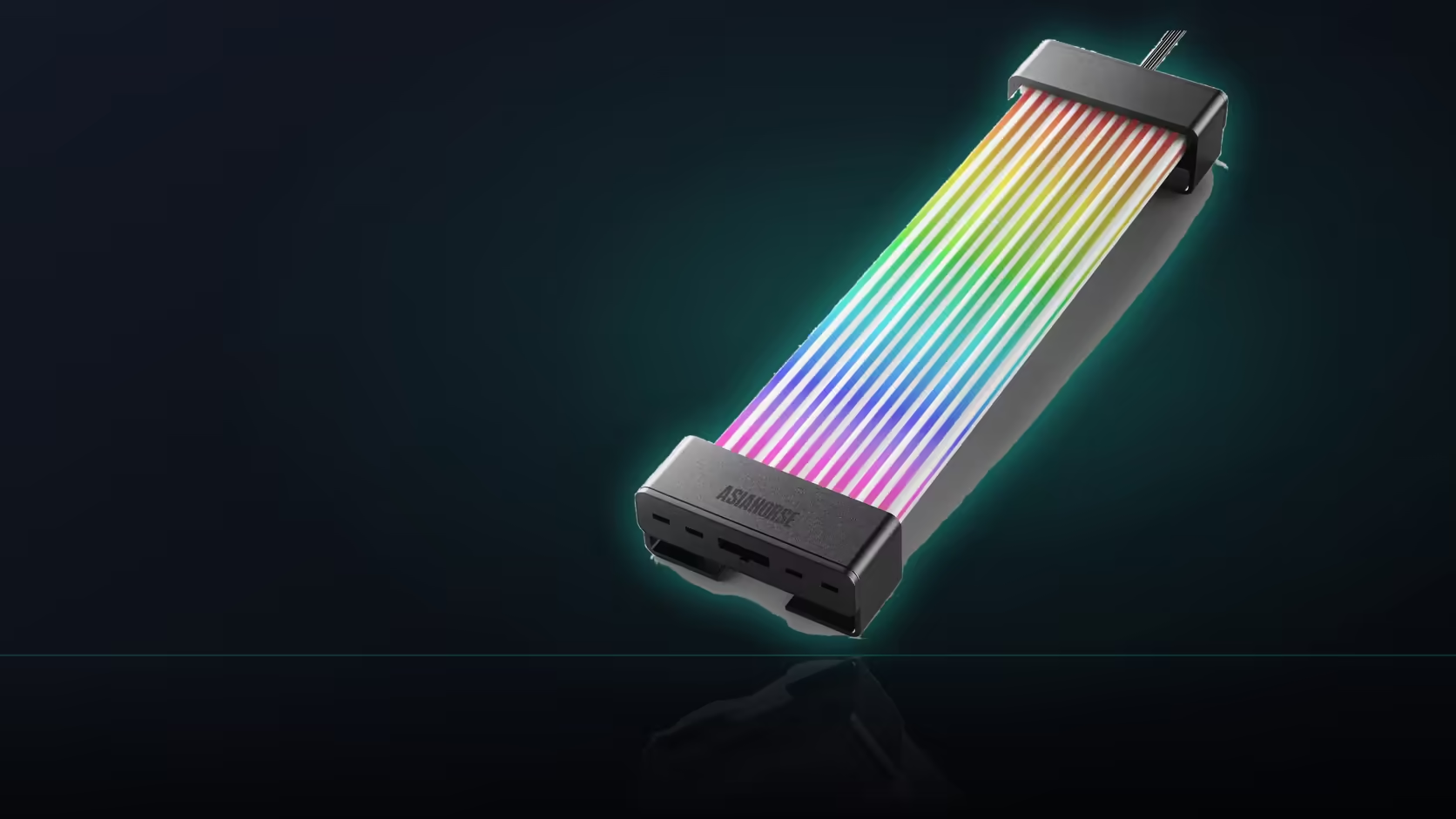
A big preset number on a spec sheet is easy to read as a promise that any effect will look good anywhere, but a preset library and a physical space are two entirely separate questions. This Aurora Learn cable cover makes that gap worth understanding before assuming more presets means a better fit for a tight window.
Quick Answer
Knowing that the R599 Aurora Learn cover carries 124 or more presets tells you how many options exist within its controller, but it says nothing about which of them will actually read well across a short visible span behind a compact side window. Most animated effects are designed around length, since they rely on distance for movement to register, so a static colour or a slow fade often suits a small window better than a travelling scene ever will.
📐 Why animation specifically needs length to work
A travelling lighting effect is read by the eye as movement across a distance, and a short visible window only ever shows a fragment of that full journey, which can make the effect look abrupt or unclear rather than smooth. The controller running that effect still needs a dedicated SATA feed from your power supply, whether or not much of the shell ends up visible at all.
🎨 What tends to work better on a short span
A static colour, or a slow fade between two tones, reads as a complete effect regardless of how little of the shell's length the window actually frames, unlike a fast-moving scene that depends on visible distance to make sense.
💡 The LED count is not the limiting factor
With 108 LEDs packed into every shell, density is not what constrains a small window, since even a short visible section still carries plenty of individually addressable points. The real constraint is simply how much of the shell's total length the window happens to expose.
🔧 Does choosing the shorter shell solve this?
Shell choice follows the cable run being covered rather than the window's size, so it is placement, not shell length, that ultimately decides how much of the lit span ends up visible to begin with.
🎯 Where the large preset library still earns its keep
With 124 or more scenes available, finding the one or two that genuinely suit a particular window is exactly what a large library makes easy, even if most of those scenes never end up used at all. The same principle applies to matching this cover's chosen scene against anything else visible through the window, including a case lighting strip sitting nearby.
Frequently Asked Questions
Why do animated lighting effects generally need length to work?
Because a travelling effect is read as movement across distance, and a short visible span only shows a fragment of that full motion.
What tends to work better across a small window?
A static colour or a slow fade, both of which read as complete effects regardless of how much of the length is visible.
Does the 108-LED count help compensate for a small window?
Not really. Density is not the limitation here; how much of the shell's total length the window happens to expose is.
Should a shorter shell be chosen specifically for a small window?
Shell choice follows the cable run being covered, so placement rather than length is what actually decides how much span shows through.
Is there any way to adjust which section ends up lit?
The shell lights evenly along its full length, so positioning it so the visible section falls within the window is the real adjustment available.
Is a large preset library still genuinely useful here?
Very. Finding one or two scenes that suit a particular window is exactly what a large library of 124 or more makes easier.
Does switching to board sync change any of this?
It changes where the effect comes from rather than the underlying geometry, so the same considerations about visible length still apply regardless.
Fitting Aurora Learn behind a small side window?
Check Evetech's power supply range to plan a placement that suits your case's actual visibility.