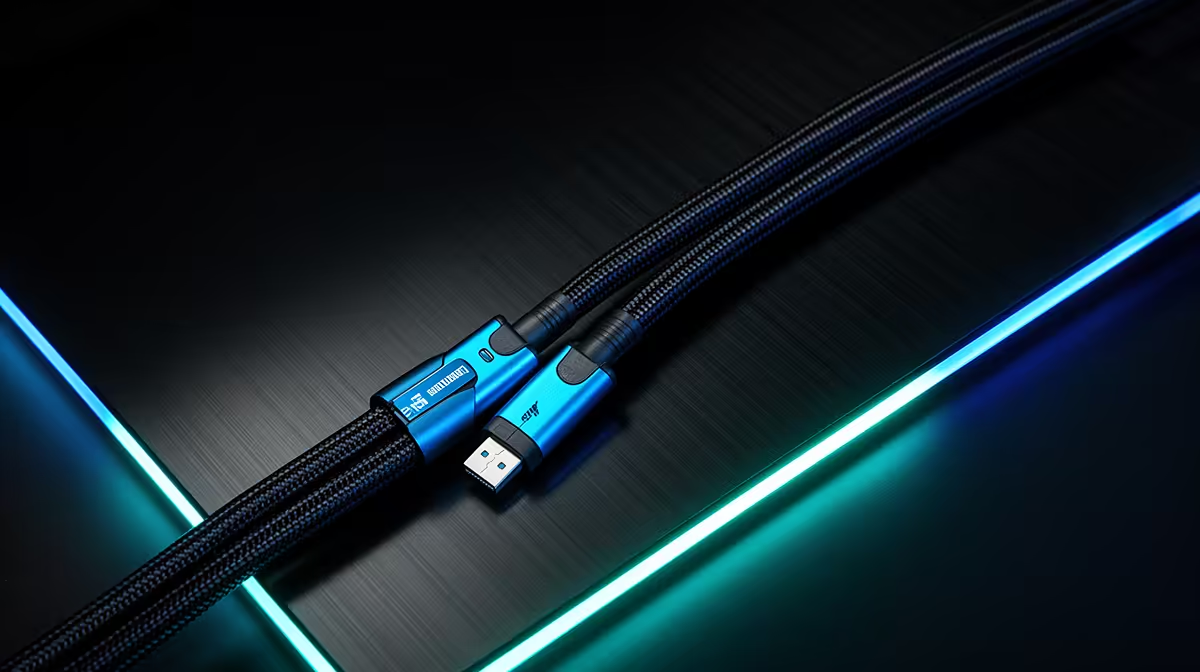
Blaming a monitor for flicker, colour issues or an inconsistent refresh rate usually means the next step is browsing new monitor listings, when the actual fix might cost a fraction of that. Before spending on a full replacement, checking whether an 8k displayport cable upgrade solves the problem first is the more Rand-conscious move, and often the correct one.
Quick Answer
Upgrading a DisplayPort cable for R299 is a far cheaper first step than replacing an entire monitor over signal complaints that may not be the monitor's fault at all. The UGreen DP114 adds 8K support, Dynamic HDR and proper shielding at that price, frequently resolving issues buyers mistakenly assume mean the display itself is faulty.
💰 Why the Cable Gets Overlooked
A cable is cheap, unglamorous and easy to forget once it disappears behind a desk, so when something goes visibly wrong on screen, attention naturally goes to the monitor itself rather than the thin lead connecting it to the GPU. This assumption costs buyers money when the actual fault sits in a degraded, undersized or poorly shielded cable rather than the display.
The Cost Difference Is Substantial
A monitor replacement runs into thousands of Rand, while a cable upgrade at R299 is a rounding error by comparison. Testing the cheaper fix first before committing to a full monitor replacement protects a budget from an unnecessary large purchase.
🔍 Symptoms That Point to the Cable, Not the Screen
Flicker that appears only at certain refresh rates, colour or HDR that will not switch on despite a compatible monitor, or a display that intermittently drops connection are all classic cable symptoms rather than panel failures. A genuinely faulty monitor panel tends to show consistent, unchanging issues regardless of settings, while cable-related problems often shift depending on resolution or refresh rate in use.
A Simple Test Before Spending More
Swapping in a properly rated cable, such as the DP114 with its 8K and high refresh rate support, and checking whether the same issue persists is the fastest and cheapest diagnostic step available before assuming the monitor itself needs replacing.
🧵 What R299 Actually Buys
At that price, the DP114 includes a braided sheath for durability, gold-plated connectors to resist corrosion, and foil-and-braid shielding to reduce interference, alongside oxygen-free copper conductors keeping resistance low across its 1.5m length. These are the exact build details that separate a cable capable of solving signal issues from one that caused them in the first place.
Check the complete spec rundown on the DP114's listing before buying. Anyone testing this fix before a bigger purchase can browse Evetech's cable lineup for other options, and those refreshing a wider gaming setup afterward might also check Evetech's gaming accessories page.
Frequently Asked Questions
How do I know if it is the cable and not the monitor?
Testing the same monitor with a different cable, or the same cable on a different monitor, quickly shows whether the problem follows the cable or stays with the display.
Is it worth trying a cable upgrade before contacting support about a monitor?
Yes, ruling out a cheap, easy fix first saves time compared with troubleshooting a monitor issue that may not exist once the cable is replaced.
Can an old cable simply wear out over time?
Yes, connectors can corrode and internal shielding or conductors can degrade with age and handling, which is why an older cable is a reasonable first suspect.
Does a cable upgrade help if the monitor itself is genuinely faulty?
No, if the monitor panel is actually faulty, a cable swap will not resolve it, but ruling the cable out first avoids an unnecessary monitor return or replacement in cases where it is not.
Ready to upgrade the cheapest part of your setup first?
Before spending on new hardware, a R299 UGreen DP114 often solves signal issues a pricier upgrade would not touch. Evetech's DisplayPort cable selection has it in stock.