Reduce background noise on your video calls without add-on software
Got 30 seconds? You can reduce background noise on video calls without extra software — and sound sharper on client calls or squad voice chats. Small moves, smart settings, and better mic placement fix most distractions. Try these tweaks live, and you’ll notice fewer "Can you hear me?" prompts. 🔧✨
Quick physical fixes that cut noise instantly
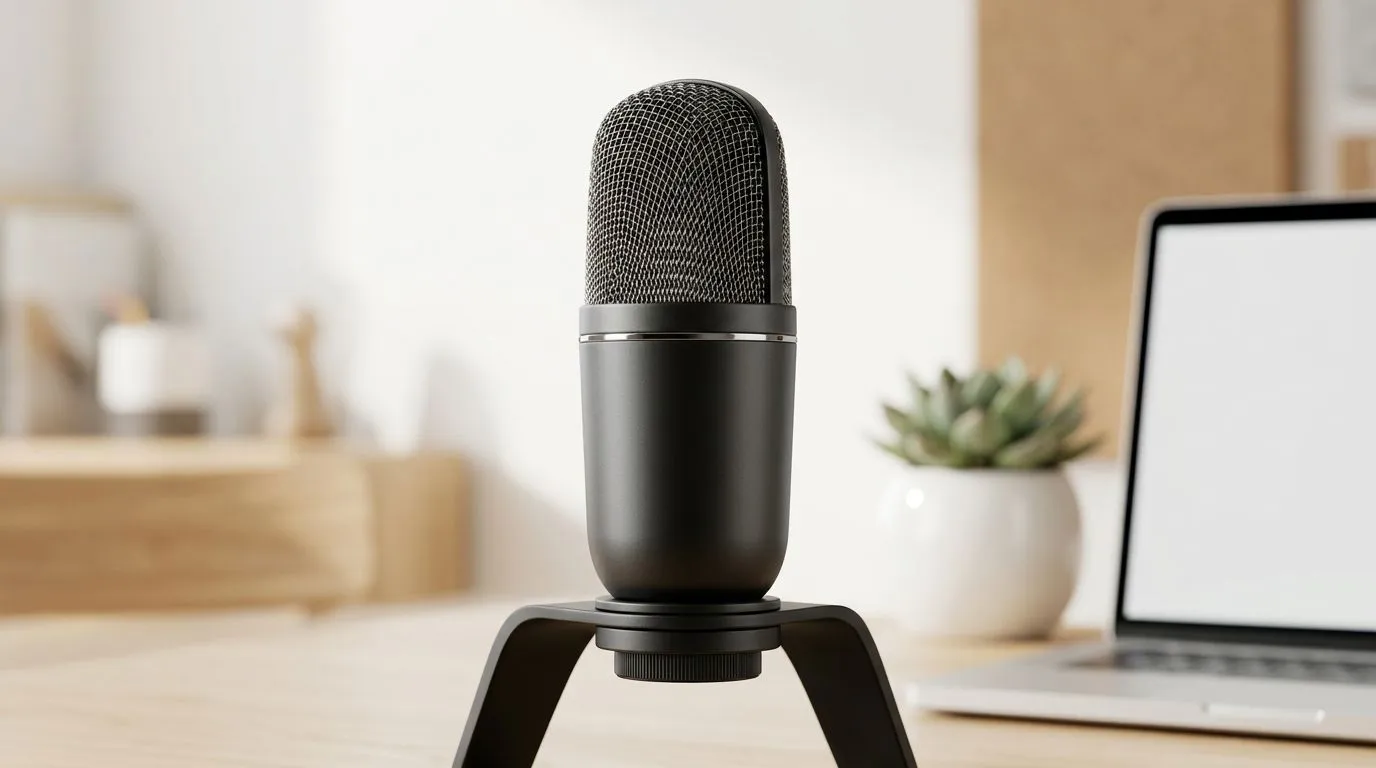
Start simple. Close the window to block street noise, point your laptop mic away from a fan, and move soft furnishings closer to absorb echoes. A headset or headset-mic still beats a laptop’s built-in mic for clarity. If you’re thinking of upgrading hardware, browse Evetech’s full webcam selection to find models with better mics and built-in noise handling: browse Evetech's webcam range.
A quick real-world test: I swapped my laptop’s position during a Cape Town video meeting, angle changed, fan hum dropped, and the team noticed. Small adjustments often beat complex solutions.
OS and app settings to reduce background noise
Most apps and operating systems include noise suppression or microphone enhancements. In Zoom and Microsoft Teams, enable the app’s noise suppression or background noise removal. Windows also offers microphone enhancements in the Sound Control Panel for many audio devices. These options let you reduce background noise on video calls without extra software — and they work across apps.
If your hardware is ageing, consider a budget webcam with improved mic performance. See options under R1,000 for affordable picks: budget webcams under R1,000. For a stronger onboard mic without breaking the bank, check mid-range models here: mid-range webcams around R2,000.
Mic placement and behavioural habits that help
- Mute when not speaking. It’s the simplest way to cut background chatter.
- Keep the mic 5–15 cm from your mouth; too close causes popping.
- Angle the mic slightly off-axis to reduce keyboard and desk noise.
- Reduce fan speed or move calls to a quieter room.
If you prefer an all-in-one webcam upgrade, Evetech lists better-performing webcams for various budgets. Explore higher-end choices to improve audio capture: premium webcams up to R3,000.
Noise-busting Tip 🔧
Close doors, reduce reflective surfaces, and enable your meeting app’s built-in noise suppression. If you own a laptop, raise it slightly on a stand to point the mic away from desk vibrations. These tiny steps often improve clarity more than adding software.
When to replace hardware
If you’ve tried all tweaks and still sound distant or fuzzy, your microphone may be the bottleneck. A new webcam or USB mic can cost from under R1,000 to around R3,000 depending on features. Check Evetech’s price-filtered webcam pages to match your budget: browse webcams under R2,000 or compare the full selection: browse Evetech's webcam range.
Ready to Find Your Perfect Match?
The Mac vs Windows debate is complex, but for maximum power, choice, and value in South Africa, Windows is hard to beat. Explore our massive range of laptop specials and find the perfect machine to conquer your world.