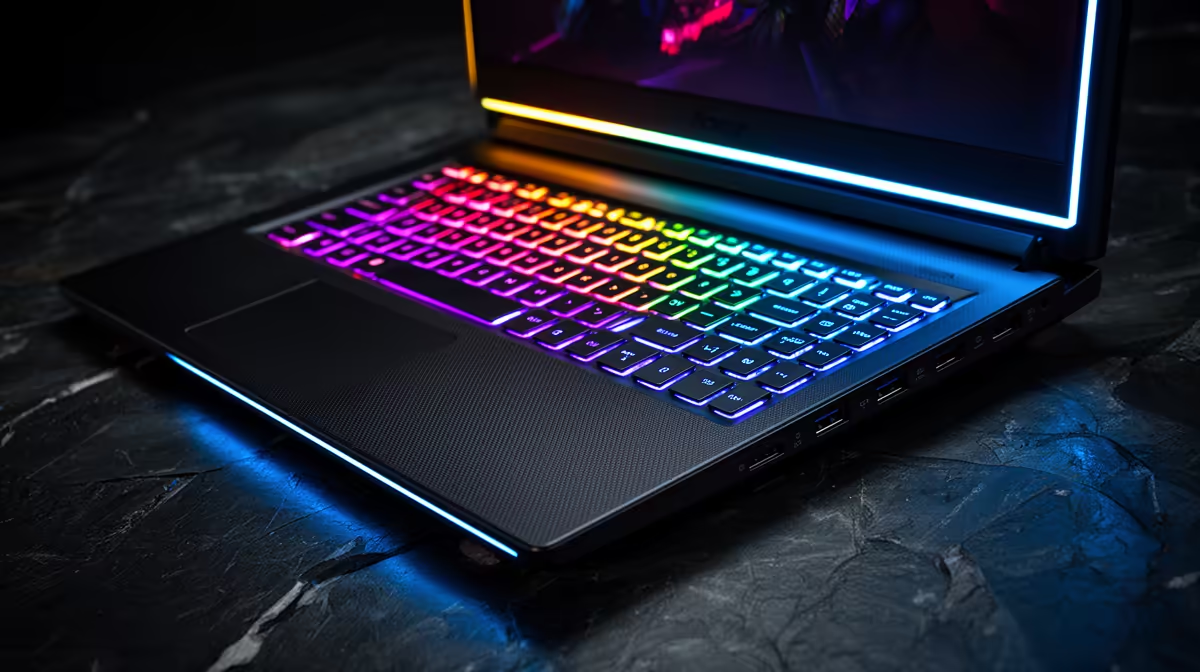
An RTX 5050 laptop is a sensible entry gaming machine for 1080p esports and mainstream games. It suits you when portability and a complete new system matter more than maximum settings. The step to an RTX 5060 can be worthwhile for heavier games and longer ownership.
Quick Answer
Choose RTX 5050 when your games run well at 1080p with tuned settings and the exact laptop has good cooling, dual-channel memory and a usable screen. Compare an RTX 5060 model before paying because a small total-price gap can buy more graphics headroom.
See the configurations in the laptop best-seller range, then compare processors, screens and storage across gaming laptop deals. Save each named model's price as of July 2026; the GPU tier alone is not a price.
It Fits 1080p Best
Esports games often reach high frame rates on modest graphics hardware, though the CPU can set the ceiling. Newer AAA titles need more care. Start with medium or high settings, reduce ray tracing and watch VRAM use before lowering texture quality.
DLSS upscaling can recover performance in supported games. Frame generation can make motion look smoother when the base frame rate is already responsive. It cannot repair severe input lag or a CPU-limited game.
Laptop Power and Cooling Matter
The same RTX 5050 name can sit in thin and thick chassis designs. Check the configured graphics power and measured sustained performance. Fan noise, surface heat and CPU sharing affect how the laptop feels after an hour.
A weak 144Hz screen can waste the experience through poor response or colour. Look for brightness, gamut, response measurements and adaptive-sync support. Confirm whether the laptop switches the internal display directly to the discrete GPU when performance matters.
Price the Upgrade Above It
Compare the complete RTX 5050 system with one RTX 5060 alternative using the same RAM, storage and display class. If the higher tier forces a worse screen or exceeds the budget, the 5050 can be the balanced buy. If the gap is modest, extra graphics capacity may last longer.
Plan storage too. Modern games fill a 512GB SSD fast. Check for a second M.2 slot and whether opening the chassis affects any terms you rely on.
Use the Wall-Power Result
Gaming benchmarks should be taken with the correct charger connected and the intended performance profile selected. Battery mode cuts power to protect runtime, so it is a poor measure of the GPU's full pace. Check how loud the fans become in that profile and whether a quieter balanced mode still meets your target.
If you travel, compare light-use battery tests separately. Gaming speed and unplugged endurance describe two different workloads, and one score cannot stand in for both.
FAQ
Is RTX 5050 enough for esports?
Yes, in many 1080p esports titles. The exact CPU, cooling and game settings still control the result.
Can it run ray tracing?
It supports ray-tracing features, though heavier effects may require lower settings and DLSS.
Is RTX 5060 always the better buy?
It is faster, but screen, cooling, storage and the total dated price can make an RTX 5050 system better balanced.
Compare one RTX 5050 and one RTX 5060 laptop with matching memory and screen quality, then buy the system that meets your real 1080p games.