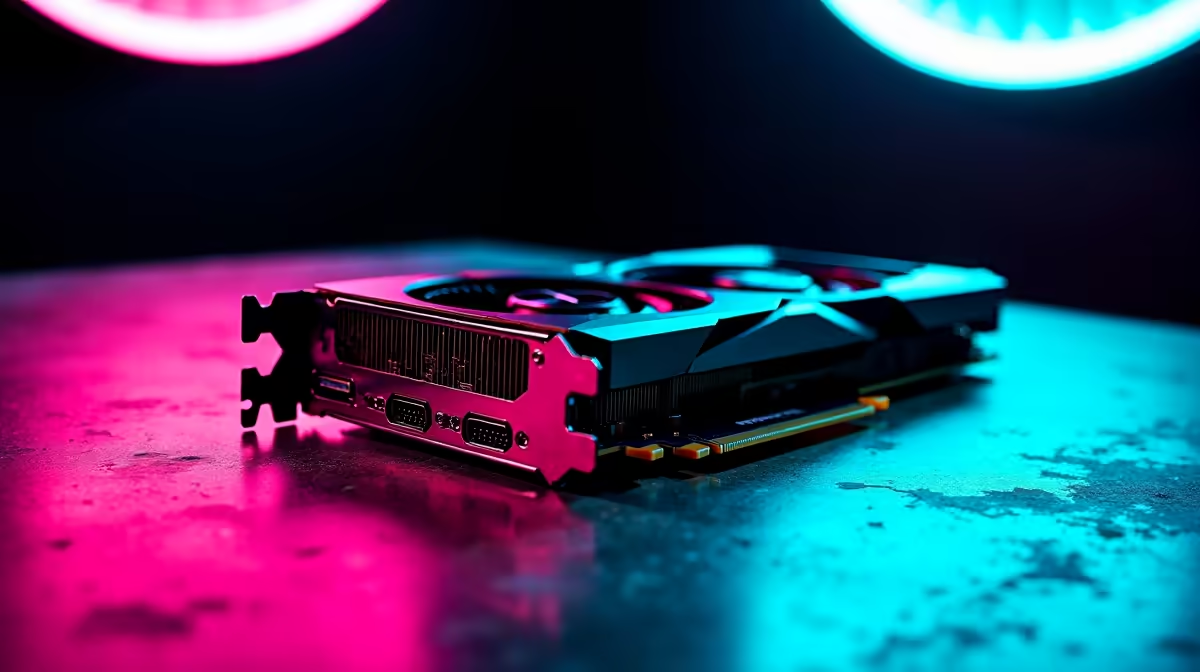
You just dropped a serious amount of Rands on a brand new GPU. You slot it in, boot up, and... nothing. Staring at a low-res screen while your RTX 5070 Ti is not recognized by Windows is a nightmare for any South African gamer. Before you panic and assume your hardware is faulty, let us walk you through some quick troubleshooting steps to get that beast running 🚀.
Why is Your RTX 5070 Ti Not Recognized by Windows?
Sometimes the issue is physical, and other times it is purely software. When dealing with the latest graphics cards, their massive power and size requirements can often lead to seating issues. Let us start with the basics.
Check the Physical Connection and Power
The 50-series cards are chunky. Ensure the GPU is pushed all the way into the PCIe slot until you hear that satisfying click. Next, check your power cables. The RTX 5070 Ti draws significant wattage. If your power supply is struggling to deliver steady juice, Windows simply will not see the card.
If you are tired of DIY troubleshooting and cable management, you might want to look at our best gaming PC deals where everything is stress-tested out of the box.
Software Troubleshooting: Drivers and BIOS 🔧
If the physical connections are solid, the software is usually the culprit. Windows often defaults to a basic display adapter driver when it encounters a brand new architecture.
Clean Installing NVIDIA Drivers
Download Display Driver Uninstaller (DDU) to wipe any old drivers from your system. Boot into Safe Mode, run DDU, and restart. Then install the latest NVIDIA drivers directly from their official site.
Troubleshooting Pro Tip ⚡
Always update your motherboard BIOS before installing a next-gen GPU. Older BIOS versions often struggle to allocate PCIe lanes correctly for brand new 50-series cards, causing detection failures in Windows.
Motherboard and System Updates
Sometimes the easiest fix is letting Windows Update do its thing. However, if your current rig is just too old to support modern PCIe standards properly, it might be time for a full system overhaul. We have some incredible pre-built PC deals that pair the newest GPUs with the right motherboards to optimise performance.
Alternatively, if you want portability without the upgrade hassle, checking out our notebooks for sale in South Africa is a smart move.
Still Facing Display Issues?
Check your Device Manager. If the card shows up with a yellow triangle, right-click and check the error code. Code 43 often points to driver conflicts or power delivery problems. Keep an eye on our daily specials if you need to grab a beefier power supply to handle the load.
Ready to Skip the Troubleshooting?
Upgrading components can be tricky, but for maximum power, choice, and value in South Africa, a brand new pre-built rig is hard to beat. Explore our massive range of PC specials and find the perfect machine to conquer your world.