


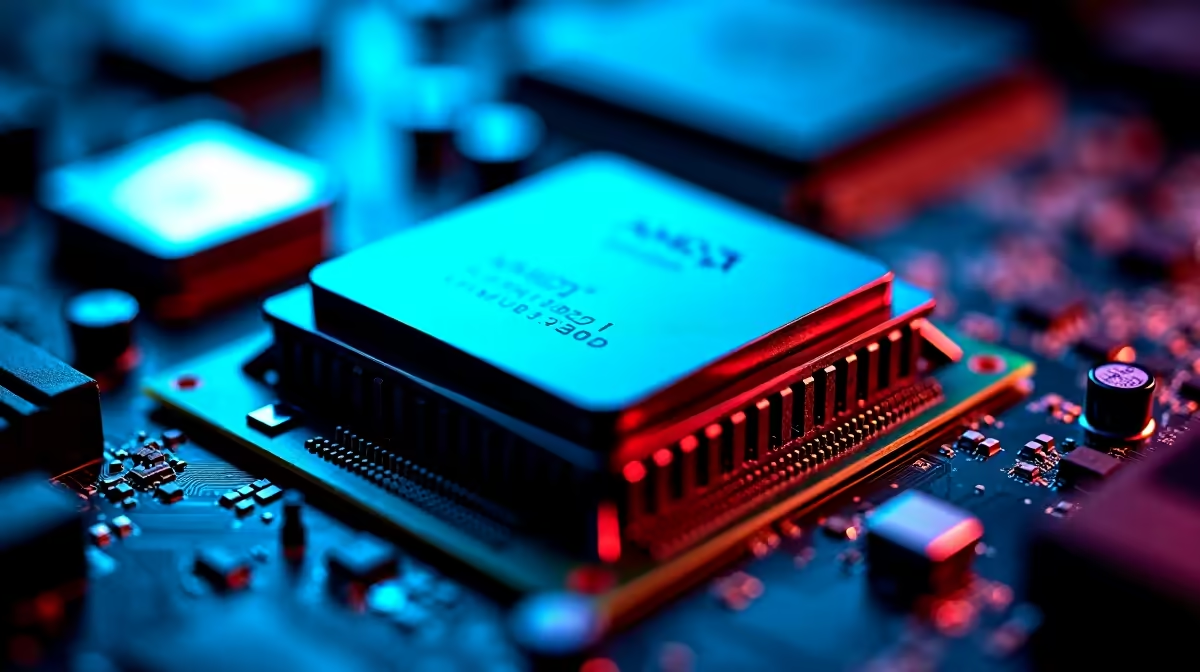
Why Your Ryzen 7 9800X3D BIOS Update Matters in 2026
If you’re rocking the Ryzen 7 9800X3D, keeping your BIOS updated is no optional chore — it’s essential. 🛠️ Since early 2026, users reported performance hiccups and system instability linked to outdated BIOS versions. Whether you’re grinding in Minecraft or pushing pixels in AAA titles, your CPU needs the latest firmware to unlock smooth, lag-free gameplay and full hardware compatibility.
Discover how to fix and troubleshoot your Ryzen 7 9800X3D BIOS update quickly, so you can get back to gaming and content creation without downtime.
Common BIOS Issues With the Ryzen 7 9800X3D and How to Spot Them
Outdated BIOS can cause random reboots, freezes, or bottlenecks in your rig. You might notice reduced boost clock speeds or unstable overclocking attempts. These symptoms aren’t just frustrating... they cap your CPU’s potential.
A key sign? Your motherboard may show compatibility warnings or fail to POST during boot. Regular BIOS updates from your motherboard maker (like Asus, MSI, or Gigabyte) patch security flaws and improve Ryzen’s memory and power management.
For new buyers, Evetech offers a wide range of top-tier processors that arrive compatible and ready to rock — but BIOS updates remain crucial for older or recently released CPU models.
How to Update Your BIOS Safely and Correctly in 2026
Updating BIOS can seem daunting but it’s a straightforward process if you follow these steps:
- Identify your motherboard model—usually found in your system info or manual.
- Visit the official motherboard manufacturer’s website to download the latest BIOS firmware version for Ryzen 7 9800X3D.
- Backup your current BIOS settings (if possible), and create a restore point or system backup.
- Use the manufacturer’s tool — often a USB flash drive method via BIOS or dedicated software within Windows.
- Follow on-screen instructions carefully and don’t interrupt the update process; power down ONLY after completion.
If you’re upgrading your entire rig or want seamless system integration, browse Evetech’s best gaming PC deals that come paired with hardware tested for peak synergy.
Quick BIOS Update Tip
Before starting your BIOS update, clear your BIOS CMOS to reset any corrupt settings. This helps avoid hang-ups during flashing—saving you hours later.
Troubleshooting After the BIOS Update
After updating, double-check your system stability by stress testing the CPU using tools like Cinebench or Prime95. Watch temps and voltages for any strange spikes.
If you still face issues, revisit BIOS settings and reset to defaults. Sometimes profiles from old BIOS versions conflict with new firmware. For dodgy RAM compatibility or bizarre boot loops, ensure your memory timings align with Ryzen’s official supported speeds.
You’ll also want to check out pre-built PC deals if you need a fresh start. Evetech’s rigs come pre-optimised with the latest BIOS and drivers straight out the box — no troubleshooting headaches.
Extras for the Mobile User: BIOS Tips for Ryzen 7 9800X3D in Laptops
Many South African gamers are turning to powerful notebooks like those featured on Evetech’s notebooks page for portability without compromise. Though BIOS updates on laptops are trickier, the same rules apply: keep your firmware current for optimal power management and maximum performance.
Regular firmware updates also protect against security vulnerabilities and improve battery life in Ryzen-powered laptops — a win-win in the South African gaming climate.
Keeping an Eye on Deals and Specials While Staying Updated
Don’t forget to check Evetech’s specials page for ZAR-friendly offers on processors, motherboards, and accessories that help you maintain a cutting-edge build without breaking the bank. Upgrading your BIOS is one thing — upgrading your whole rig at a great price? Even better.
Regular system upkeep combined with those sharp deals means you’ll get the best Ryzen 7 9800X3D experience South Africa can currently offer.
Boost Your Rig’s Performance Today Don’t let an outdated BIOS hold your Ryzen 7 9800X3D back. Shop now at Evetech for components that perform from the moment you power up.










