Troubleshooting Connectivity the Easy Way
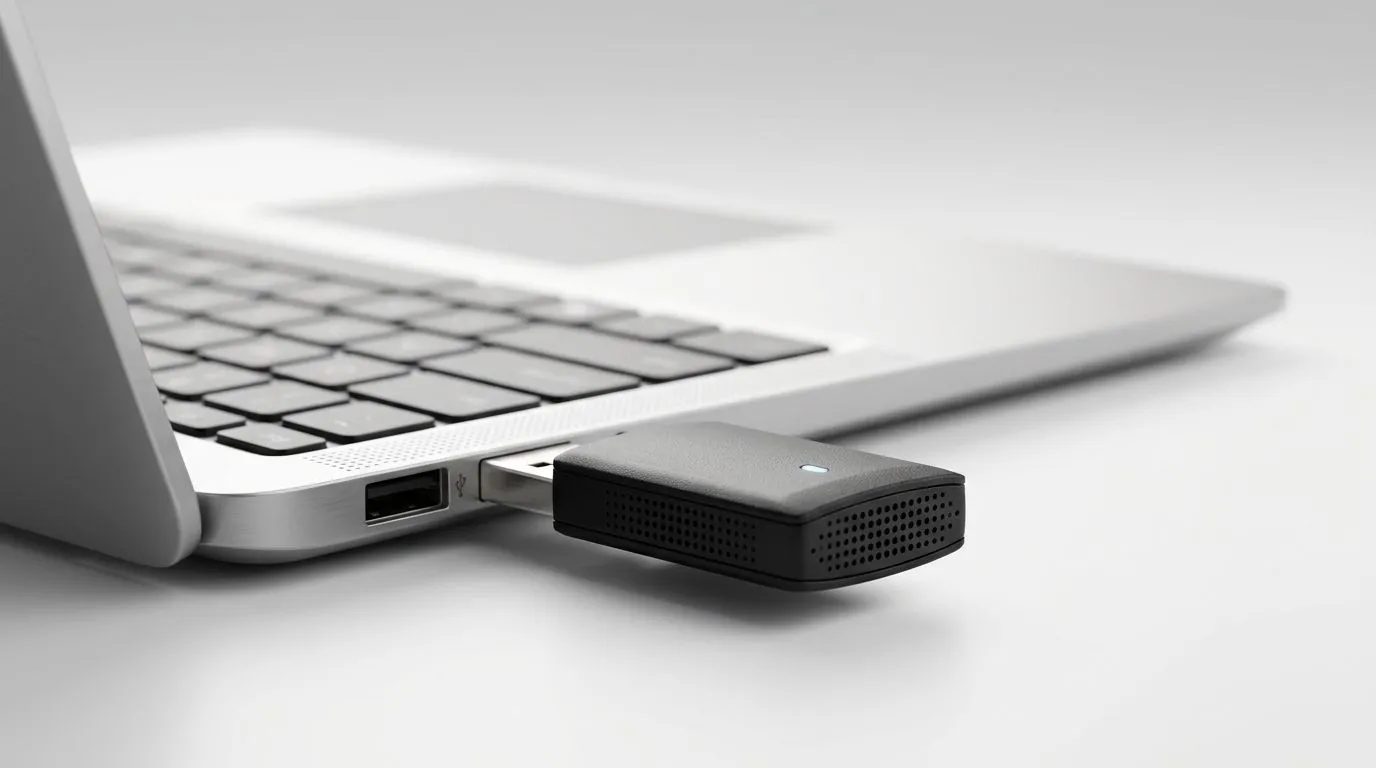
We have all been there—you just finished building your dream rig, but you are stuck staring at a "No Internet" icon. Whether you are battling a weak signal in a back room or your motherboard lacks built-in wireless capabilities, learning how to set up a plug-and-play WiFi adapter on Windows 11 is a rite of passage for every local gamer. Thankfully, the process is usually as simple as sliding a dongle into a USB port. 🚀
Getting Started with Your Hardware
Most modern wireless adapters are designed to be "plug-and-play," meaning Windows 11 will automatically fetch the drivers via Windows Update. If you are currently shopping for an upgrade, you can browse a wide range of network adapters to find the right speed and range for your home setup. Once you plug in your device, wait about thirty seconds. You should see a notification in your taskbar indicating that your new hardware is ready to use. 🔧
Connection Pro Tip ⚡
If Windows doesn't detect your adapter immediately, try a different USB port—preferably one directly on the motherboard at the back of your PC. Front-panel USB headers can sometimes lack the consistent power delivery required for high-performance adapters.
Reliability and Performance
For those who prefer trusted industry standards, TP-Link network adapters remain a firm favourite among South African enthusiasts for their stable connection speeds during intense gaming sessions. If you are working with a tighter budget but still need reliable throughput for streaming or online play, Cudy network adapters offer fantastic value-for-money, often retailing for well under R500. ✨
Final Configuration Steps
Once the device is recognised, click the network icon in your bottom-right system tray. Select your WiFi network, enter your password, and you are ready to roll. If you find your speeds are not what you expected, ensure your Windows 11 is fully updated, as newer OS builds include better compatibility patches for the latest wireless protocols. It is that simple... no complex configuration files required. ⚡