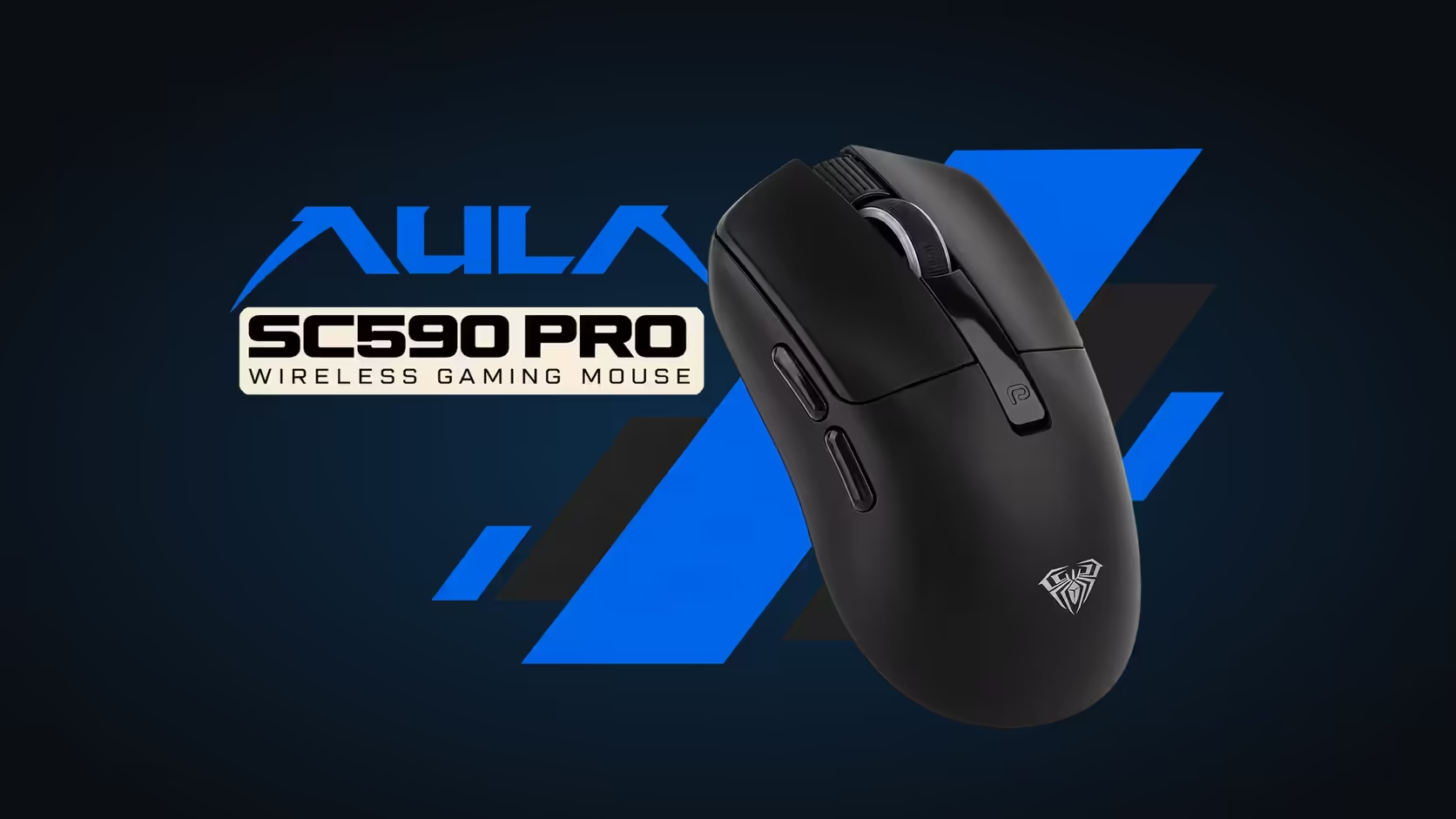
Shared family PCs have a familiar problem. Your sibling was on the computer last, and when you sit down your cursor either crawls or rockets across the screen. Somebody changed the mouse speed and nobody remembers what it was before. The AULA SC590 Pro solves half of that problem by showing the mouse DPI on a shared PC right on its body, before you start playing.
Quick Answer
The SC590 Pro's built-in display shows the active DPI level, so you can see the last person's setting as soon as you sit down. Buttons beside the screen step through six levels, 1200, 2400, 3200, 6400, 10,000 and 20,000, and the display confirms your choice. It also shows the battery level and connection mode. Evetech's price for the SC590 Pro is R319.
👪 Why DPI causes arguments
Different people like very different cursor speeds. Someone who plays shooters might keep the mouse on a low step for steady aim, while someone who mostly browses or edits on a big monitor prefers a fast pointer. On a mouse that hides its DPI, each person has to guess where the setting sits, press the button a few times and hope.
On the SC590 Pro there is no guessing. The number is on screen.
🔢 Swapping to your own level
The process takes a few seconds:
- Sit down and glance at the display to see the current DPI.
- Press the DPI button beside the screen until your number appears.
- Start playing or working.
Because the six levels are fixed, it helps if each person in the house simply remembers their number. "I am a 2400" is much easier than "I like it about this fast".
What each level tends to suit
- 1200 or 2400: games that need careful aim.
- 2400 or 3200: everyday browsing and schoolwork on a normal monitor.
- 6400 and above: big or multiple screens.
🔋 The other two readings on the screen
Battery level
The display shows the exact battery level, not just a warning light. On a shared machine, that means nobody gets blamed for leaving it flat without anyone noticing. By AULA Argentina's rating the 500mAh battery gives around 20 hours of steady use, or 120 standing by, though how the household uses it changes that. It recharges over USB-C.
Connection mode
The SC590 Pro connects over 2.4GHz wireless, Bluetooth or a USB-C cable, and the display tells you which one is live. That helps when one person uses the family PC on the dongle and another pairs the mouse with a laptop over Bluetooth. If it will not move the cursor, the screen shows whether it is simply connected to a different device.
🏠 Making a shared mouse work for everyone
A few simple house rules help:
- Everyone checks the display before complaining about the mouse.
- Each person knows their DPI number, and resets to it when they sit down.
- Whoever sees a low battery charges it, rather than leaving it for the next person.
The mouse itself is easy to share. It weighs about 64g, measures about 118 x 60 x 38mm and has six physical buttons, making it comfortable for a wide range of hand sizes and uses. It runs a PAW3311 sensor at 1000Hz polling.
Evetech carries the black SC590 Pro. Compare it with other household-friendly options across the gaming mice range, or look through wireless mouse options if the desk has limited ports.
Frequently Asked Questions
Why is DPI a problem on a shared computer?
People prefer different cursor speeds, and on most mice you cannot see the current DPI, so each user has to guess.
How do housemates swap to their own setting?
Glance at the display, then press the DPI button beside it until your number appears.
What else does the screen show?
The exact battery level and the active connection mode.
Can two people use different connections?
Yes. One can use the 2.4GHz dongle and another Bluetooth, and the display shows which link is currently active.
Should everyone remember their DPI number?
It helps a lot. With six fixed levels, knowing your number makes switching instant.
What warranty support does the SC590 Pro have?
Evetech supplies it with a 1 Year Local Warranty.
Tired of fighting over mouse speed at home?
Browse Evetech's gaming mouse range and consider a model like the SC590 Pro that shows its settings at a glance.